The Easiest Accounting Software for Construction Teams in 2026
Discover the easiest accounting software for construction teams in 2026, with simple job costing, mobile access and workforce management system integration.
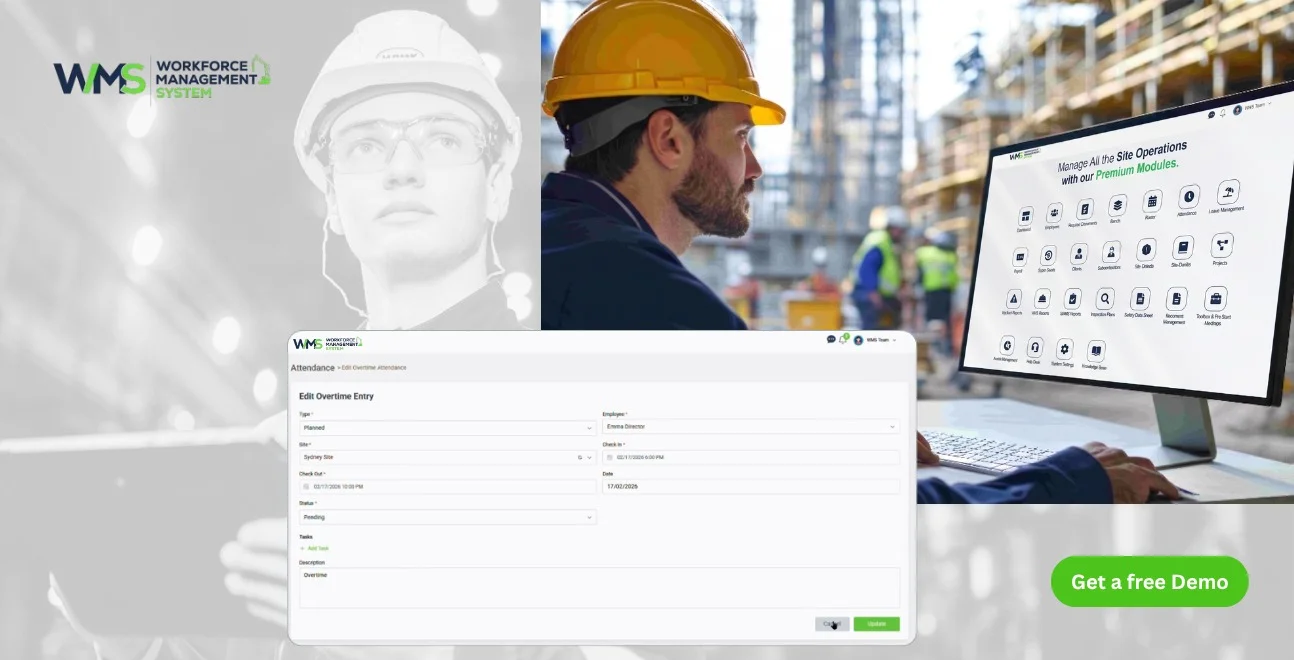
Streamline your frontline operations
Building accounting shouldn't be a part-time job. With project information, work hours and invoices dispersed across spreadsheets and paper timesheets, there's opportunity for little errors to quietly cost a business money. It's 2026, and the successful businesses are not the ones that are the most complicated.
They're implementing software that can be easily used by the entire team on a daily basis, and a workforce management system that allows site and office data to be synchronised. This guide covers exactly what easy accounting software is like for these groups, and how it works in conjunction with workforce details.
Why This Kind of Accounting Is Different
Each Job Has Its Own Expenses
Site-based businesses are not like a normal office. A business could have a number of projects going concurrently, with various employees and subcontractors, materials and timelines.
Why Every Cost Needs a Project Attached
This creates one big challenge: every cost needs to be linked to a project. A business needs to know not just how much it spent, but which job that cost belongs to.
Many Sites, One Set of Books
This becomes more difficult if a construction company operates multiple sites, since head office still needs one clear set of records despite each site being almost its own small business.
How Accounting for These Businesses Has Changed
| Aspect | Before 2026 | Now (2026) | Next Years |
|---|---|---|---|
| Data entry | Paper-based timesheets and receipts (manual) | Mobile capture, semi-automated entry | Fully automated capture via AI and site sensors |
| Job costing | Estimated after project completion | Tracked in near real-time | Live, predictive cost tracking |
| System setup | Separate accounting and workforce tools | Growing integration between systems | Fully unified platforms as standard |
| Reporting | Monthly, backward-looking | Real-time dashboard views | Predictive, AI-driven takeaways |
| Compliance tracking | Manual document checks | Software-assisted alerts | Automated compliance verification |
Job Costing: The Real Test of Easy Accounting
What Job Costing Is All About
Job costing is one of the most crucial parts of accounting for site-based teams, and a great test of whether software is really user-friendly, since problems noticed only after a job is completed can't be fixed.
Spotting Problems While There's Still Time to Act
Good software is able to do a comparison between what you planned on spending and what you are spending as the project goes along. This will allow managers to identify issues before they create a problem after the final invoice has been received.
Make Job Costing a Habit
Businesses that get the most from job costing check it often, almost like checking the weather, rather than just once a month, catching cost overruns far sooner.
What Makes Accounting Software Easy to Use
An Instant Understanding of a Dashboard
Not every platform that claims to be simple actually is. The easiest accounting software presents data the way site teams think: by project, not by confusing accounting codes, and takes very little time to learn.
Mobile Access for People on Site
This is just as important on mobile. Site supervisors don't sit around all day. Logging an expense or checking job cost is immediate as opposed to waiting weeks for paper dockets to reach the office with software that allows them to log an expense or check job cost from their phone.
Built Around the Way These Teams Work
Simplicity isn't only a clean screen; it's the circumstances in which the software is used, making the simple thing take a few seconds, not minutes, for your business to complete.
Key Features to Look For
The Total Costs of Each of the Projects
Job costing and budget tracking tied to each project/cost code provides a clear picture for managers, rather than only one number to show how money is being spent overall on each project. What's going on on each job is hidden in the number.
Staged Billing and Retention
Staged billing and tracking of progress are supported by progress billing and tracking (most site-based work is actually paid in stages). Businesses that can avoid having to create manual workarounds around something that could be built in should be able to do so with software that can handle this work for them, including connected invoicing.
Subcontractor and Compliance Tracking
When dealing with multiple trades on various projects, it's crucial to keep an eye on the payments and documentation associated with subcontractors to ensure things go smoothly for the company. It decreases the chance that you will lose an insurance certificate or find yourself in a payment controversy.
Report That You Can Check Anytime
Real-time reports will be generated, not only at the end of the month when problems have already been discovered and resolved, but when there is time to solve the problem.
Payroll & Cash Flow Tools
Different hours/site pay rates are automatically incorporated into the payroll without double entry. The final piece is a receipt capture function powered by a photo, along with cash flow forecasting, which ensures that costs on site are correct and enables a business to plan ahead rather than have to deal with a cash shortage afterwards.
Access That Matches Each Person's Role
Not all the information should be presented to everyone. The site supervisor may just have to log expenses and review his or her project's budget; office staff may need to review all jobs. Access control by role software solutions ensure that money-related data is safe and sound without being a hindrance to anybody.
Connecting Timesheets, Payroll and Project Costs
Where Labour Tracking Goes Wrong
One of the big challenges in site-based accounting is accurately tracking time. A paper timesheet may indicate that someone worked 8 hours, but it would be helpful to the business to know which project, which site, whether it was approved or not, and whether overtime is being worked. It is difficult to answer these questions using manual systems.
A Simple, Connected Flow
The process should flow: worker clocks in, hours are approved, then flow into payroll and the correct project cost, unlike the manual way (paper, spreadsheet, email), where each step adds a chance of error.
Why This Matters When Crews Move Between Sites
This matters even more when crews work across several sites in the same week. With connected systems, hours are allocated automatically the moment a worker clocks in or out.
How a Workforce Management System Fits In
Financial Data Must Have Its Context
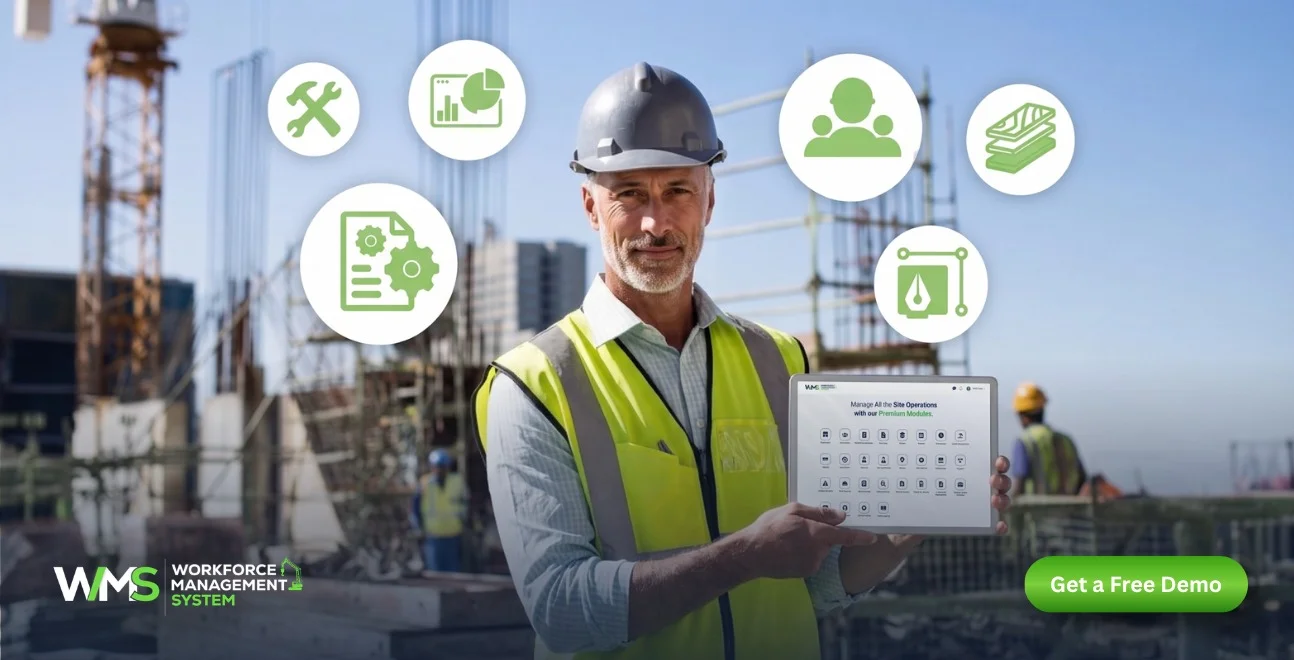
The story of accounting software doesn't stop there. The true value-added benefits lie when financial data is directly connected to information about the workforce and projects, which is where a workforce management system makes the greatest impact.
Solution to Automate Data That Feeds Your Accounts
A connected workforce management system pulls timesheet and attendance data automatically, adding labour costs to the right job in real time and keeping compliance documents linked to payment approvals.
Everyone Working From the Same Numbers
Perhaps the greatest advantage in linking the two systems is that all the same numbers are used. Everyone is working from one source rather than multiple versions that are created from a series of spreadsheets. This eliminates much of the "back and forth" and double-checking that can occur with disjointed systems.
Common Mistakes That Make Accounting Harder
Job Costs That Aren't Accurate
If there is no real-time data, job costs are not tracked appropriately and are generally estimated. This can only become apparent after a project is completed, and that is when there is nothing more to do but deal with the budget issue.
Late Invoices
When you do the whole manual invoicing step, it slows down billing and it can adversely mess up cash flow more than people think. The longer the time for billing completed work, the longer the delay in payment for a business.
Payroll Mistakes
When all the data is input manually, it is easy to make mistakes which are difficult to spot because of different hours, pay rates and site allowances. Linking the workforce data directly to payroll will eliminate most of that risk.
Systems That Don't Talk to Each Other
If accounting is disconnected from scheduling and payroll then the information is entered twice. This will double the administrative burden and make it more likely that the numbers will not agree between systems.
Not Using the Software You Already Have
Sometimes the problem isn't the software: it's that so little of it gets used, often due to poor training or rushed setup, rather than the platform itself.
Choosing the Easiest Accounting Software for Your Construction Business
Begin By Going to the Real Issues
No single construction software fits all businesses, due to the various sizes of companies, project complexities, and the requirement for integration with existing software. State your real problems, and find software that addresses those problems instead of the one that has the most features.
Use a Real Situation to Test It
You'd better test shortlisted software with a real scenario like the following: a worker on a project moving to another project, a bit of overtime, a subcontractor invoice, and a project expense, rather than simply watching a generic demo of the software.
Consider the Direction That Your Business Is Going In
Even at a small scale, software that can accommodate expansion is a must for a small company. A good system for two sites for five workers will work well with 10 sites for 20 workers. Far easier to change software years later when there is a critical mass of financial history to deal with than it is to make a careful selection the first time.
Bring Your Systems Together With One Platform
The True Price of Multiple Tools
As more software is added to a business, it does not necessarily make the business better run. If everyone is using a different system internally for accounting, or timesheets, or for tracking the roster or even a handful of spreadsheets for tracking the project, then staff is spending more time shuffling information between systems than on doing work.
Building One Connected System
Instead, a better solution is a single integrated system: a WMS that integrates with payroll and accounting, projects with labour, expenses, invoices and reports. Each system performs what it is designed to do, and they share the information that is important.
What This Looks Like Day to Day
In practice, a supervisor approving a timesheet updates payroll and job costs at once, without duplicate entry, and a subcontractor's compliance document uploaded on site is instantly visible for payment.
The Easiest Accounting Software Is the One Your Team Actually Uses
Ease of Use Matters More Than a Long List of Features
When it comes to software, the best thing to ask is not which one has the features. The best question to ask is which system my team will actually use every day. This is what a business should think about when they're comparing their options.
Simple and Consistent Is Better Than Powerful and Ignored
A system that's very powerful but that staff do not want to use is not helpful to the business. A simpler system that workers, supervisors and office staff actually use every day is better.
Getting the Team to Use the Software
How you roll out new software matters almost as much as the way it's designed. Pulling in supervisors, and also the office people early on, then showing them how it speeds up routine tasks, plus giving short and practical training, really makes the difference. The crew has to feel at ease using it before the software actually "sticks."
Traditional vs Easy-to-Use Accounting Software
| Feature | Traditional Accounting Software | Easiest Accounting Software |
|---|---|---|
| Learning curve | Weeks of training required | Confident use within 1 to 2 days |
| Job costing | Manual allocation | Automatic, project-linked |
| Mobile access | Limited or none | Full site-level access |
| Workforce integration | Separate systems | Connected to scheduling and payroll |
| Support | Generic, often overseas | Local, construction-industry aware |
Final Thoughts
The construction industry has been a major proponent of accounting software that is easy to use, but not necessarily the most comprehensive. It's the one that your team will use right, without fighting, every day! Combined with a built-for-purpose Workforce Management solution, this software solution provides clear, real-time visibility without all the onerous administration for these businesses.
Book a demo to see how WorkforceMS connects timesheets, payroll and project costs in one place.
Optimise your operations with WMS
Streamline scheduling, compliance, and workforce management in one platform.
Frequently Asked Questions
Honestly, the best options are sort of the ones that blend job costing and progress invoicing, and then they also connect to workforce management so field updates plus office totals stay matched, even when things get messy.
Job costing paired with progress billing works best, especially when a WMS feeds labour and site data straight into the accounts.
A WMS tends to automate timesheets, labour expenses, and even compliance records so the accounting package is always mirroring what is happening out there on site.
Job costing, mobile access and payroll tools that connect to a workforce management system make the difference in daily ease of use.
Letting job costs sit disconnected from a WMS so budget problems only surface once a project is already finished.
Yes. Connecting the two means labour costs, timesheets and compliance data feed the accounts automatically without entry.
Related Articles
Explore more insights on workforce management, compliance, and operations.

Top AI Solutions To Manage Construction Workforce
Explore the top AI solutions for managing a construction workforce, from onboarding to payroll and safety, with human review built in.
WorkforceMS Team
14 Sep 2026

Streamline Job Tracking with AI Construction Management Software
Discover how AI construction management software streamlines job tracking, project planning, risk alerts, defect reporting and safety compliance.
WorkforceMS Team
11 Sep 2026

Skills and Compliance Management for Construction Teams
Manage skills and compliance for construction teams with WorkforceMS. Track licences, SWMS, inductions and audits in one workforce management system.
WorkforceMS Team
10 Sep 2026
Ready to secure your operations?
