Geo-Fencing Attendance Tracking: Gaining Eyes on Your Crew in Real Time at Construction Sites
Track your crew in real time with GPS geofencing attendance. WorkforceMS eliminates time fraud, automates records & keeps construction sites compliant.

Share this article
Streamline your frontline operations
See how WMS simplifies scheduling, compliance and workforce management in one powerful platform.
Look, in this business, you can't run a project worth a damn if you don't know who's actually showing up where and when. Workforce visibility? It's not some buzzword it's what keeps control in your hands, ticks compliance boxes, and stops profits from leaking out the door. But here's the kicker: most companies are still messing around with paper timesheets that get soggy in the rain, quick verbal counts that nobody remembers right, or data dumps that hit your desk two days late. That stuff creates holes big enough to drive a bulldozer through errors everywhere, admins buried in catch-up work, and zero clue about on-site action until it's history.
That's where WMS geo-fencing attendance tracking comes in and blows it all away. Forget just jotting down names; now you're verifying presence, automating the whole mess, and pulling live data whenever you need it.
So, What's This Geo-Fencing Attendance Thing All About?
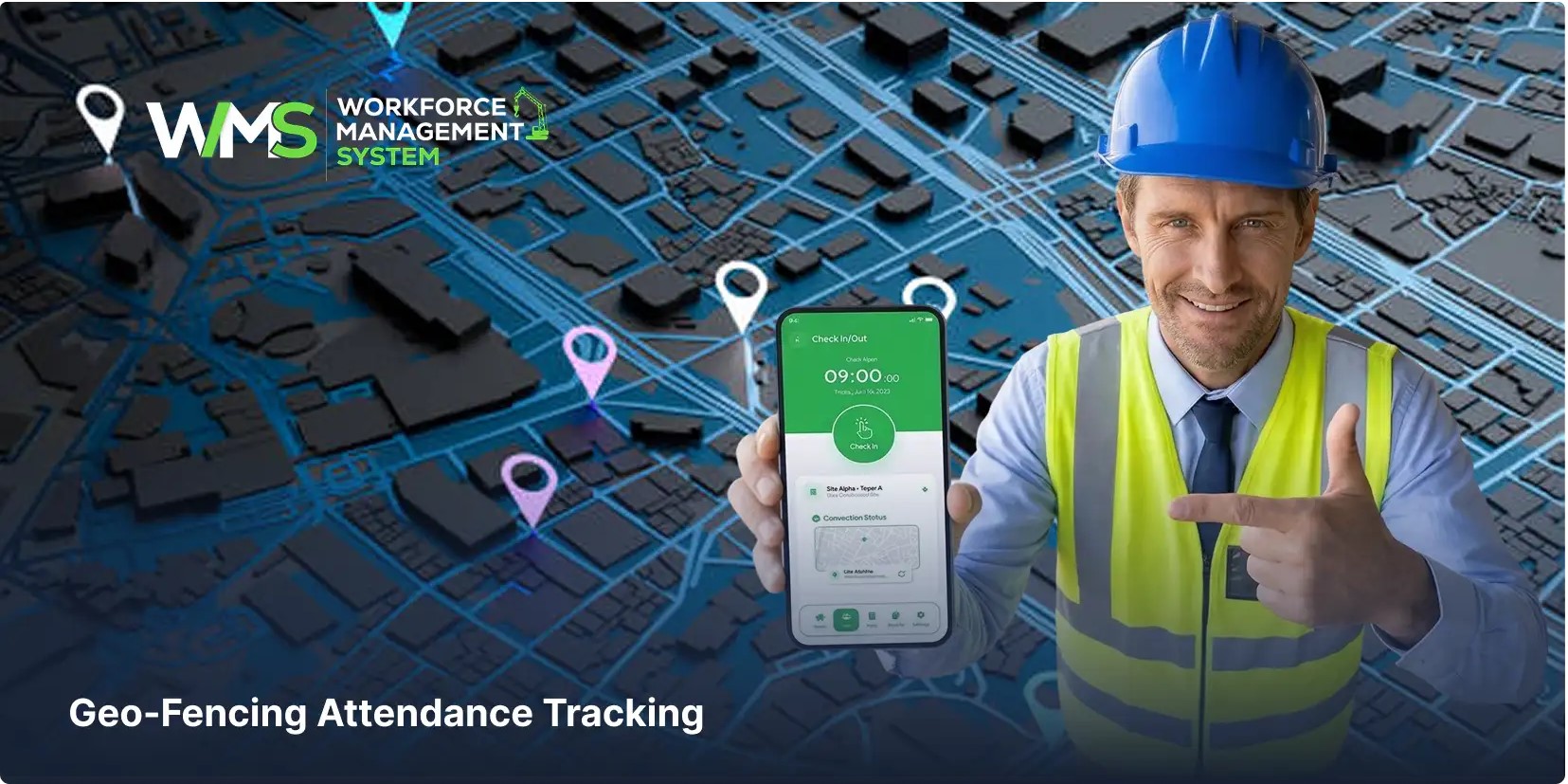
It's dead simple but game-changing: a system built around location that only lets folks your crew or those subs clock in or out when their boots are truly on the ground inside the site's borders. WMS uses the GPS in everyday phones to sketch out this invisible fence around the job. The worker strolls in, opens the app, and taps check-in. And every single one of those actions? It's locked down with location proof, a precise timestamp, a digital stamp, and an instant upload to the system. You end up with data that's not just right but bulletproof open to scrutiny and easy to follow back to the source.
Breaking Down How Geo-Fencing Runs in WMS
WMS doesn't make you jump through hoops; it bakes geo-fencing into the heart of workforce management so it just works. Let me walk you through it step by step, like I'd explain it to a new foreman:
Drawing the Lines Around Each Site
You set the geo-fence for every project spot right in the setup phase. Means attendance sticks to that exact location no bleed-over from the site next door.
Clocking In and Out on Your Phone
Guy pulls up, grabs his phone, and hits the button. The app pings the GPS, matches it to the fence, and only then says, "You're good." No shortcuts.
Logging It All Live with the Details
Hits the books immediately: name of the worker, which site, exact in-and-out times, whether it went smooth or bounced, plus a quick note like "fence verified; all clear".
Maps That Show You Exactly Where
Managers fire up the map overlay and see pins drop right on the check-in spots visual confirmation without leaving your truck.
Everything in One Central Spot
Multiple sites? No sweat. The dashboard pulls it all together for real-time peeks at crew movements everywhere.
The Features That Make WMS Geo-Fencing a Standout
I've tested a bunch of these systems, and here's what really delivers in WMS:
Presence-Only Check-Ins
The fence says no? No clock-in. Ends the days of fake entries and keeps everyone honest.
See Your Team Live, No Lag
Who's on deck, what time they rolled in, and which project's got them right there on your screen, no waiting for some report.
Auto-Saves the Headache
Records pile up neat and tidy, no manual typing or cross-checking spreadsheets at midnight.
Map Proof for Peace of Mind
Click a log, see the map pop up every entry stands up to a quick look.
Juggling Jobs Across Towns
Big operators with sites scattered? Central view keeps it all under one roof.
Catches the Glitches Early
Tracking wins and flops (like tries from the parking lot) and what was requested and when helps you sniff out and squash problems fast.
The Flat-Out Failures of Sticking with Traditional Ways
From my time chasing crews across jobs, I can tell you exactly why the old methods tank:
- Mistakes on paper that nobody catches till payday.
- Reports that show up late, when the damage is done.
- No check if someone's really there or just saying so.
- Bosses in the dark about headcounts all day.
- HR folks drowning in verification marathons.
It all adds up to lost time, payroll fights, and schedules that slip like sand.
Tangible Wins from Geo-Fencing Your Attendance
Switch over, and you start seeing these payoffs stack up quick:
Kills Off Clock Fudging and Stand-Ins
Can't fake your way past GPS presence is required.
Payroll Runs Like Clockwork
Hours are gospel; disputes drop; processing speeds up.
Better Calls on the Fly
Live views let you shuffle people, fill gaps, and keep momentum.
Admin Time? Slashed
Let the system grind; your team breathes easier.
Audits? Hand Them a Win
A trail of digital proof covers regs without sweat.
Multi-Site? Managed
One screen, total oversight, chaos tamed.
Picture a Real Shift on Your Site
Worker trucks in at dawn; app confirms fence breach and check-in seals. The foreman checks the dashboard full crew accounted for. Lunch lull, numbers low? The map shows the hole; call in backups. Quitting whistle, tap out done. No chasing signatures, no "I forgot" excuses, pure certainty.
How Geo-Fencing Locks into WMS's Full Toolkit
Don't think of it solo; it's tied tight to the rest hours feed payroll smoothly, beef up daily logs, match tasks to actual bodies, and back up safety and audit needs. operation clicks as one traceable machine.
Why You Can't Ignore Geo-Fencing Come 2026
Industry's going digital hard now manual anything's a relic by '26. Get on it for sharp decisions, crews that show, ops that hum, and projects that deliver. Hold back? Watch rivals lap you with their clear sightlines.
Final Thoughts
Geo-fencing for attendance? More than bells and whistles it's the control centre for managing your people right. WMS lets construction teams shed analogue baggage and own their workforce, site by site. Live from arrival to wrap-up: accurate, confirmed, connected end to end.
Optimise your operations with WMS
Streamline scheduling, compliance, and workforce management in one platform.
Frequently Asked Questions (FAQs)
Here's the deal with geo-fencing attendance: You sketch out a no-entry zone around the site using plain GPS signals. The worker rolls up, fires up WorkforceMS on their phone, and taps to clock in but nothing happens till their phone screams, "Yep, inside the lines." It grabs the time down to the second, pins the exact location, and zaps it to the main dashboard. I've watched it turn chaotic starts into solid counts; no more "Where's my crew?" mornings.
You bet it does. In WorkforceMS, you just set a custom fence for each job during setup. Then everything rolls into one main dashboard managers see crew action live across all sites without flipping between apps or bugging foremen for updates.
No sweat WorkforceMS has a manual request button for those moments. Worker or boss submits it for a quick review and okay. It tracks every try, good or bad, so you spot and fix glitches fast without blank spots in the records.
Heck yes it's gold for that. Each clock-in spits out a full digital trail: name, site, time, GPS spot, and verification check. Covers your WHS reports, labour laws, and audits no extra work for HR, just hand over the proof when they come knocking.
Nah, nothing fancy. Runs off the GPS in any regular smartphone a personal or company phone works fine. Download the app, and it hums in the background for check-ins. Super easy rollout, barely any training needed.
Related Articles
Explore more insights on workforce management, compliance, and operations.

Security Operations and Monitoring Workforce Planning
Plan guard rosters, track live attendance and cover every shift with WorkforceMS. Strengthen security operations and monitoring with smarter workforce planning.

Muhammad Asim
09 Oct 2026

Telehealth and Digital Healthcare Scheduling WMS
Simplify telehealth and digital healthcare scheduling with WorkforceMS. Manage rosters, remote clock-ins and compliance records in one easy-to-use platform.
Muhammad Asim
08 Oct 2026

Healthcare Workforce Management for Aged Care
Simplify rostering, credential tracking and payroll for aged care healthcare teams. Discover how WorkforceMS gives your carers more time with residents.
Muhammad Asim
05 Oct 2026
Ready to secure your operations?
