Healthcare Workforce Management for Aged Care
Simplify rostering, credential tracking and payroll for aged care healthcare teams. Discover how WorkforceMS gives your carers more time with residents.

Share this article
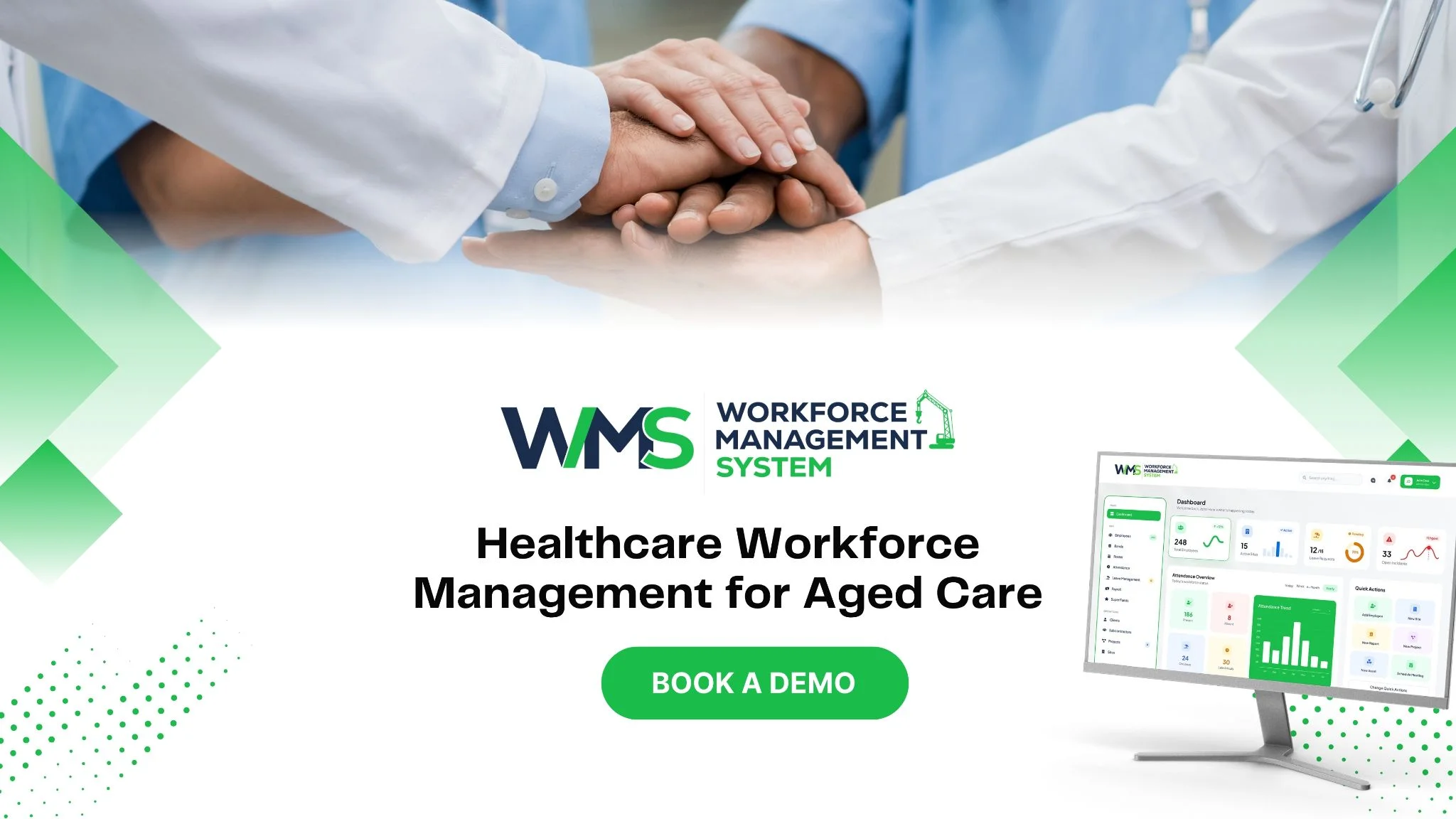
Streamline your frontline operations
See how WMS simplifies scheduling, compliance and workforce management in one powerful platform.
Introduction
Every peaceful change at an aged care home has a team behind it that is well rostered, properly trained and paid in a timely fashion. Even the best carers feel the pressure when these tasks are spread across a number of spreadsheets and paper files.
The aged care healthcare provider has one place to manage it all with WorkforceMS. This means smoother transitions and extra time for residents.
Smarter Workforce Planning for Aged Care
The first step in good care is good planning. Providers should understand the required number of Carers and Nurses for each Site on each day. The numbers vary as people move into and out of the school and when staff are absent, or their care needs increase.
WorkforceMS provides staff, upcoming leave and future demand all in one. This tool for managing human resources allows managers to spot issues at a young age and take action before the shift runs out. Planning also helps to limit the number of expensive agency bookings and provides staff with warning of their schedules.
Staff Availability and Shift Coverage
Staff can log in at times that they are available to work – and managers can see this at a single glance. Shifts are most likely to be offered to people who are available first. This prevents unnecessary or lengthy phone conversations and covers shifts.
Flexible Rostering for Care Teams
There are no fixed needs per week. Frequent changes to rosters are easily made when needs change amongst residents and/or when someone is away. Staff are immediately notified via updates on their phones.
Smarter Rostering for Care Teams
Hand-building the roster will take hours, and if there are any changes, the whole week is in jeopardy. WorkforceMS' Schedule & Time tools help with this task and do so faster and easier. Manage shift templates, copy shift patterns from previous weeks and publish the final roster in a couple of clicks.
The shifts in the app are visible to carers, and they are alerted if there are any changes. This reduces incorrect and last-minute calls. It also assists staff to plan their personal life, as this is a physically and emotionally challenging profession.
Fair and Clear Shift Patterns
Fair staff sharing makes staff feel respected. Confusion is avoided by having clear rules in place for weekends, public holidays and overtime. All are familiar with what the end of the world will look like.
Roster Changes Made Simple
Swaps and leave requests can be made through the app. Managers approve them with one tap. The roster stays up to date without extra paperwork.
Qualified Carer Scheduling and Shift Coverage
A full roster is not enough if the wrong people are working. Each task in aged care needs the right training. Giving medicine may need a nurse, while personal care may need a Certificate III in Individual Support.
WorkforceMS helps managers schedule with these requirements in mind. The system shows each person's qualifications when a shift is assigned. This supports safe care and helps providers meet their duty of care to every resident. It also helps staff work in roles that suit their skills.
Matching Staff to Care Requirements
Each shift can be linked to the skills it needs. Only qualified people are shown for that shift. This protects residents and reduces risk for the provider.
Managing Last-Minute Shift Changes
When a carer calls in sick, the system lists staff who are free and qualified. Managers can send a shift offer in seconds. Most gaps are filled faster than by phone.
Credential Tracking and Workforce Compliance
Aged care has strict rules in Australia. Every worker must have current police checks, nursing registration, first aid training, manual handling training and other required records. Keeping track of these by hand is risky because one missed date can cause a breach.
With its Compliance & Safety features, a WMS like WorkforceMS stores each record in one place and sends reminders before it expires. It can also stop unqualified staff from being rostered. Providers should still confirm current rules with the Aged Care Quality and Safety Commission and the relevant professional bodies.
Tracking Worker Qualifications
Every certificate, licence and check is kept in each worker's profile. Managers can find any record in seconds. This saves time and keeps information accurate.
Credential Expiry and Compliance Records
Alerts are sent well before a certificate runs out. Staff have time to renew, and managers do not need to chase them. Records are ready for audits at any time.
Aged Care Healthcare Payroll and Time Management

Paying aged care staff correctly is not simple. Pay may depend on awards, weekend rates, allowances, split shifts and overtime. Small mistakes upset staff and can cause legal risk. Correct pay starts with correct time records.
WorkforceMS records the hours people actually work and sends approved time into Payroll & Invoicing. This reduces manual typing and helps providers keep records for Fair Work and Single Touch Payroll reporting. Staff can check their hours easily and trust that they will be paid properly and on time.
Accurate Time and Attendance Records
Carers clock in and out using their phones. Managers see who has arrived and who is running late. Records are clear, and disputes about hours become much less common.
SCHADS Award Payroll Management
Many home and community care workers are covered by the SCHADS Award. It has detailed rules for shifts, allowances and overtime. Applying these rules in the system each time reduces errors. Providers should confirm which award applies to each role.
WMS for Healthcare Workforce Operations
Many providers use one tool for rosters, another for timesheets and another for leave. Each tool needs its own login, training and updates. WorkforceMS joins these tasks into a single platform.
Information is entered once and used everywhere, which saves time for office staff and cuts copying errors. Leaders also get one clear picture of people, hours and costs, which supports better decisions in a busy healthcare setting.
The table below compares daily tasks before and after using the platform.
| Daily Task | Without WorkforceMS | With WorkforceMS |
|---|---|---|
| Making rosters | Hours in spreadsheets | Quick templates and alerts |
| Filling sick shifts | Many phone calls | Qualified staff listed instantly |
| Checking certificates | Paper folders | Automatic expiry reminders |
| Preparing pay | Retyping timesheets | Approved hours sent to payroll |
| Preparing for audits | Searching for records | Records ready to share |
Centralised Workforce Data
Rosters, leave, records and hours live together. Everyone sees the same, current details. There is no confusion about which file is correct.
Streamlined Daily Operations
Routine tasks such as approvals, swaps and reminders happen inside one system. This supports smooth Operations & Delivery across every site. Managers spend less time on admin, and teams enjoy smoother and calmer shifts.
Workforce Management System for Centralised Care
Many providers run several aged care homes and community services. When each site works in its own way, it is hard to compare results or share staff. WorkforceMS gives head office a central view of every location in real time.
Sites can use the same shift templates, rules and reports. This leads to steady care across the whole organisation. Managers can see where staff are needed and move qualified carers to those places quickly, which reduces the need for outside agencies.
Multi-Location Workforce Visibility
Head office can see rosters, hours and costs for every site on one screen. Problems are easy to spot. Leaders can compare locations fairly and act where it matters.
Mobile Access for Care Teams
Carers move between rooms, wings and sometimes client homes. With the mobile app, they can check shifts, clock in and update availability without going to an office.
Scalable Workforce Management for Care Providers
As a provider grows, its workforce tasks grow too. More staff means more rosters, more records and more pay to process. Without the right tools, the office team must grow just to keep up.
WorkforceMS is built to handle growth without extra complexity. It began in the construction industry, where crews move across many sites and records must be exact. These needs match aged care closely, so the platform is ready for new homes, new services and larger teams.
Growth Without Extra Admin
New staff and new sites can be added without starting again. Existing rules and templates carry over. Office teams can manage more people with the same effort.
A Setup New Sites Can Follow
Each new location can use the same proven roster and compliance settings. Care standards stay consistent. New managers learn faster because everything works the same way.
Aged Care Healthcare Workforce Efficiency
Real efficiency does not mean doing more with fewer people. It means removing wasted effort so carers can focus on residents. WorkforceMS cuts paperwork, reduces roster errors and keeps messages clear.
Shifts become calmer, and managers regain hours each week. Staff who feel organised and valued are also more likely to stay. In a sector where good carers are hard to find, this is a strong advantage. Saved time can be turned into better care.
Better Workforce Visibility
Overtime, absences and labour costs are easily viewed on dashboards. Leaders have the ability to see patterns early and take action before there's a large problem.
Simplified Staff Administration
People & HR tasks such as onboarding, leave and records are handled in one place, along with pay. There are fewer forms and fewer follow-ups. Staff and managers both save time every week.
Ready for a Simpler Way to Run Your Care Team?
Strong aged care healthcare depends on supported staff, and WorkforceMS gives your team clear rosters, current records and accurate pay in one place. Providers can lower risk, control costs, and protect care quality on every shift. Book a demo today and see how simple your workforce tasks can become.
Optimise your operations with WMS
Streamline scheduling, compliance, and workforce management in one platform.
Frequently Asked Questions
It is the nursing, personal and daily living support given to older people, in a care home or their own home, to help them stay safe and comfortable.
Managers use shift templates and publish rosters in a few clicks. Carers see updates on their phones straight away.
Correct time records are vital for proper payroll and staff satisfaction, as staff work weekends, split shifts and overtime. Staff work on weekends, split shifts and overtime – correct time records help to avoid payroll errors and keep staff happy.
Yes. Centralises police checks, registrations and training for all and provides reminders before they expire.
The system shows who is free and qualified, so managers can send a shift offer in seconds.
Head office sees rosters, hours and costs for every location on one screen, and can move staff to where they are needed.
Related Articles
Explore more insights on workforce management, compliance, and operations.

AI-Powered Employee Management for Modern Businesses
Discover how AI-powered employee management helps businesses simplify scheduling, attendance, payroll, and compliance across shift-based teams.

Muhammad Asim
01 Oct 2026

Top AI Solutions To Manage Construction Workforce
Explore the top AI solutions for managing a construction workforce, from onboarding to payroll and safety, with human review built in.
Muhammad Asim
14 Sep 2026

Streamline Job Tracking with AI Construction Management Software
Discover how AI construction management software streamlines job tracking, project planning, risk alerts, defect reporting and safety compliance.
Muhammad Asim
11 Sep 2026
Ready to secure your operations?
