Site Asset Register Software: Getting Control of Your Site Assets
Every construction business owns a small fortune in tools, plant, and equipment. Yet most site managers can't tell you, in real time, exactly where that fortune is sitting right now.
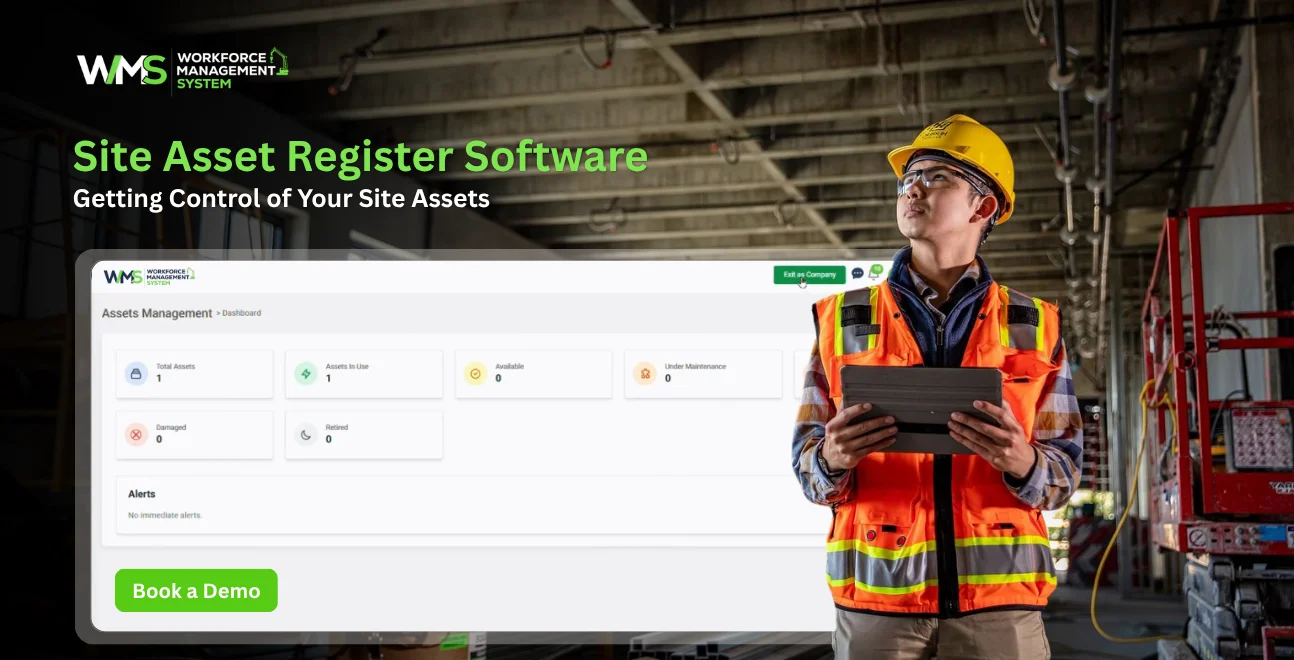
Streamline your frontline operations
Every construction business owns a small fortune in tools, plant, and equipment. Yet most site managers can't tell you, in real time, exactly where that fortune is sitting right now.
That gap between what you own and what you can actually locate is where money quietly disappears. A missing generator here, an unlogged transit here, a scaffold clamp nobody signed out adds up fast on a busy Australian job site.
This guide covers all the basics you need to know about site asset register software: what it is, why spreadsheets always fail, what features are important, and how to select a system that's better-suited to a construction business than a standard warehouse.
Defining the Site Asset Register
A site asset register is simply a structured record of every physical asset your business owns or hires. Think plant, power tools, vehicles, safety equipment, generators, and site sheds.
For construction companies, this isn't optional paperwork. It's the backbone of cost control, insurance claims, WHS compliance, and tax depreciation reporting.
A good register will record more than just the name of the item. Records serial number, purchase date, current location, condition, calibration due dates, and the last person who signed out.
If this detail is not included, then an asset register is simply an asset list. With it, the register becomes a live operational tool that protects your capital.
Where the Money Really Goes Missing
Lost and misplaced equipment is one of the quiet profit killers on Australian construction sites. Industry cost blowout research consistently points to rework and mismanaged resources as major contributors to margin loss on mid-sized projects.
A single missing laser level or unaccounted-for compressor might seem minor. Multiply that across a portfolio of active sites and subcontractor crews, and the numbers become serious.
There's also a compliance angle. Equipment that isn't tracked properly is equipment that can miss a calibration date, a tag-and-test cycle, or a safety inspection. That's a WHS exposure, not just a financial one.
Getting a handle on your assets isn't about micromanaging tools. It's about protecting cash flow, insurance eligibility, and worker safety in one move.
Spreadsheets vs Purpose-Built Software
Most businesses start with a spreadsheet. It's free, familiar, and feels like enough when you own ten pieces of equipment across one site.
The cracks show up once you're running multiple sites, several subcontractor crews, and a plant list that changes weekly. A shared Excel file has no location tracking, no automated alerts, and no audit trail of who edited what.
Free asset management software and dedicated site asset register software solve different problems. The table below breaks down where each option genuinely helps and where it falls short for a construction business.
| Feature | Free Excel Tracker | Free/Open Source Software | Dedicated Construction Platform (e.g., WorkforceMS) |
|---|---|---|---|
| Cost | Free | Free to low-cost | Paid, scales with business |
| Real-time site location | No | Rarely | Yes |
| Calibration & compliance alerts | Manual only | Limited | Automated |
| Multi-site & subcontractor visibility | Difficult | Basic | Built in |
| Mobile access on site | No | Limited | Yes |
| Audit trail for handovers | No | Basic | Full history |
| Integration with HR, timesheets, reporting | No | No | Yes |
For a one-person operation with a handful of tools, a spreadsheet can hold the fort for a while. For a growing construction business juggling multiple projects, the gaps in a manual system tend to cost far more than the software would.
Free Asset Register Software: The Trade-Offs
Searches for free asset management software, free site asset register software, and free asset register software downloads are common and understandable. Nobody wants to pay before they've proven the concept.
Free tools generally fall into three categories: basic spreadsheet templates, limited-feature mobile apps, and community-supported open source projects. Each has a place.
A free Excel-based asset register is a reasonable starting point for cataloguing what you own. It won't warn anybody if the harness is out of date and needs re-certifying, and it won't automatically update when a laborer carries a ladder from one site to another.
The free mobile apps will limit the number of assets, users, etc. available and then push you to upgrade to the paid version. That's fine for testing the workflow, but it rarely survives contact with a real multi-site operation.
The honest takeaway: free asset register software is useful for learning what data actually matters to your business. It's rarely the long-term answer once safety compliance and multi-site coordination enter the picture.
Open Source Options: Are They Worth It?
Open source asset register software, including well-known IT asset management platforms, appeals to businesses with in-house technical resources. These tools are typically built for IT hardware such as laptops and servers rather than construction, plants, and machinery.
That distinction matters. An open source IT asset tool can track a barcode and a location, but it won't understand a calibration cycle for a survey instrument, a hire agreement for a generator, or a pre-start checklist for a piece of plant.
Open source software also demands setup time, hosting, and ongoing maintenance that most construction businesses would rather spend on delivering projects. It can work well as a component of a larger IT stack, but it's rarely a fit as a standalone construction asset register.
The Non-Negotiables for Construction Sites
Choosing the best site asset register software comes down to matching features to how a construction business actually operates, not how a warehouse operates.
- Location and custody tracking. You should know which site an asset is located at as well as who the last owner of the asset was, not only where it is in the business.
- Automated compliance reminders. Calibration, tag and test, and certification due dates should trigger an alert before the due date, not after an inspector has detected the lapse.
- Mobile-first access. Site supervisors and subcontractors need to log an asset movement from their phones, standing in a site shed, not from a desktop back at the head office.
- Depreciation & Financial Reporting. Your accountant requires asset values, asset purchase dates and depreciation schedules which comply with the ATO requirements.
- Subcontractor and hire equipment visibility. A hired-in plant needs the same tracking rigour as owned equipment, particularly for return dates and damage disputes.
- Integration with existing workforce tools. An asset register that's disconnected from your HR, timesheet, and project systems creates another silo to manage.
WorkforceMS was built around these exact requirements for the Australian construction industry, rather than adapted from generic warehouse software. The asset management module gives site teams live visibility of tools, plant and equipment across every project, with automated calibration reminders and digital certificate tracking built in.
Asset Tracking: the WorkforceMS Way
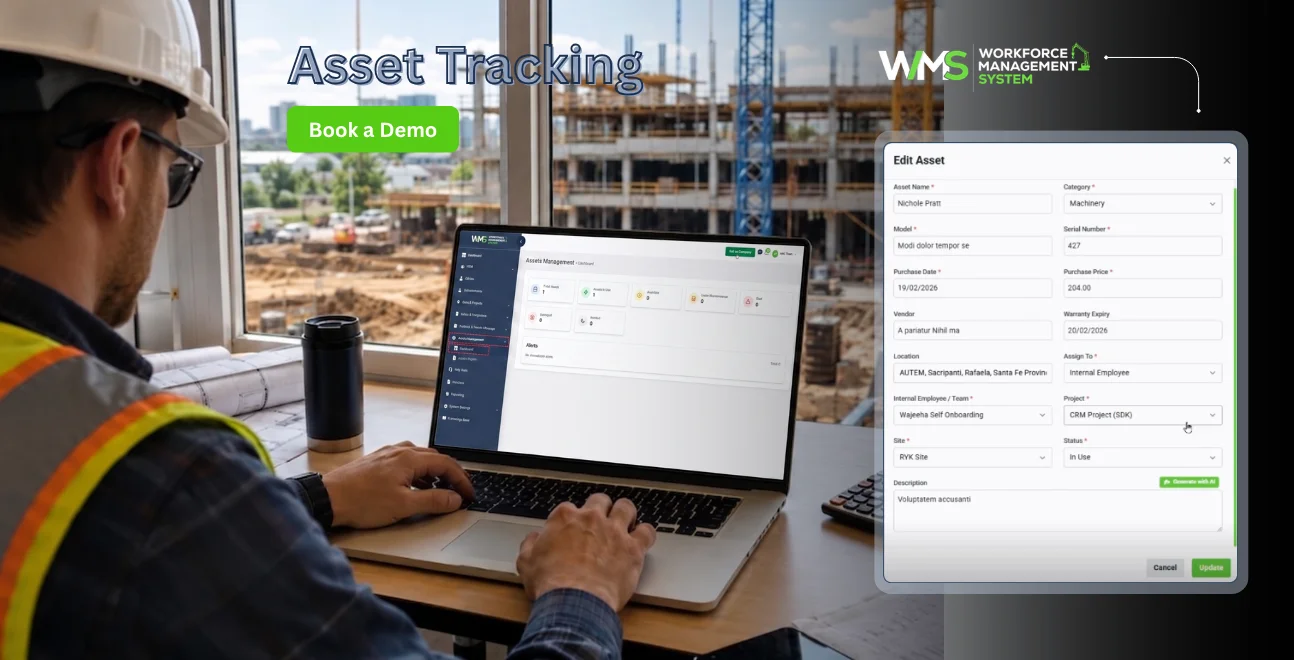
WorkforceMS asset tracking is not limited to just keeping track of assets on a spreadsheet. It is about seamlessly integrating assets into the systems you are already utilising to operate your business.
All assets are allocated to a specific Sites & Projects record, allowing a site manager to quickly get an overview of what plant he/she has allocated to a specific site and for how long. The log of the handover records is done automatically. The paper sign-out form that is typically lost in the ute is removed.
The Safety & Compliance view is ingrained in the same system. Calibration dates, certification expiry, and WHS equipment checks sit alongside safety workflows, so nothing slips through because it lives in another tool.
Because WorkforceMS also manages subcontractors, hired equipment and crew allocations flow through the same system subcontractor management tools, closing the gap where third-party plant usually goes untracked.
Finally, asset data feeds directly into financial and operational reporting, giving management real depreciation figures and utilization data instead of a static list nobody updates.
Selecting the Appropriate Software
In the abstract there is no one "best" platform. The right one will depend on the number of sites you operate, if you're using subcontractors, and how critical it is for your asset information to integrate with HR, finance, and safety.
If it's a small business, with a handful of tools, and it's only at one location, they may be just fine with an asset management app that's free for another year or two. For a growing construction firm with multiple construction projects in progress, there is a need for a system designed to operate in multiple sites with multiple crews in the real world.
Prior to committing to a platform, try to find a platform that supports three aspects: real-time location updates, calibration alerts, and non-office staff mobile use. If it doesn't work on any one of these three, then it will not work on any real site.
It's also worth checking whether the vendor understands Australian construction specifically, including WHS obligations and ATO depreciation rules, rather than a system designed for retail or office IT assets and repackaged for a broader market.
What a Good Asset Register Looks Like
A useful asset register entry contains more than a name and a value. The following would be an example of a good asset register for a piece of plant:
- Name of the asset, type of asset, unique ID/serial number
- Asset purchase date and price, current location of the asset
- Current custodian, last service date
- Next calibration certification date, and current condition status
That level of detail turns a static list into something your finance team, your site supervisors, and your safety officer can all rely on for different reasons. It's also exactly what an insurer or auditor will ask for after a loss or an incident.
Compliance, Depreciation and Insurance
Company asset register software earns its keep well beyond day-to-day site logistics. Accurate records help with the creation of depreciation schedules for tax purposes, provide evidence should there be a WHS audit, and are useful for insurance claims.
Insurers are demanding maintenance and calibration records, which they expect to be documented, more and more when they settle equipment claims. A register that's been maintained properly turns what could be a drawn-out dispute into a straightforward paperwork exchange.
For growing construction businesses, this compliance layer is often the strongest argument for moving off a spreadsheet. The software itself becomes part of your risk management posture, not just a convenience.
Five Steps to Get Started
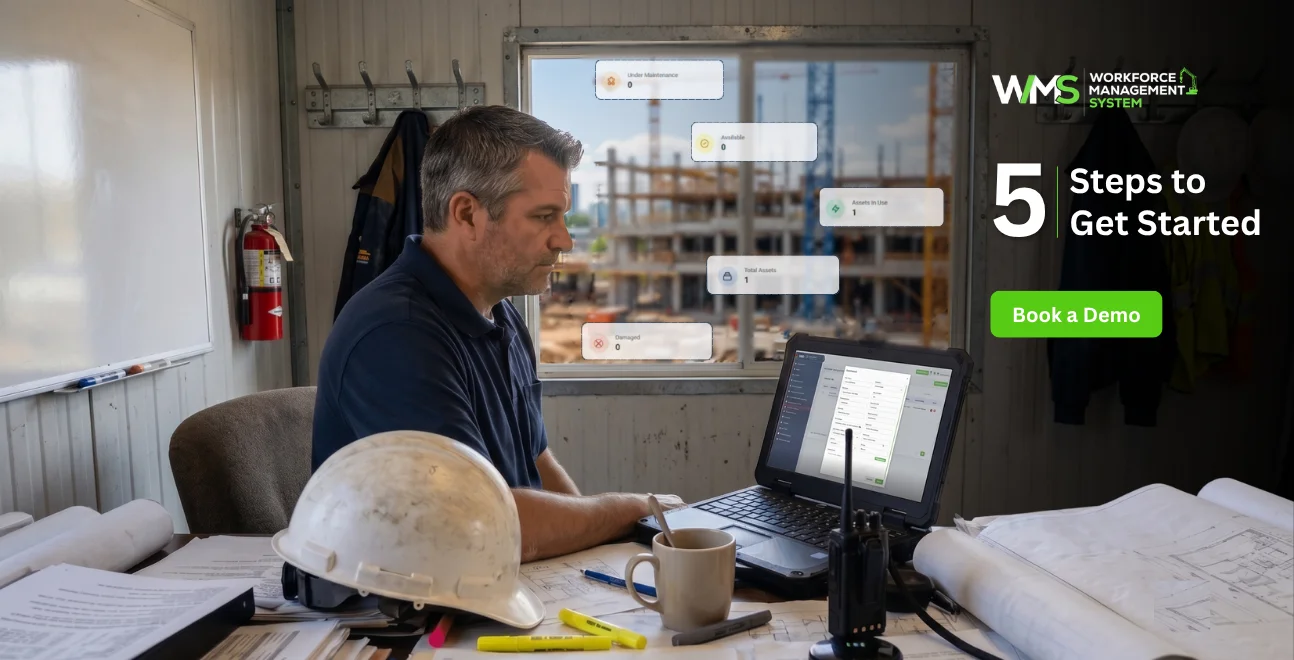
- Step 1: Audit what you own. Walk every site and yard, and record every asset above your chosen value threshold.
- Step 2: Standardize your data fields. Decide what every entry needs, from serial number to calibration date, before you start entering data.
- Step 3: Assign custodians. Every asset should have a named person or crew responsible for it at any given time.
- Step 4: Make your compliance calendar. Record all calibration, service, and certification dates so that no one has to remember them.
- Step 5: Select software that will grow with you. Begin with the right system to allow expansion from a one-project operation to a multi-project operation without painful migrations later on.
Those who work through this process are more apt to be successful with any software they may choose, compared to those businesses that do not go through this process.
Conclusion
A site asset register isn't just an inventory list. Done properly, it's a live record that protects cash flow, supports WHS compliance, and gives management the reporting they need at tax time and during insurance claims.
Free spreadsheets and open source tools have their place for very small operations, but most growing Australian construction businesses outgrow them quickly. The cost of a missing generator or a lapsed calibration certificate almost always outweighs the cost of proper software.
WorkforceMS was built specifically for Australian construction teams, connecting asset tracking to sites, safety, subcontractors, and reporting in one platform. If you're ready to see what a live site asset register looks like in practice, book a demo or explore the asset management features today.
Optimise your operations with WMS
Streamline scheduling, compliance, and workforce management in one platform.
Frequently Asked Questions
It can work for a single site with a small tool inventory. Once you're running multiple projects or managing subcontractor equipment, the lack of location tracking and compliance alerts usually becomes a real limitation.
A site asset register is specific to physical assets used across construction sites, including plant, tools, and safety equipment. General asset management software is often built for IT hardware or office equipment and lacks construction-specific features like calibration tracking.
Yes, free spreadsheet templates are widely available and suit basic cataloguing. They won't automate compliance reminders or track live site location, which becomes important as your operation grows.
Open source tools can be secure if properly maintained, but they typically require in-house IT resources for setup and hosting, and most are designed for IT assets rather than construction plant and equipment.
It automatically reminds you when equipment needs to be calibrated, tagged and tested, or certified and when it will expire and maintains a record of equipment conditions and maintenance, assisting audits and the investigation of incidents.
Yes, hired and subcontractor equipment can be tracked alongside owned assets, giving a complete view of everything in use across a project. Learn more on the asset management page.
Related Articles
Explore more insights on workforce management, compliance, and operations.

Top AI Solutions To Manage Construction Workforce
Explore the top AI solutions for managing a construction workforce, from onboarding to payroll and safety, with human review built in.
WorkforceMS Team
14 Sep 2026

Streamline Job Tracking with AI Construction Management Software
Discover how AI construction management software streamlines job tracking, project planning, risk alerts, defect reporting and safety compliance.
WorkforceMS Team
11 Sep 2026

Skills and Compliance Management for Construction Teams
Manage skills and compliance for construction teams with WorkforceMS. Track licences, SWMS, inductions and audits in one workforce management system.
WorkforceMS Team
10 Sep 2026
Ready to secure your operations?
