Smart Construction Site Security with WMS
Strengthen construction site security with a smart WMS. Plan guard shifts, track licences, and monitor site attendance in one place with less daily admin.

Share this article
Streamline your frontline operations
See how WMS simplifies scheduling, compliance and workforce management in one powerful platform.
Smart Construction Site Security with WMS
With a lot of equipment and the constant hustle and bustle on construction sites, it would be a crime to leave security to chance. Good construction site security begins with having an understanding of who is in the area, who is protecting it and when. This guide demonstrates smart tools' role in helping teams to maintain safety and organisation on the site.
Smart Security Coverage Across Sites
Many construction site projects are spread out at numerous sites simultaneously, and each project has its own set of risks. Access control is critical in a city high-rise building, and theft of tools and fuel is possible after hours in a remote civil job.
The best construction site security is to match guards, patrols and hours to the actual risk level on every construction site, not the same plan across the board. A workforce management system provides a single picture for a manager of all his sites and all his guards.
They can view which sites are covered, which are thin and where additional support is required, rather than having to call around or check several spreadsheets. This is time-saving and reduces the risk of a site being left uncovered. It can also assist leaders in clarifying to clients the manner in which every job is safeguarded.
Covering Gaps Before They Appear
There are frequently time gaps between handover periods, on weekends and during public holidays. In the presence of rosters, managers have a view of these weaknesses as early as possible, allowing them to make plans to address them.
A site that is covered every night for full nights conveys a strong message to potential thieves and provides building and client peace of mind. Fewer break-ins also equals less delay and repair expenses.
Intelligent Guard Shift Planning
Making up lists of names for guard shifts is not planning a guard shift. Managers need to consider site hours, delivery times, high-risk periods and the quantities of guards required at each phase of a build.
Early in a project, it may be necessary to have only one guard at the gate; later, when expensive fittings are installed, more may be necessary. These details are utilised by smart planning tools to offer appropriate rosters.
They take into account availability, travel time and rest periods, preventing overworking guards. Managers can still tailor each shift, making good judgement the key ingredient in decision making and while the tool takes care of the repeat work. Plans can then be used again at other sites, thus saving effort at the beginning of each project.
Balancing Safety and Workload
Tired guards miss things and workers who work very long shifts or back to back become tired. Limited hours and adequate rest between shifts are protective of the guard and the site.
Fair rosters also help maintain quality staff as experienced guards are familiar with the site, crews and the typical pattern of activities. Rested guards will remain vigilant; guards will keep small problems from turning into big losses.
Live Workforce Visibility
If a manager knows who's on site, it's one of the most beneficial things that he can see. Live visibility can give you indications of which guards are starting their shifts or who has arrived, or potential weak areas. The manager will be able to know right away if the guard has not checked in and can be proactive in preventing the situation from getting out of hand.
This information is accessible via phone/PC with a WMS and without any calls or messages. All the details are visible on the screen to supervisors in the field, as well as managers in the office. This reduces ‘noise' and speeds up the decision-making process, especially if an unexpected event should happen.
Respecting Privacy While Staying Informed
All attendance needs to be fairly monitored. The worker(s) should be told what is being documented, the need for it and who will see it. Australian privacy legislation regulates the handling of personal information, and it must be handled with care and not given to anybody who isn't entitled to it.
Clear rules help to foster trust and help teams to accept new tools. Guards that are knowledgeable about its uses will be more likely to use it properly.
Digital Access and Attendance Records
All persons on a construction site must have a name. Access for all workers, visitors, delivery drivers and contractors must be recorded and each of them may have a different access. Paper sign-in books are weak in site security due to their ease of loss, difficulty to read and difficulty to search through.
Digital records provide a clear entry of names, time and cause for entry. Managers will be able to easily find out who was on site and when if an incident does happen. These records also aid in safety aspects; in case of emergency, a site must be aware of who is there and who might need assistance. The quick and accurate list makes a difference to emergency crews.
Records That Stand Up to Questions
Clients, insurers and auditors may request the attendance for a particular day at a specific site. A digital log provides accurate answers to these questions and answers them quickly without guesswork. Time-stamped entries are clearer than handwritten notes, and indicate seriousness in the site's commitment to control of people and property.
Automated Security Compliance Checks
Australia has legislation for its security sector; these policies differ in each state and territory. Guards will be expected to hold a security licence and, in some roles, will need further education/training or first aid. Requirements may be subject to change, and providers and builders will have to check any existing requirements with the appropriate licensing authority.
It is cumbersome and untrustworthy to manually keep track of each licence. Automated checks can maintain a document of licence numbers, licence expiry dates and training information and can alert the individual prior to the expiry of any of the elements.
The manager can see the status of members he/she needs to communicate with and can verify who is ready to collaborate and who requires editing of the documents – avoiding precious time and costly last-minute changes. It also ensures that everyone on the premises is qualified to be a guard, which will add to the clients' trust.
Preventing Unqualified Shifts
A roster may indicate when a guard's licence expired and/or is expiring. This is to ensure there is no problem and not after an inspector or client has found it. It will help to protect the business from any type of fines, and the site from unqualified cover.
Skill-Based Guard Allocation
Guards possess a variety of skills, and sites require a variety of skills. Some positions require the ability to be on duty to operate gates and visitor checks, and some require patrolling, receiving alarms and knowledge of plant and equipment. Appointing the right guard to the right location improves cover quality and reduces risk.
Allocation is quicker and more equitable because of the recording of skills, licences and experience gained on previous sites in a single profile. Managers can look up the guards the site requires NOT have to memorise them. New guards may be teamed up with more experienced guards until they are ready. This develops the skill of the entire team and decreases the number of people who are vital to the team.
Building Strong Site Relationships
Returning guards familiarise themselves with the crews, the setup and the setup routines. This allows them to pick up on things that are not the way they're supposed to be. When possible, “old” guards on a site are trusted by builders and supervisors, and often issues are quickly and calmly resolved.
Workforce Management System for Site Security
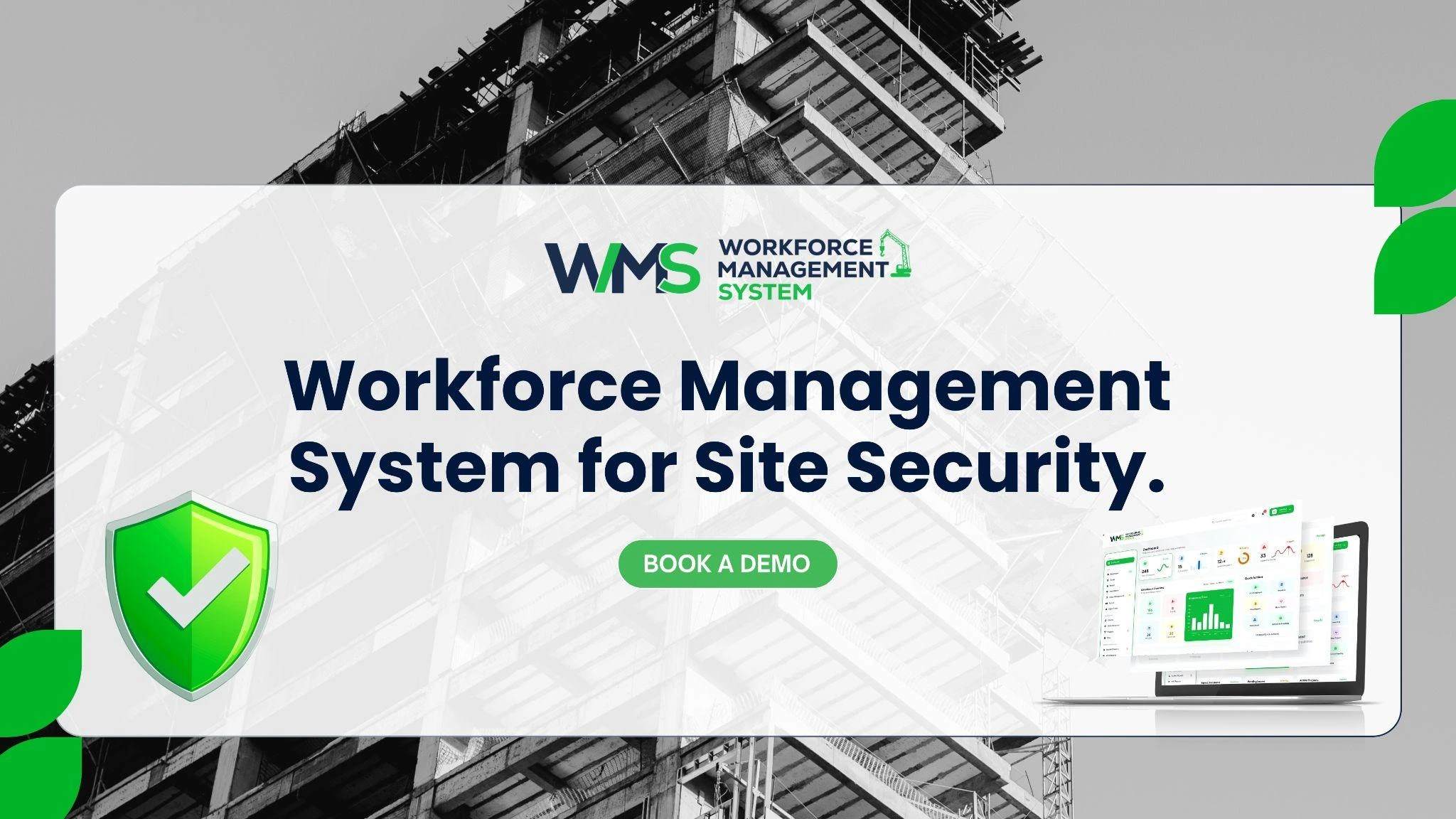
Site Security Workforce Management simplifies the management of security rosters, attendance, licences and reports. Managers don't have to move between emails, spreadsheets and phone calls; they work from a single record. This minimises double posting, minimises missing information and provides oversight for a leader on how all sites are operating.
The WorkforceMS project started in construction, where teams are working in numerous locations, and where records have a direct impact on work every day. That's an ideal background for construction site security, where workers, trades and visitors are all in the same cramped area, and there's no confusion over information to keep everyone safe. Reports and records are linked together, and the complete picture is always available.
What to Look For in a Platform
Teams should seek out tools that can be easily accessed from a mobile device, are transparent about who can access what and can connect teams with records. There is also support and respect for the expectations of Australians around their privacy at the local level. Guards and managers will be more likely to use a tool properly daily when it is simple.
WMS for Flexible Security Rostering
Construction times can be constantly changing. A late delivery, a concrete pour scheduled for night hours or adverse weather conditions can all cause a variation to the hours in which security is required. A WMS allows the manager to make changes to the roster quickly and immediately inform guards of any changes, keeping cover in line with the project.
Guards are able to view their shift, addresses and site notes on their phone. They can validate changes, modify their availability and swap with permission. Managers get immediate feedback on the impact of changes to the squad and make sure there's a suitable personnel change. Clear advance warning of changes to shifts is also appreciated by guards, as it makes shifts easier for everyone.
Handling Urgent Call-Outs
Sometimes a site requires additional cover at the last minute, such as if it's been broken into or has had a safety scare. Managers can view which staff member is available, licensed and close by and can contact them in a clear call-out. This approach is calm, organised and quickens response times and decreases stress for all involved.
Data-Driven Site Security Planning
Effective security plans employ authentic data. Reports can detail the number of hours that each site consumes, when incidents are likely to happen and the frequency of shift changes at short notice. Numbers make patterns more apparent than they are on a day-to-day basis. This data can be used to fine-tune patrols, shift times and guard numbers, which can be provided to managers.
They can also provide clear data to the client to explain the costs, thus enabling an honest discussion of the amount of cover required in a project. As the sites age, simple reports make them more secure and efficient. Leaders also have the opportunity to observe if the plan is effective in making changes.
Learning From Every Incident
Learning from each incident, including a minor incident. Documenting what has happened, when, and what action was taken enables teams to enhance their plans. If theft continues to occur at a particular gate, additional lighting or an added patrol may be required. Problems resolved to practical improvements with careful review.
Conclusion
It's best to have people, plans and records connected at construction sites. Teams can keep track of attendance and licences, and create guard rosters with WorkforceMS. Book a demo today and discover how every site can be smarter using smart tools.
Optimise your operations with WMS
Streamline scheduling, compliance, and workforce management in one platform.
Frequently Asked Questions
It is the organisation and security of individuals, machinery and materials in a building location. This encompasses guards, access control, records and clear rosters.
A WMS will push shift schedules and site notes/updates to the guards' phones. Managers can cover up missing sites promptly and ensure all sites are covered.
Ensure that all guards have a current security licence in their State/Territory. Note all the expiry dates to ensure that no one operates on an expired licence.
Yes, electronic logs provide who is on-site and when. Teams can determine in an emergency who is present and who may need assistance.
Site requirements vary from deliveries and weather to project stages. Smart rostering allows cover to change rapidly – no guard shift or risk period left unfilled.
Incident patterns, hours used, and shift changes are reported for each site. The manager can then use real data to tweak patrols and the number of guards accordingly.
Related Articles
Explore more insights on workforce management, compliance, and operations.
NDIS Disability Support Through Smart WMS
Improve NDIS disability support with a smart WMS. Manage rosters, worker credentials, timesheets and participant care in one place with less daily admin.

Muhammad Asim
21 Oct 2026

Labour Hire Compliance and Safety: AI-Driven WMS
Improve labour hire compliance and safety with an AI-driven WMS. Track licences, inductions and worker records in one place for safer, audit-ready placements.
Muhammad Asim
20 Oct 2026

What Is Workforce Management?
Explore workforce management, its key responsibilities, and how it helps construction, NDIS, healthcare, labour hire, trades, security, and cleaning teams.
Muhammad Asim
19 Oct 2026
Ready to secure your operations?
