Smart Resource Planner for Construction Workforce Management
Discover how a smart resource planner improves construction workforce allocation, reduces delays, and streamlines project management across sites.

Share this article
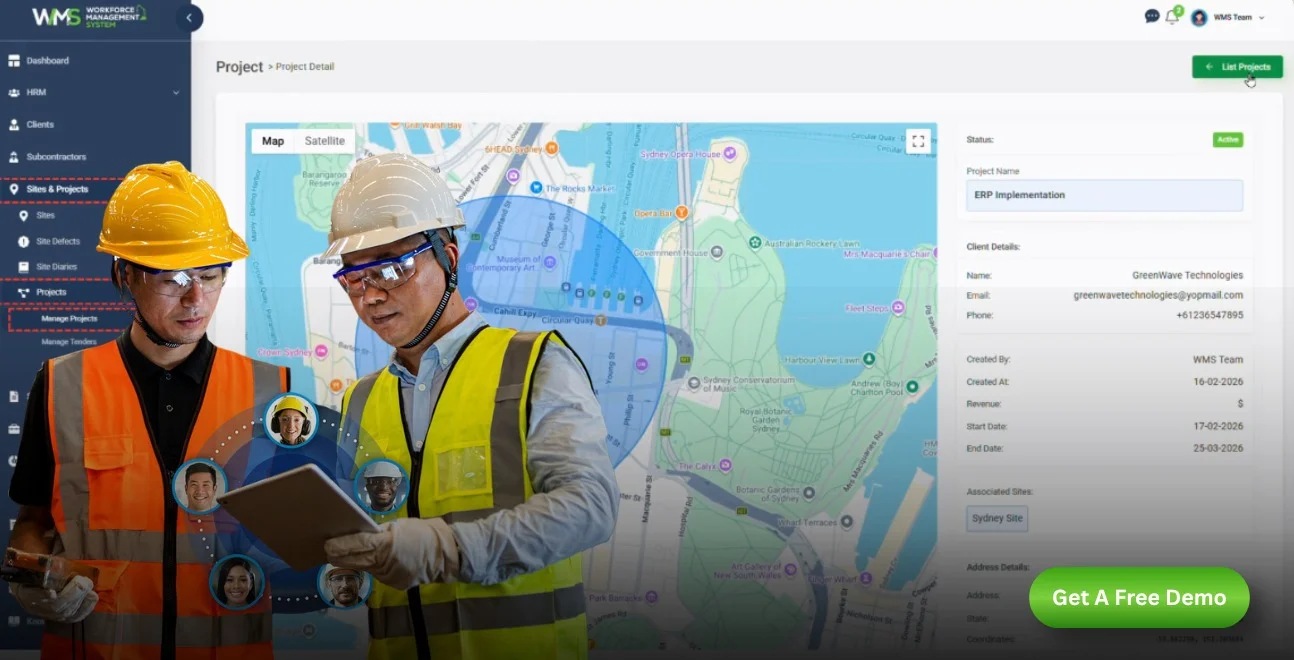
Streamline your frontline operations
See how WMS simplifies scheduling, compliance and workforce management in one powerful platform.
Introduction
Few construction projects fail due to a lack of quality tools or skilled workers. They fail because people, equipment, and materials aren't available at the right time and place. A resource planner addresses this very issue, providing construction companies with an up-to-date and transparent picture of what resources are being utilised at each job site and the requirements for the task.
The article discusses resource planning in detail, how it secretly robs companies of profits and how smart workforce systems bring scattered scheduling to an organised and predictable process.
What Is a Resource Planner for Construction?
These can be useful for construction companies to have in order to get people, equipment and time working for them the best they can be. It provides site managers and project leads with a unified view of all staff members' skills, availability and current projects, eliminating the need for spreadsheets, whiteboards or memory.
A Central Hub for Workforce Data
This system stores everything in one place so you don't have to follow up on text messages and phone calls. Site supervisors have access to rosters, leave statuses and can free up crew members in seconds.
Built for the Realities of Construction
Construction is unpredictable. The changing deadlines, material shortages and weather delays are always present. The ideal system will be flexible enough to adapt to these changes immediately, instead of taking hours to manually rework the schedule for every change.
Supporting Both Office and Site Teams
Such a device is not intended to be created just for head office personnel. Clear visibility means site supervisors, foremen and even individual tradespeople can keep an eye on each other, eliminating back-and-forth calls and keeping everyone on the same page on the day's priorities, such as toolbox and prestart checks before work begins every day.
Resource Planning in Project Management
Resource planning in project management is the task of discovering, allocating and scheduling the personnel and equipment needed to complete a project. It's at the heart of all successful builds, and even the best project timeframe is irrelevant if the perfect tradespeople aren't on hand at the right time.
Matching Supply With Demand
The essence of resource planning is balancing. Project managers need to balance the number of staff and machines required with the requirements of each stage of a project, preventing unnecessary downtime and risks of understaffing.
A Continuous, Not One-Time, Process
Resource Planning is not a one-off task when a schedule is produced. Plans need to be reviewed weekly, and often even daily, as projects develop, to show progress, events that may have occurred that were not anticipated, and/or changes in site conditions.
Linking Planning to Project Budgets
All resourcing decisions are directly financially related. Project managers can identify early warning signs of cost overruns when they are closely linked with project budgets and invoice tracking.
Poor Planning Delays Construction Projects
Without proper resource planning, the effects of such a scenario will follow throughout a project. Employees come to work at locations with the wrong gear. Two crews are scheduled for the same job, and a third job site is available, but no crew is scheduled for it. These minor mistakes add up over time to significant delays.
Double-Booked Labour and Wasted Hours
It's a normal occurrence for the same employee to have more than one job at different locations when there is no system. This leads to confusion, lost time and demoralised teams who lose faith in the planning process.
Communication Breakdowns Between Office and Site
One of the reasons for a lot of delays is that people don't know where to find workers. If you make changes in your schedule or to your disconnected systems, you may not let site teams know and the client is not getting real-time updates.
Rising Costs From Reactive Decision-Making
Poor planning has a snowball effect and leaves managers constantly firefighting. When a problem is identified too late to deal with it in a 'cool' manner, all of the above become a necessity; emergency labour hire, hurried equipment hire and overtime payments.
The Hidden Cost of Idle Equipment
One cost that is easily overlooked is machinery that is idled on a site when it is needed there. The lack of asset management and project visibility allows too much money to be spent on expensive equipment which is not being utilized to the fullest.
Better Planning Improves Project Delivery
With a proper resource plan, the advantages will manifest in all aspects of a building and construction company, whether that's quicker turnaround times or better profits. Projects are predictable; reactive becomes proactive, which means that instead of teams spending time on unnecessary problem-solving, they can focus on the actual problem.
Fewer Delays and More Predictable Timelines
Having a clear and accurate understanding of workforce availability will also enable project managers to set realistic deadlines and prevent that last-minute scramble, which delays the completion of the project.
Improved Worker Morale and Retention
Respect and organisation among the workers if they receive clear and timely schedules. This helps to minimise confusion on site and ensure construction firms have the skilled trades required and do not lose them to more organised employers.
Stronger Profit Margins
Every hour of idle labour or unnecessary overtime eats directly into project profitability. Smarter planning closes these gaps, protecting margins on even the most complex builds.
Greater Client Confidence
Clients are aware of smooth-running projects and timely work delivery. Comprehensive and dependable planning, with correct reporting, fosters a positive reputation which attracts repeat business and referrals for construction businesses.
WMS Supports Smarter Workforce Allocation
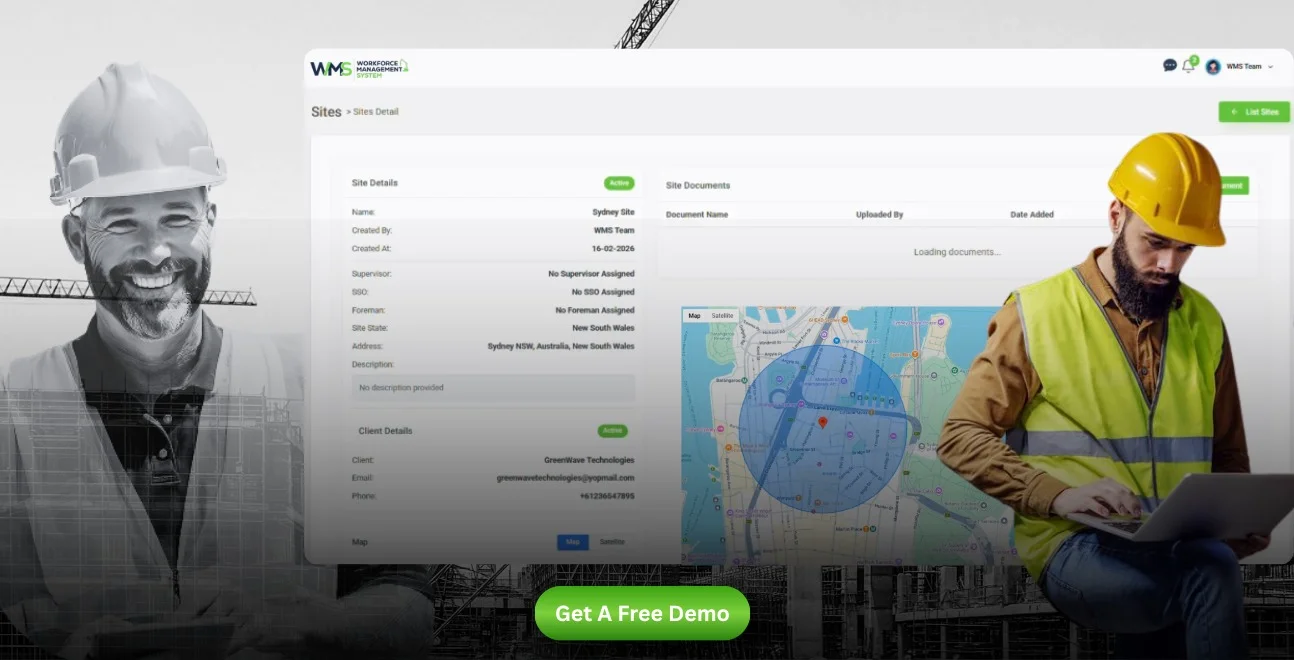
A workforce management system (WMS) is one solution to a very chaotic aspect of construction: the allocation of people and equipment to various projects and sites efficiently. It puts an end to uncertainty and gives decision-makers the assurance to make decisions promptly.
Real-Time Visibility Across All Sites
Managers with a WMS can view real-time attendance, task completion and equipment utilisation data, rather than at the end of the day.
Skill-Based Matching for Every Task
A really strong system is more than just a tracking system. Correlates workers' qualifications and certifications to job tasks to make sure that the appropriate worker is performing the appropriate task.
Reducing Administrative Workload
Creating and managing a manual schedule is a time-consuming task each week. A WMS can automate many of these tasks, such as timesheet processing, preparing invoices and much more, allowing managers to do more meaningful work, i.e., make better decisions, rather than deal with paper records.
In the following, some of the key differences between traditional planning strategies and a contemporary workforce management system are outlined:
| Planning Approach | Traditional Methods (Spreadsheets/Paper) | Workforce Management System |
|---|---|---|
| Visibility | Limited, often outdated by the time it's reviewed | Real-time, accessible from anywhere |
| Communication | Manual calls, texts, and printed rosters | Automated notifications and instant updates |
| Error Rate | High risk of double-booking and missed details | Significantly reduced through automated checks |
| Scalability | Difficult to manage across multiple sites | Easily scales across projects and teams |
| Admin Time | Hours spent weekly on manual updates | Minutes, with automated scheduling tools |
The Steps of the Resource Planning Process
Although each construction company has its own sequence of events, there are a set of steps that are common for effective resource planning in construction.
Step One: Assess Project Requirements
The schedule should not be begun until project leaders can clearly specify the type of labour needed, the equipment to be used, materials, and estimated time required for each task.
Step Two: Identify Available Resources
Having considered who and what is available, managers then check the availability of those who have commitments, agreed leave and equipment maintenance plans.
Step Three: Allocate and Monitor
Once resources have been allocated, the plan is then closely monitored to keep it up to date as site conditions evolve, and if required, the plan can be amended quickly.
Step Four: Review and Refine
Periodic review of what went well and what did not in each project phase is a way to encode what has to be changed in the course of the next and build up accuracy and efficiency in the process.
Assign the Right Workers to Each Project
Not all workers can be substituted for each other and treating them as such is one of the most frequent planning errors in construction. Any competency, qualification or even physical location can impact on who is going to be assigned to which job.
Matching Skills to Task Complexity
Giving a highly skilled tradesperson simple work is a misuse of their asset and a loss of time and expertise, and giving someone with less skill more complex work poses a safety and quality risk.
Factoring in Location and Travel Time
When hiring workers, location is not necessarily the most important factor, so you can avoid unnecessary travel time and keep out-of-control labour costs under control.
Keeping Certifications Up to Date
Working in construction requires licences and safety certification. An effective WMS alerts staff to expiring qualifications well in advance, avoiding the problems associated with not being compliant on site through safety and compliance tracking.
Manage Labour Across Multiple Construction Sites
In businesses that are engaged in multiple projects, labour management can become much more complex. It's easy to lose track of who's doing what, if there isn't a centralised approach.
Avoiding Overlap Between Sites
Everyone working on a project will have a common understanding of what is happening on each project, avoiding the typical scenario of accidentally sending the same worker to two or more projects on the same day.
Balancing Workloads Fairly
By distributing workload equally among the available workforce, it can help to avoid burnout on heavy workload sites and idle time on lighter workload sites.
Simplifying Payroll Across Projects
If labour hours are recorded properly at various worksites, then it becomes much easier to manage payroll, minimise disagreements and pay workers the appropriate amount for their time.
Smart Resource Planner for Better Workforce Allocation
A smart resource planner is not just a scheduling tool, it's a data and automation-driven tool to aid in decision making. It is helpful to ease the cognitive load on managers who previously had to manually check, cross reference availability, skills, and site requirements.
Automated Alerts for Conflicts
Smart systems can provide warning to managers of potential scheduling problems before they actually occur, allowing them to deal with scheduling conflicts and prevent the project from being adversely affected.
Data-Driven Forecasting
Additionally, a smart resource planner can review past data on projects and trends in reports to predict the labor needs for future projects, helping businesses to prepare their hiring and equipment needs in advance.
Improving Decision-Making Speed
Having instant visibility into the data enables managers to make informed decisions on resourcing in minutes, rather than hours, which involves collecting information from multiple sources.
To compare and contrast manual resource planning to smart, automated planning:
| Feature | Manual Resource Planning | Smart Resource Planner |
|---|---|---|
| Conflict Detection | Discovered after the fact | Flagged automatically in real time |
| Forecasting Ability | Based on manager experience alone | Supported by historical project data |
| Time Required | Hours spent cross-checking schedules | Minutes, with automated matching |
| Accuracy | Prone to human error | Consistently higher accuracy |
| Decision Speed | Slower, dependent on manual reports | Faster, backed by live data |
Connect Workforce Plans Across Projects
Multiple projects can lead to construction businesses experiencing blind spots when they have separate plans for each. Linking up workforce plans in all active sites provides leadership with a full view of business-wide capacity.
One View for All Active Projects
A connected WMS view enables the manager to view all the resources needed for the entire business without having to check individual spreadsheets or systems for each site.
Better Long-Term Business Decisions
Connected data can help leaders make better decisions when it comes to hiring, asset management, and the next project to take on, all without relying on assumptions.
Preparing for Future Growth
With each project and new account that comes into your business, connected planning systems grow naturally, enabling growth without the chaos that can often occur when expanding operations.
Conclusion
The crucial element in construction success is having the right people in the right place at the right time, and the first step is smart resource planning. A modern resource planner transforms the random and ad hoc scheduling process into a clear and connected one that saves time and ensures protection of profits. The right system is the key to making all the difference for construction companies that are ready to plan smarter.
Optimise your operations with WMS
Streamline scheduling, compliance, and workforce management in one platform.
FAQ: Smart Resource Planner for Construction
A resource planner is responsible for ensuring that the appropriate labour, equipment and materials are allocated to a project to ensure projects are completed on time and within budget.
The first thing to be done is to determine the needs of the project, identify resources available, and then assign and track work tasks during the project.
It is the activity of determining the manpower, machine and material requirements for a project from beginning to end.
It requires the evaluation of needs, identification of available resources, effective allocation of resources and the review of outcomes to improve the effectiveness of future planning.
It prevents engineer duplication of work, reduces idle equipment slots and aids in ensuring projects are on a set and cost-effective schedule.
Yes, a smart resource planner provides one view of all active sites at a glance, avoiding overlaps and fairly dividing workloads.
Related Articles
Explore more insights on workforce management, compliance, and operations.

Security Operations and Monitoring Workforce Planning
Plan guard rosters, track live attendance and cover every shift with WorkforceMS. Strengthen security operations and monitoring with smarter workforce planning.

Muhammad Asim
09 Oct 2026

Telehealth and Digital Healthcare Scheduling WMS
Simplify telehealth and digital healthcare scheduling with WorkforceMS. Manage rosters, remote clock-ins and compliance records in one easy-to-use platform.
Muhammad Asim
08 Oct 2026

Healthcare Workforce Management for Aged Care
Simplify rostering, credential tracking and payroll for aged care healthcare teams. Discover how WorkforceMS gives your carers more time with residents.
Muhammad Asim
05 Oct 2026
Ready to secure your operations?
