Telehealth and Digital Healthcare Scheduling WMS
Simplify telehealth and digital healthcare scheduling with WorkforceMS. Manage rosters, remote clock-ins and compliance records in one easy-to-use platform.

Share this article
Streamline your frontline operations
See how WMS simplifies scheduling, compliance and workforce management in one powerful platform.
Telehealth and Digital Healthcare Scheduling WMS
Virtual care is a people-based approach, and schedules are important for people. Rosters can get messy real quick when doctors, nurses and support staff come and go from various locations at various times.
Manage shifts, track hours and stay up-to-date with records all in one place with WorkforceMS for telehealth and digital healthcare teams. That equates to a better day for staff and improved care for patients.
Smarter Scheduling for Digital Healthcare Teams
Digital healthcare teams aren't necessarily all in one building. Patients may be seen in the GP's home. A nurse may staff a central call point. Another clinician from a different state may be able to assist a patient. When there is no coordination, changes collide, holes open up, and patients wait.
With WorkforceMS, managers have a single source to create schedules based on demand, skills and availability. Staff can locate their shifts on the phone, which decreases confusion and helps reduce missed shifts. Patients are safer and happier when the right clinician is there when it's needed.
Schedules Built Around Patient Demand
Virtual appointments are often the most hectic times of day, particularly during the evening or on weekends. Managers can review previous trends and hire additional personnel during those periods. Staff don't work too hard, and patients do not wait too long.
Clear Shift Visibility for Clinicians
All clinicians can view their shifts, breaks and changes in the app. Changes are immediate, and no one will have to sift through old messages. Even if teams don't meet in person, they stay on track.
Flexible Rostering Across Healthcare Services
Providers don't only provide telehealth services. They also operate clinics, home visits, after-hours phone lines and mental health services. The hours of each service and skill requirements are unique but may be similar for different services.
Flexible rostering allows managers to swap people from one service to another but still monitor hours and qualifications. The roster can be easily changed in case of sickness or sudden increased demand. This ensures services are in good order, and it promotes a better work/life balance for staff.
Cover for Sudden Absences
When the clinician calls in sick, the system will display the names of the clinicians who are free and qualified to help. Managers can send a shift offer in no time at all. Much faster than making numerous phone calls or sending group messages.
Time and Attendance for Remote Teams
If employees work remotely, there is no way for a manager to tell when they have made their appearance. This is even more crucial to have an accurate time record. Remote clinicians can be on split shifts, short blocks of consultation time or on-call hours for which there is a record to be kept.
Staff get in and out of the office with WorkforceMS, which logs their hours in real time. Managers can view the current employees' timesheets and approve them all in one place. This enables staff to be paid appropriately and provides clarity in the event of any queries in the future.
Simple Clock-In From Anywhere
Staff log on from their phone or laptop at any time while working. The time is saved straight away. Early detection of late starts by managers can prevent the impact on patients.
Clean Records for Payroll
Any approved hours will be added to payroll without having to be typed again. This will reduce the number of errors and reduce work at the end of every pay cycle. Staff can easily confirm hours and be sure they are being paid correctly.
Workforce Planning for Telehealth Operations
Virtual services are held steady with good planning. Providers have to budget for the number of clinicians, Triage nurses and support staff they will require not just tomorrow, but next month. There may be times when more patients require assistance, such as during flu season, school breaks, or following health announcements.
Proper planning of telehealth/digital healthcare takes into account the anticipated number of patients, employee absences, and proficiencies required for each shift. All of this data is collected in one place at WorkforceMS to alert managers to shortages in time. Early action helps to avoid last-minute agency bookings and helps to manage costs better.
Forecasting Seasonal Demand
A history of the time when patient volume tends to increase. This can be used by managers to determine the staffing requirements weeks in advance. No need to rush to hire, and patients do not wait as long.
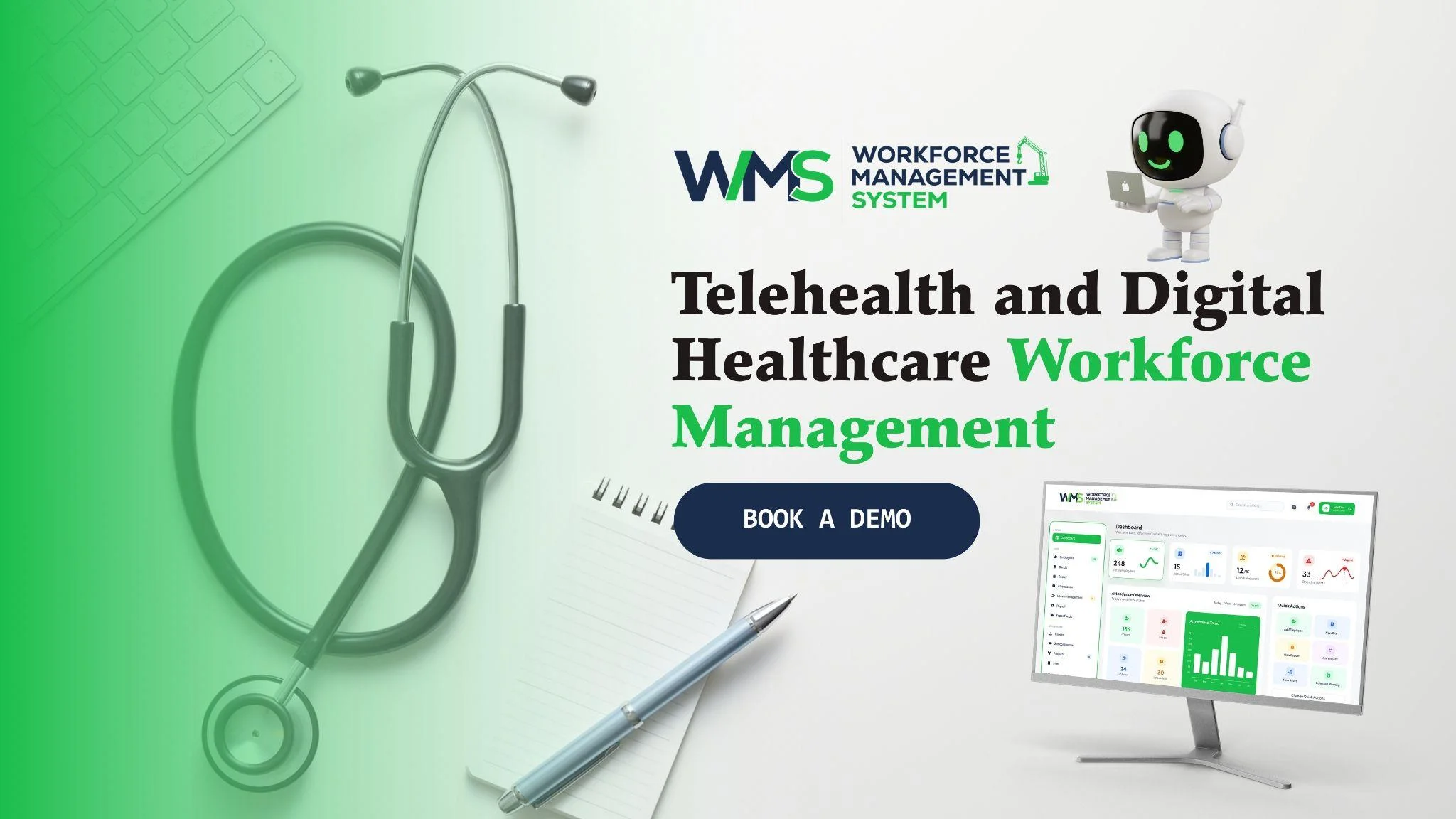
Telehealth and Digital Healthcare Workforce Management
It's not the same as single clinic management. Staff can be based in various locations across the country, in different time zones, and with a variety of roles. Daylight saving is not observed in all states in Australia, potentially leading to confusion over shift times.
The rules are also different for managers who also have to handle full-time, part-time, casual, and contract staff. All this is made easy with a clear system. WorkforceMS began in the construction industry, which has crews working at a multitude of sites, with hours that need to be on the dot. This experience is great for healthcare teams that are distributed.
Teams Across Time Zones
On the map, the times are indicated clearly at every location. This prevents mix-ups from daylight saving time variations among states. Staff are aware of the right time to begin.
Mixed Employment Types
Permanent, casual, and contract workers can be treated the same. The rules and pay rates are individual to each person. Managers can view all teams in one place; no need for additional spreadsheets.
Compliance Tracking for Healthcare Operations
Healthcare is not without rules, and neither are the rules for virtual care. The clinician should maintain their registration with the national practitioner health regulator, AHPRA. Employers might also require police checks, training records, and more. Health information is also to be safeguarded by the Australian privacy laws.
Manual record keeping is risky since if one record expires, a big problem ensues. A WMS such as WorkforceMS maintains all records in a single location and sends notifications before the expiration dates. However, providers are advised to take care to refer to current regulations from relevant regulators.
Registrations and Checks in One Place
Each registration, certificate, and check is saved in the clinician's profile. Any record is found with a single click. Information remains up-to-date and readily accessible when necessary.
Alerts Before Records Expire
Reminders are given well in advance of a date's expiration. Staff can update, and managers don't have to follow up. Audits do not seem at all stressful.
Real-Time Workforce Visibility and Reporting
You have to be able to see what to look for if you want to manage it. With staff in dispersed roles, it's important to have clear reports in a virtual service. Who is working, who is late, where more help is needed - these are all displayed on live dashboards.
Overtime, absences and labour costs are reported and provide facts for leaders to work with. Managers can take action the same day rather than waiting until the end of the month. This gets patients seen quicker, supports budgets, and keeps day-to-day work calm and organised.
Live View of Today's Coverage
One screen displays the current and upcoming workers. Huge gaps are easily identified. Managers can correct them before the patients realise there is a delay.
Integrated Workforce Management System for Healthcare
Many providers use different tools for rosters, timesheets, and compliance. Every tool requires specific training, has to be updated separately, and information needs to be copied from one to the other. This is combined in an integrated workforce management system, with details being input once and utilised everywhere.
This is particularly useful for telehealth and digital healthcare providers, where employees are working on different teams at various locations and where documentation is a key component. WorkforceMS takes care of the scheduling needs of your employees and can be integrated with your patient booking system.
The table below shows how a connected platform changes daily work.
| Daily Task | Without WorkforceMS | With WorkforceMS |
|---|---|---|
| Building rosters | Spreadsheets and messages | Templates and live updates |
| Filling sick shifts | Many calls and texts | Qualified staff listed instantly |
| Recording remote hours | Manual timesheets | Phone or laptop clock-in |
| Checking registrations | Paper files and folders | Automatic expiry alerts |
| Preparing pay | Typing hours again | Approved time sent to payroll |
One Login for Every Task
One platform for staff and managers' shifts, hours and records. There is less learning and fewer passwords to remember. All users get the latest and most accurate information.
Fewer Errors, Less Admin
You only have to enter information once to eliminate copy errors. Teams within the office do not spend as much time on repeat work, allowing them to get back to helping clinicians and patients at that time.
Efficient Telehealth and Digital Healthcare Scheduling
Efficiency in virtual care doesn't require physicians and other professionals to work harder. It eliminates unnecessary work and enables them to concentrate on patients. By ensuring that managers spend less time chasing timesheets and checking records and more time on fixing rosters, the right WMS can save them time.
Clinicians know exactly when to be on time, know exactly what to do and have the right pay. Patients also benefit, as appointments are on time and fewer appointments are cancelled due to insufficient staffing, among other benefits. The little wins accumulate over time to a more reliable service.
Fewer Cancelled Sessions
When the patient logs on, the right clinician is waiting for them thanks to better rosters. Fewer sessions are missed and/or delayed. Trust is maintained in the service by patients.
Ready to Schedule Virtual Care With Confidence
Good telehealth and digital healthcare begin with a well-organised team – and WorkforceMS provides you with clear rosters, hours worked, and up-to-date records all in one spot. Providers will be able to reduce the risk, manage costs and maintain patient access. Schedule a demo today to discover just how easy it is to schedule virtual care.
Optimise your operations with WMS
Streamline scheduling, compliance, and workforce management in one platform.
Frequently Asked Questions
It involves providing care over the phone, by video or online to patients. Patients can consult a doctor or nurse from home, without having to visit a clinic.
Managers can make use of shift templates and publish rosters in a couple of clicks. Staff get any changes on their phone immediately, meaning there is minimal confusion and missed shifts.
Yes. Clinicians can log in and out on any cell phone or laptop. Managers can view attendance in real time and can approve timesheets in one place.
The system indicates who of the staff is free and qualified to work the shift. There's no better way to send out an offer than to do it in seconds, versus making a lot of phone calls.
Good schedules ensure that the appropriate clinician is online at the appropriate time. This translates to reduced wait times, fewer cancelled sessions and a piece of the day for the entire team.
Yes. It maintains training and police check records and keeps registrations in one place. It also notifies ahead of time when anything is about to expire, and managers are not subjected to chasing paperwork.
Related Articles
Explore more insights on workforce management, compliance, and operations.

Healthcare Workforce Management for Aged Care
Simplify rostering, credential tracking and payroll for aged care healthcare teams. Discover how WorkforceMS gives your carers more time with residents.

Muhammad Asim
05 Oct 2026

AI-Powered Employee Management for Modern Businesses
Discover how AI-powered employee management helps businesses simplify scheduling, attendance, payroll, and compliance across shift-based teams.
Muhammad Asim
01 Oct 2026

Top AI Solutions To Manage Construction Workforce
Explore the top AI solutions for managing a construction workforce, from onboarding to payroll and safety, with human review built in.
Muhammad Asim
14 Sep 2026
Ready to secure your operations?
