Top AI Solutions To Manage Construction Workforce
Explore the top AI solutions for managing a construction workforce, from onboarding to payroll and safety, with human review built in.

Share this article
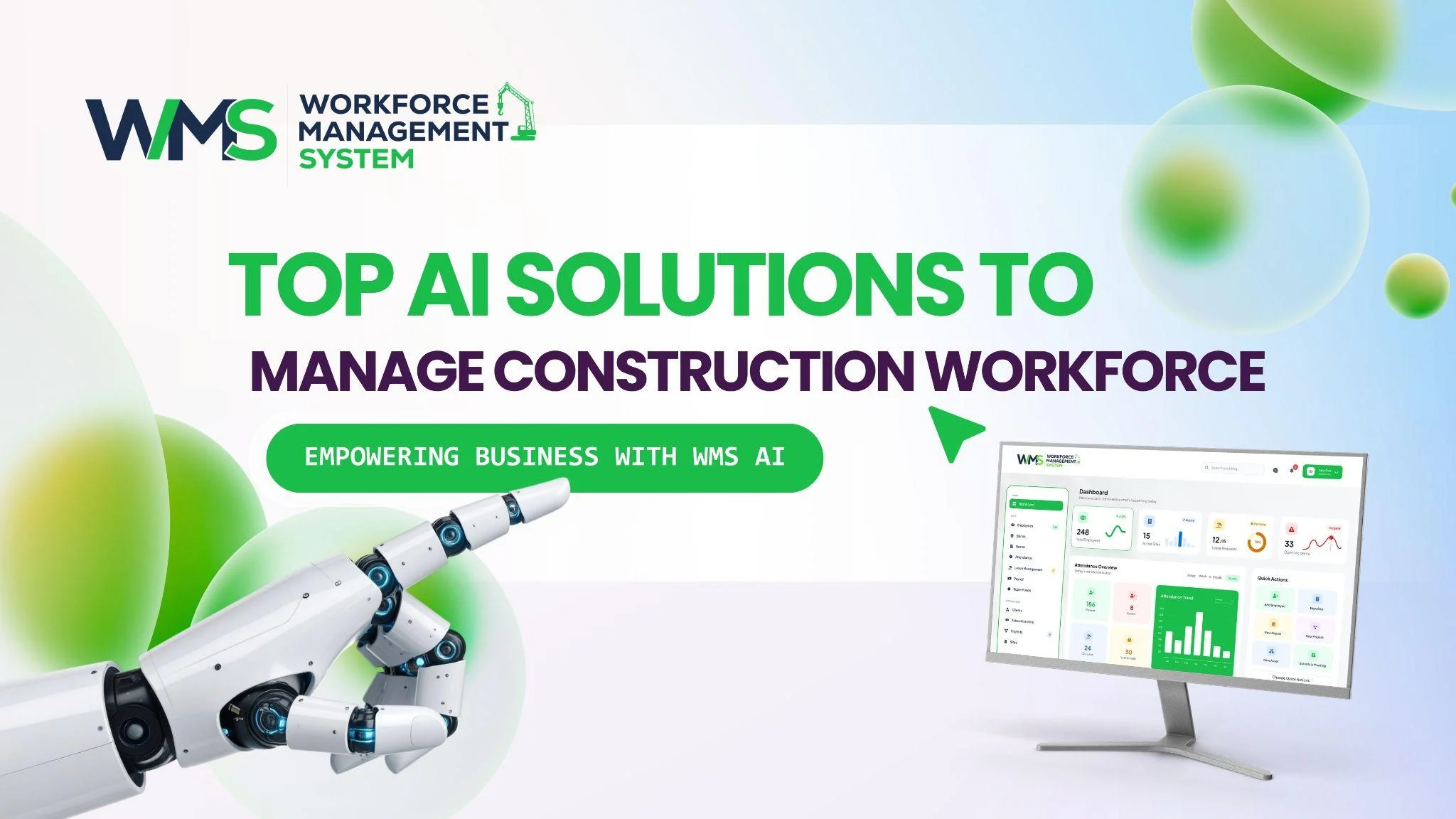
Streamline your frontline operations
See how WMS simplifies scheduling, compliance and workforce management in one powerful platform.
Construction businesses across Australia deal with onboarding, compliance, payroll, project planning and site safety, often all at once. WorkforceMS has built AI-powered features to cut down this workload, while keeping your team in control at every step. This guide looks at each AI solution and how it can help your construction business.
Why AI Solutions Matter For Construction Workforce Management
Construction involves a lot of paperwork. Award rates, RDOs, site inductions, licences and safety records all need regular attention. When these tasks are done manually, mistakes and missed deadlines become more likely. AI in a workforce management system takes on the repetitive parts of this work, such as checking data and matching records, while leaving final decisions to your team.
This leaves more time for HR, payroll and project personnel to concentrate on what they can and should be doing. It also equates to less “slippage” when a business runs multiple locations simultaneously.
The Process of Managing Casuals, Subcontractors And Permanent Staff
It's not uncommon for construction companies to have permanent employees, casual workers, subcontractors and labour hire employees working at the same time. There may be different pay rules and paperwork requirements within each group.
It can be done manually in a spreadsheet, but this will result in more errors, especially if you have multiple projects running at the same time and your company grows. AI tools can collate this information into one place and give managers a bird's-eye view of all their employees, so they don't have to look at several records.
Staff Can Review Every AI Result
These AI tools should not be used in place of your team's good sense. All AI results can be reviewed and edited by an authorised staff member prior to finalisation, including award matches, payroll figures or incident reports. This way, the burden of accountability for payroll and compliance results falls on those responsible for the related outcomes, not just the automated system.
Faster Onboarding With AI Data Mapping
Onboarding a new worker usually means entering the same details into several systems. Smart Employee Onboarding in WMS uses AI to reduce this work. Existing employee CSV data is uploaded, and the AI automatically maps the data to the correct WMS fields.
The AI knows what each row or column of data represents, and it automatically populates the appropriate field, rather than having to figure it out manually one by one. Rather than having to manually match the column headings and fix the errors line by line, the AI understands what each piece of data is and fills it in accordingly, which saves HR teams a lot of time each time they have a new employee.
Ideal for Companies With Numerous Staff Members
This feature is especially helpful for businesses hiring many casual or project-based workers at once. AI reduces the time spent on data entry before a crew can start on site. For businesses running several projects with changing labour needs, this can shorten the time between hiring someone and having them ready to work, which helps keep project timelines on track from the very start.
Keeping Compliance Documents On Track With AI
Everything from a licence, white card, certificate and insurance policy has an expiry. It's very easy to lose sight of these in a spreadsheet, especially when a company is dealing with dozens of employees in a variety of locations.
The AI-based OCR technology in WMS can read the documents uploaded and pick out key information, such as expiry dates. Then it provides an alert when something is about to expire or is already expired, so you will never miss it.
Avoiding Delays At Site Induction
Arriving at a site induction to find a worker's licence has expired causes delays for the whole crew and can push back the start of work for everyone involved. With AI alerts sent ahead of time, compliance staff can follow up on renewals early. This helps avoid last-minute issues at the site gate and keeps projects moving on schedule.
Matching Award Rates With AI Assistance
Award and classification matching is one of the harder parts of construction payroll. There are many trades, experience levels and agreements to consider, and getting this wrong can be costly.
WMS uses AI to match employee details, such as trade, experience and certifications, to the most likely award classification under Fair Work Commission standards. This gives payroll staff a starting point instead of a blank page to work through manually.
Payroll Team Approves The Final Match
Payroll personnel can review, modify or override this AI match anytime before it is used. The tool is designed to accelerate an often lengthy and tedious manual process. The final decision always sits with your payroll team, since award classification carries real financial and legal weight for the business.
Simplifying Payroll Runs With AI
A single construction pay run can include rostered hours, overtime, allowances, tax, penalty rates, breaks, RDOs and TOIL. These often vary from site to site, making manual calculations time-consuming and easy to get wrong.
WMS uses AI to work from confirmed award information and evaluate these scenarios, preparing a payroll calculation for your team to check. This cuts down the manual reconciliation work needed before a pay run is processed.
Payroll Staff Can Adjust Every Figure
Your payroll team can see every figure and adjust any AI-suggested value before a pay run is finalised. This matters given how sensitive payroll decisions can be, both for the business and for the worker being paid. For businesses managing large or changing workforces across several sites, this can meaningfully reduce the hours spent preparing each pay cycle.
Spotting Project Scope Gaps Early
Missing project details are far cheaper to fix during planning than halfway through a build, once materials have been ordered and trades are already booked in. WMS uses AI to review uploaded project information and produce a scope score. This helps project managers quickly see where documents may be incomplete, or where more detail is needed from a client or subcontractor before work starts on site.
Turning Documents Into A Plan With AI
Building a project plan from scratch takes time, especially when documents are spread across different files and formats. WMS uses AI to generate milestones from uploaded project documents, then generate tasks from those milestones. This gives project teams a practical starting point instead of a blank schedule to build up from nothing.
You Can Still Edit Plans By Hand
Milestones and tasks created by AI can also be added or changed manually at any stage. This means the plan is never locked to what AI produces on its own. Project managers get the speed of an AI-generated starting point, along with the flexibility to adjust it as the project develops and circumstances change.
Flagging Project Risks Sooner
WMS is using AI to analyse the information on the project, identify risks, and notify management. This translates into a change in the way risk is viewed: it becomes a daily tracking element of a project instead of only occurring at regular intervals during a project's progress.
Managers have more time to react in order to prevent minor matters from becoming major delays or conflicts further down the line and at a later stage in the project when it will be more difficult and costly to resolve.
Speeding Up Site Reporting
Defect reporting often gets delayed because someone has to sit down later and write up notes from memory. WMS uses AI to look at site photos and help draft defect details, filling in report fields automatically.
This means reports can be logged while details are still fresh, rather than pieced together after the fact once the details have started to fade. It also helps keep reporting consistent across a large site team, since every worker works from the same structured fields.
Structuring Safety Incident Reports With AI
Safety incidents MUST be reported promptly and accurately, not only for compliance, but also if this is followed by an investigation. WMS lets users upload safety evidence images, and AI helps structure the incident report. This includes fields such as project, site, location, date and time, incident type, description and severity.
A Staff Member Reviews Every Report
Reporting of any incident is always checked and confirmed by a member of staff. Keeping accountability with your safety team reduces time spent converting evidence to a comprehensive, organised report for review. This is important for times immediately following an incident when records must be captured in a timely fashion.
Ask Your WMS AI Assistant Instead Of Searching It
Finding information inside a workforce system can take time if teams rely on manual searches through menus and reports. WMS supports specialised AI chatbot agents, each working with a different knowledge base.
This means there is no need for staff to know exactly where they might find that information in the system in order to ask a question and receive an answer. This can be beneficial for a site supervisor reviewing a compliance item, or an office administrator finding a project record.
AI Workflow vs Traditional Process
| Task | Traditional Process | AI-Assisted WMS Workflow |
|---|---|---|
| Onboarding | Manual re-entry into each system | Employee data mapped automatically by AI |
| Compliance documents | Spreadsheet tracking of expiry dates | AI-driven OCR extraction with automatic alerts |
| Award rate selection | Manual lookup against classifications | AI-suggested match with staff override |
| Payroll | Manual reconciliation of hours | Evaluated by AI, reviewed by staff |
| Defect reporting | Written up later from memory | Drafted by AI from site photos at point of capture |
| Finding information | Manually searching menus and reports | Asked directly through an AI chatbot agent |
Why Human Review Still Matters
Payroll, award classification and safety reporting all carry real legal and financial weight. This is why accuracy and accountability cannot be left entirely to AI. All of the AI capabilities in WMS are designed to involve a human, and not to take over decisions.
In tasks that involve a lot of repetitive work, the use of AI can significantly increase the speed at which tasks are completed, while still ensuring that your team remains responsible for the final result, which is most important in the event of an error.
When AI Should Not Make The Final Call
This is a critical factor for construction companies to consider when implementing AI tools. AI is most useful when it gets hours of tedious administrative tasks out of your way, and not when it makes your final decision on anything that has real legal or financial implications. This principle is built into each WMS feature in this guide, so there is no compromise between speed and proper supervision.
Optimise your operations with WMS
Streamline scheduling, compliance, and workforce management in one platform.
Frequently Asked Questions
It assists with onboarding, payroll, regulatory compliance, project scheduling and safety reporting, with your team reviewing and approving the final results.
No, AI-assisted payroll and award matching tools only suggest results. Authorised staff can review and change them before anything is finalised.
AI-driven OCR scans documents, and the system alerts your team before licences or certifications expire.
Yes, the report is completed based on the information obtained from site pictures uploaded into AI, and the report is reviewed by a staff member before it is submitted.
It allows any AI suggestion, such as an award rate or payroll figure, to be reviewed and changed by an authorised person before it becomes final.
AI assists with calculations, but final payroll decisions remain the responsibility of your accountable payroll team.
Related Articles
Explore more insights on workforce management, compliance, and operations.
Smart Cleaning Roster Management with WMS
Improve cleaning roster management with a smart WMS. Match cleaners to shifts, adjust rosters fast and track hours across all your sites in one place.

Muhammad Asim
29 Oct 2026
Healthcare Risk and Patient Safety Through Smart WMS Automation
Improve healthcare risk and patient safety with smart WMS automation. Plan safer rosters, fill shifts fast and track all staff credentials in one place.
Muhammad Asim
28 Oct 2026
Security Monitoring and Alarm Response with Predictive WMS
Improve security monitoring and alarm response with a predictive WMS. Map risks, send the right guard fast and keep every incident record in one place.
Muhammad Asim
27 Oct 2026
Ready to secure your operations?
