Trades and Field Services Job and Invoice Management
Book jobs, record on-site hours, and send accurate invoices with WorkforceMS. Simplify trades and field services job and invoice management and get paid faster.

Share this article
Streamline your frontline operations
See how WMS simplifies scheduling, compliance and workforce management in one powerful platform.
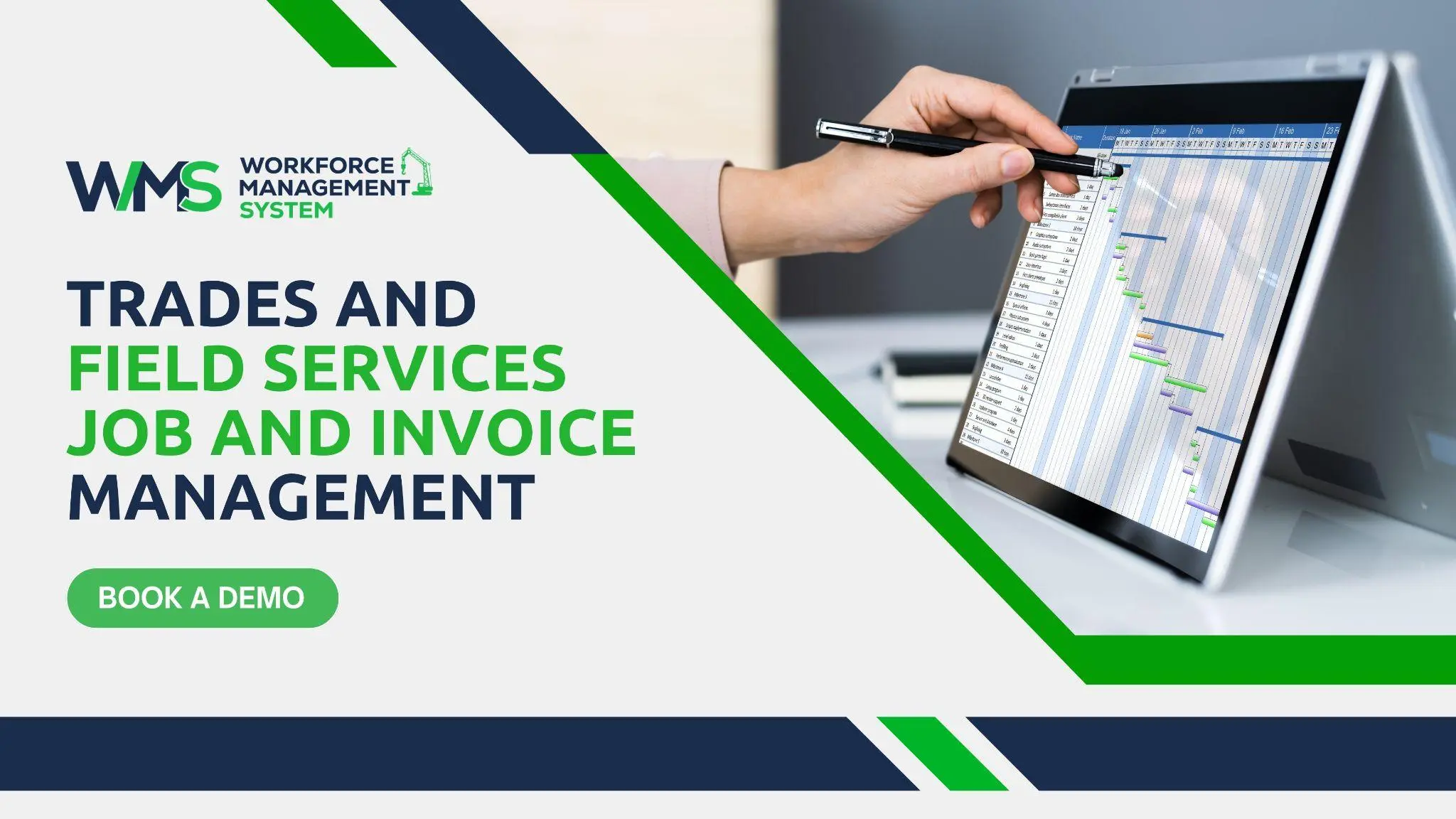
Trades and Field Services Job and Invoice Management
A tradie's day does not end when the job is done. Hours must be written down, materials counted, and invoices sent, or money is lost. WorkforceMS makes trades and field services job and invoice management easier by keeping jobs, hours and billing in one place. Here is how it helps teams get paid correctly and on time.
WMS for Trades Administration
Trades employees are out on the road and at work a majority of the day. Once they return, there are papers to attend to. Despite their existence, there are still many businesses that are not keeping track of the work they do on the following:
- Paper dockets
- Text messages
- Spreadsheets
A WMS has all jobs, staff and hours concentrated in one location. Managers can see:
- What jobs have been booked
- Who is working
- Which ones have been completed
This equals less running around and less confusion.
WorkforceMS started with its construction roots: project teams are constantly changing as they go from site to site, and time is of the essence. This also works well for electricians, plumbers, air conditioning techs and other field service technicians.
Less Paperwork After Hours
If the hours and job information are stored on a cell phone, then there's less to type into at night. Owners are rewarded with free evenings, and office staff can enjoy their evening meals. Also, the information is more accurate, as it is stored when the job is new. The fewer the errors, the fewer the issues to come.
One Place for Jobs and Staff
All jobs and all team members are visible in one view for managers. No need to use a diary, a spreadsheet and a phone! A job that's late or a tradie who is sick is easy to see. Making decisions quickly helps to please customers.
Core Benefits of Trades and Field Services Job and Invoice Management
All jobs and all team members are visible in one view for managers. No need to use a diary, a spreadsheet and a phone! A job that's late or a tradie who is sick is easy to see. Making decisions quickly helps to please customers. A record of jobs and invoices is great for everyone from the owner to the tradie on site. Below are the key benefits.
- Fewer night-time typing hours - Hours and job notes are stored on a phone, meaning less typing at night.
- Less opportunity for errors: Details are written down while you're still doing the job and are easier to miss.
- The earlier the invoices are sent, the sooner the money will be collected.
- Owners are able to identify the cost of the job - a clear job cost analysis.
- Fair billing: The customer should be charged for work done, and there should be records to support this.
- Better teams: Staff are receiving the proper pay and salary on time.
Field Service Job Booking
When customers ask a question, they want the answer right away. They call, make an appointment and wait to be picked up in time. In Good Job Booking, a job is sent to the right Person at the right Address at the right Time.
There is a need to know what managers should know:
- What day is free for everybody
- In what areas people are working
- Skills, licences and tickets they possess
A gas job must be done by a licensed gasfitter, and an electrical job must be done by a licensed electrician. It wastes time and could blow up the rules.
The staff also should have clear information prior to departure:
- The address
- The type of job
- Any customer notes from the customer.
Right Tradie for the Right Job
Each profile can have licences, tickets and skills displayed. Managers can see if a person is qualified for the job prior to booking the person. This will ensure that customers and the company are protected. This also means there will be fewer returns due to sending the right person home.
Work Order Status and Updates
A work order is the record of a Job. It helps to show the customer what was requested, what is done and what remains to be done. It lets everyone know of the job's status. Simple statuses are best, like booked, on the way, in progress and complete.
As tradesmen update their status on their phone, it is instantly visible in the office. This eliminates a lot of phone calls. The office can respond immediately to customer queries and move ahead to the next job with assurance.
Live Job Status for the Office
Office personnel can view the status of jobs that have begun and those that have been completed. They don't have to call each tradie to ask. This enables it to inform customers when it will come to them. Also displays jobs that are late for execution.
Fewer Calls to the Field
All calls to a tradie on site put the work to a halt. If there are already updates in the system, the majority of those calls are unnecessary. Tradies can concentrate on the task at hand. Even though the manager is not in the building, he/she knows what is going on.
On-Site Labour Hour Recording
Often the most expensive item on a job is labour; therefore, hours need to be recorded properly. It's easy to guess what you think the final answer will be at the end of this week, and you're going to make mistakes, and mistakes cost you time and money or make your customers unhappy. Tradespeople use WorkforceMS to log in on their mobile device at work sites.
The place is stored in real time. Managers can view the people in the building and how long they have been there. Correct Hours will serve as the foundation for trades and field services job and invoice management. They advocate proper payment to employees and proper fees to patrons. Please review the current rules of the awards with the Fair Work Ombudsman.
Clock-In at the Job Site
Staff sign in/out at each site, not just at the beginning of the day. This will display how much time it took for each job. It also depicts the time required to get from one job to another. Both are useful in the process of doing price and timetable planning.
Trades and Field Services Job Costing
Job costing involves the calculation of the actual cost of a job. Adds labour, materials, travel and equipment. It then takes a look at the total and the charges made. Many businesses are unable to tell whether or not a job had a profit if they do not have proper records.
It may seem like a lot of work to get a job done, but if the job takes longer than expected, it could end up costing you money. If saving hours and materials is done per job, it's obvious. Owners are able to determine the profitability of various jobs.
Labour Costs by Job
Hours are associated with the job, and managers are able to view the labour cost of each visit. They have the ability to make comparisons between the plan and the actual. If a particular job type tends to take up heaps of time, then it might require a greater price. This will assist owners to make informed and sensible decisions.
Quotes That Match Reality
The past gives a good indication of the time required for similar work. This makes it easier for the managers to create good quotations. Generally, a quote that costs too much is going to lose the customer, and a quote that costs too little is going to lose money. Keeping good records helps to identify the right balance.
Materials and Equipment Records
Most trade jobs utilise materials like pipes, cables, filters or fittings. They additionally use tools and vehicles. These are not often charged if they are not written down.
Just a materials list for every job suffices for a bill to be complete. Equipment records also indicate the equipment, which job it is on, and who is responsible for the equipment.
Loss is minimised through the use of good records. They also inform the manager on stock planning so that the team won't run out of parts while in the middle of a job.
Materials Linked to Each Job
While still on site, tradies can make a note of the materials used. These notes are stored along with the job. These can then be added by the office to the invoice. That way, anything that's forgotten is found, and everyone's charges are balanced.
Customer Invoice Preparation
Invoices are the place where all of the work translates to income. A good invoice exhibits the work, hours, materials and overall. It should be easy for the customer to read and be clear. If the invoice is generated from actual jobs, the preparation of the invoice is quicker. No more searching for notes or hours to type out. It's at the core of trades and field services jobs and invoice management.
The table below details what is being recorded and why it is important for billing.
| Job Stage | What Is Recorded | Why It Matters for Billing |
|---|---|---|
| Booking | Customer, address, job type | Sets up the job correctly |
| Arrival | Clock-in time and location | Shows when work began |
| Work done | Hours and notes | Supports labour charges |
| Materials used | Items and quantities | Makes sure parts are charged |
| Completion | Status and sign-off | Shows the job is ready to bill |
Ensure invoices comply with the tax regulations, including GST. Please refer to current rules with your accountant or the Australian Taxation Office.
Invoices Built From Real Records
Approved hours and materials can be used to prepare each invoice. This will reduce typing and reduce errors. The customer is able to see clearly what he/she is paying for. Clear invoices also result in fewer enquiries.
Faster Payment, Better Cash Flow
If the billings are sent earlier, then the payments are received earlier. Many businesses wait days, as paperwork is not ready. Fast and accurate invoicing to boost cash flow. This simplifies the process of timely payment of staff, suppliers and bills.
Service Visit and Job History
There are lots of repeat customers. They could be facing the same issue, require a repeat service or have questions regarding previous services. These calls will be much easier if a job history is visible.
A history of the visits is kept: who was present, what was done and what was charged. No need for staff to remember or see old messages. This facilitates warranty queries as well. The record will document the type of repair attempted if the customer states that it was unsuccessful.
Past Visits at Your Fingertips
The previous visits for office staff and trades can be looked up in moments. They can view the repairs and replacement components. This will save time on site and redo work. The team that already knows your history makes the customers feel looked after.
Accurate Billing for Completed Work
Correct billing builds trust. If the work they have done is fairly priced, then they return. If they are asked to pay for something that they don't know, they argue or pay late. One Workforce Management system integrates hours, materials and job information.
Customer doubts about an invoice can be resolved in a timely manner. The right WMS can help take away the chaos when billing so that it's a steady process rather than a last-minute scramble.
Fewer Disputes With Customers
Records are clear of the actions taken, the date and the duration of actions. Managers can provide facts to respond to questions. The majority of problems are resolved in a short period of time. This is for the benefit of the customer as well as the business.
Happier Teams, Steadier Business
Correct hours equal correct pay for staff. People are put at ease by the business when they know they are being paid properly and on time. Owners also save time on paperwork. This leaves you with more time to expand the company.
Ready to Turn Finished Jobs Into Paid Invoices
Good trades and field services jobs and invoice management begin with perfect documents. WorkforceMS provides your workforce with structured jobs, accurate hours and complete information for all your invoices. You'll be able to bill more quickly and confidently. Get a demo today and witness how easy it can be!
Optimise your operations with WMS
Streamline scheduling, compliance, and workforce management in one platform.
Frequently Asked Questions
Field teams such as electricians, plumbers, air conditioning technicians and others all benefit. Field teams who record hours and send invoices save time. Avoid missed charges.
Yes. Field teams clock in and out at each site so job times and travel gaps show clearly. This helps with pay and better planning.
Past jobs show how long similar work really took. Field team managers can then price jobs more fairly and avoid quotes that are too low.
Hours and materials are already kept track of, so invoices can be created quickly. When invoices arrive faster, customers tend to pay too.
Job records show exactly what was done, when it was done and how time it took. Managers can give information instead of trying to remember.
No. Small teams usually benefit the most because the owner spends time on paperwork and fewer jobs are left without being billed.
Related Articles
Explore more insights on workforce management, compliance, and operations.

Cleaning Firm Roster Management with Task Verification
Plan cleaning rosters, track attendance and prove every task is done with WorkforceMS. Simplify cleaning firm roster management and keep clients confident.

Muhammad Asim
13 Oct 2026

Security Incident and Crisis Management Solutions
Plan rosters, track attendance and keep records ready with Workfoce Management System. Strengthen security incident and crisis management with clear, up-to-date staffing.
Muhammad Asim
12 Oct 2026

Security Operations and Monitoring Workforce Planning
Plan guard rosters, track live attendance and cover every shift with WorkforceMS. Strengthen security operations and monitoring with smarter workforce planning.
Muhammad Asim
09 Oct 2026
Ready to secure your operations?
