Best Construction Management Software Australia (2026 Guide)
The best construction management software in Australia links site teams and the back office on one platform, with planning, scheduling, documents, safety, and payroll while handling GST, BAS, and Fair Work compliance.

Share this article
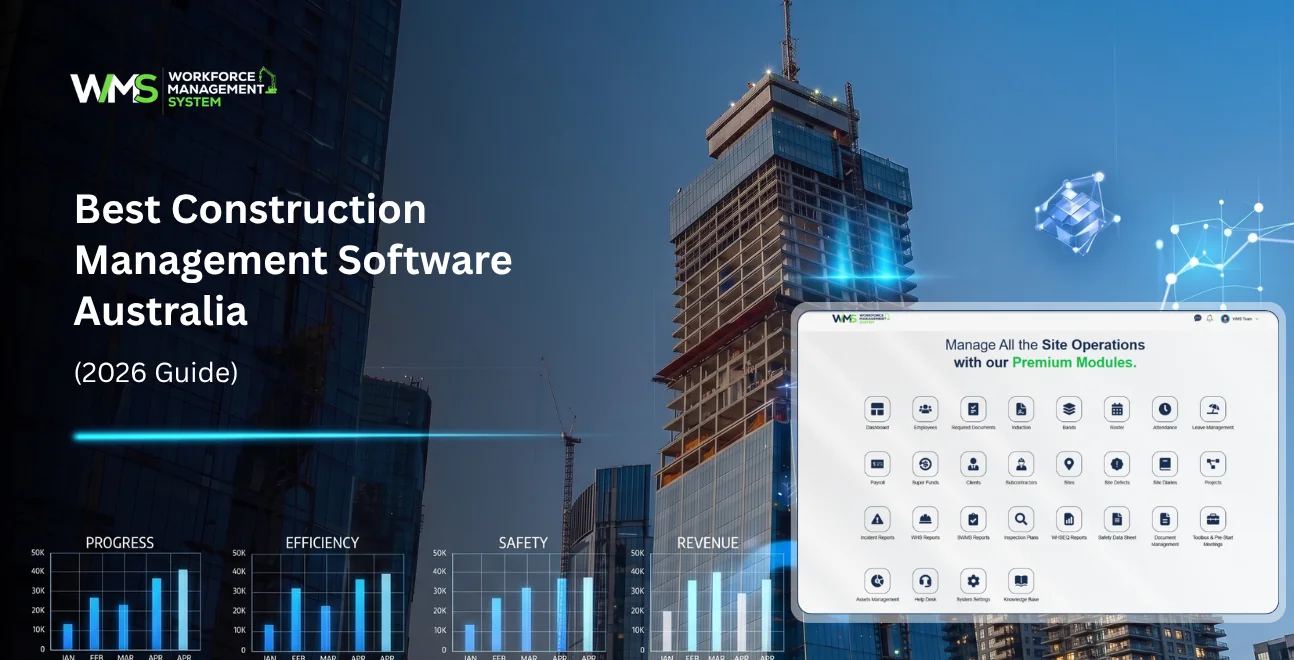
Streamline your frontline operations
See how WMS simplifies scheduling, compliance and workforce management in one powerful platform.
The best construction management software in Australia links your site teams and the back office on one platform, with planning, scheduling, documents, safety, and payroll all in there, while still dealing with local requirements like GST, BAS, and Fair Work compliance. WorkforceMS is our top pick overall for builders who want a true all-in-one setup built in Australia, and Procore plus Buildxact are solid alternatives if you are running bigger organisations or live in estimating-heavy workflows more days than not.
- Best all-in-one: WorkforceMS
- Best for large commercial projects: Procore
- Best for estimating and smaller builders: Buildxact
- Best for civil contractors: Varicon
- Best free tier option: Sitemate (limited plan)
Introduction
Running a construction business in Australia is a mix of site compliance, GST and BAS reporting, Fair Work duties, and a crew that is rarely in the same place twice. When all of that gets tracked across spreadsheets, group chats, and paper dockets, even small issues turn into missed claims, possible safety breaches, and budget blowouts fast.
Construction management software helps by giving builders, contractors and project managers one connected system, for scheduling, paperwork, budgets, and compliance, something you can use from the office or the ute. Not separate tools that don’t really talk.
This guide compares the ten leading construction management platforms available in Australia in 2026, then walks you through what to look for, and also breaks down actual pricing, so you can decide with more confidence. And unlike most comparison articles we’ve included the two topics builders keep asking about, but usually don’t get clear answers on: local compliance handling, and transparent pricing.
Why Australian Builders are ditching spreadsheets, for construction software
Spreadsheets or paper based routines just can't keep pace with projects that span multiple sites. There's too much going on between subcontractor management, real time compliance reporting, and all the day to day scheduling stuff. So builders are shifting toward construction management software, not because it's trendy, but because it kind of centralises everything.
Think scheduling, safety documents, budgets, and communication in one place, that reduces admin hours, and it can also stop the expensive on site mistakes that happen when things get missed. When tracking is done manually, you end up with these blind spots. Like, a foreman might not even know a variation got approved. Or an invoice gets paid twice, which feels absurd but it happens.
Sometimes a safety checklist just never makes it back to the office, then it's basically useless. These aren't unusual either. They're, sort of, the default outcome when systems are disconnected and no one has the same version of reality. Cloud based construction software helps close that gap by pushing shared live data to everyone involved. Whether they're on site, or sitting in an office.
What Is Construction Management Software?
Construction management software, what it really is… a cloud based platform that helps builders and contractors plan, schedule, budget, and monitor construction jobs from one place. It kind of connects the site crew with the office team in real time, so everybody's looking at the same stuff, more or less.
Usually it includes project scheduling, cost tracking and budget control, document plus drawing management, safety and compliance paperwork, time tracking, and contractor subcontractor coordination. Many Australian options also link up with accounting tools like Xero or MYOB, so GST and BAS reporting can be handled with less effort, and there's usually less double handling between the site side and the finance side.
How Construction Management Software Works
These platforms typically run as a web dashboard for office staff paired with a mobile app for site teams, syncing data like timesheets, task updates, and safety checklists in real time so both sides always see the same project status.
- Field-to-office sync: Workers log time, complete safety checklists, and update task status from a mobile app on-site, which syncs instantly to the office dashboard with a Sites & Projects module giving a live view of every active job in one place
- Centralised documents: Drawings, contracts, and variations live in one searchable repository instead of scattered email threads, reducing version-control errors
- Automated compliance: GST/BAS calculations, Fair Work award interpretation, and safety audit trails are handled automatically, cutting manual admin and audit risk
How We Chose the Best Construction Software in Australia
We evaluated each platform on core project management features, ease of use for site crews, Australian-specific compliance handling (GST, BAS, Fair Work), pricing transparency, and integration with common accounting tools.
- Must have core features: scheduling, budget tracking, document management, and mobile access for field teams
- Usability features: intuitive mobile app, minimal training time for non-technical crew, offline access for low-signal sites
- Compliance and integration: native or integrated GST/BAS handling, Fair Work-compliant payroll, and two-way sync with Xero or MYOB
Top 10 Construction Management Software Australia Compared
| Software | Best For | Standout Feature | Starting Price |
|---|---|---|---|
| WorkforceMS | All-in-one, field-to-office teams | Real-time compliance + scheduling sync | Custom (demo-based) |
| Procore | Large commercial projects | Full project lifecycle control | Custom (enterprise) |
| Buildxact | Small builders, estimating | Fast takeoff and quoting | From ~$149/mo |
| Nexvia | ANZ builders and fit-out specialists | Estimating and tendering | Custom |
| Sitemate | Site compliance and mobile forms | Digital forms and workflows | Free tier available |
| Buildertrend | Residential builders | Client communication portal | From ~US$199/mo |
| Buildlogic | Developers and contractors | Locally tailored all-in-one | Custom |
| Varicon | Civil contractors | Real-time cost and budget tracking | Custom |
| PlanRadar | Site documentation and defects | Defect and snag tracking | From ~€39/mo |
| Access Construction | Commercial and civil contractors | Finance, projects, payroll on one platform | Custom |
WorkforceMS Best All-in-One Construction Management Software in Australia
WorkforceMS connects scheduling, budgets, safety compliance and payroll in a single Australian-built platform, designed so field updates sync to the office instantly.
Its Project Task Management module keeps day-to-day site work on track, while the built-in Client module keeps customers updated without needing a separate portal.
It's aimed at builders who want to stop reconciling five separate tools and want GST, BAS, and Fair Work compliance handled without add-on modules.
Procore: Good for Large Construction Firms Needing Full Lifecycle Control
Procore covers project management, time tracking, scheduling, and financial tracking for firms running large, multi-stage commercial builds. It suits businesses with dedicated project management staff and complex subcontractor networks.
Buildxact: Good for Small Builders and Fast Estimating
Buildxact focuses on estimating, quoting, and takeoff speed, making it a strong fit for small-to-medium residential builders who need to turn quotes around quickly without a large back-office team.
Nexvia: Good for Australian Builders and Fit-Out Specialists
Nexvia combines estimating and tendering with budget tracking and site/field tools, built specifically for the Australian and New Zealand construction market.
Sitemate: Good for Streamlining Site Compliance
Sitemate specialises in digital forms, automated workflows, and mobile IDs, making it a strong choice for businesses whose main pain point is compliance paperwork rather than full project management.
Buildertrend: Good for Residential Builders and Client Communication
Buildertrend adds a client-facing portal to standard scheduling and budgeting tools, useful for residential builders managing frequent client updates.
Buildlogic: Good for Developers and Contractors Wanting a Local All-in-One Tool
Buildlogic covers project planning, document management, and contractor management, positioned as an Australian-developed alternative to larger international platforms.
Varicon: Good for Civil Contractors Managing Costs in Real Time
Varicon focuses on real-time budget tracking, payroll compliance, and daywork approvals, purpose-built for the civil construction sector's cost-control challenges.
PlanRadar: Good for Site Documentation and Defect Management
PlanRadar is strongest for tracking defects, snagging lists, and site documentation across construction and property phases, often used alongside a broader project management tool.
Access Construction: Good for Connected Finance, Projects, and Payroll
Access Construction links finance, project management, payroll, plant, and compliance on one platform, aimed at commercial and civil contractors wanting fewer disconnected systems.
Key Features to Look For in Construction Management Software
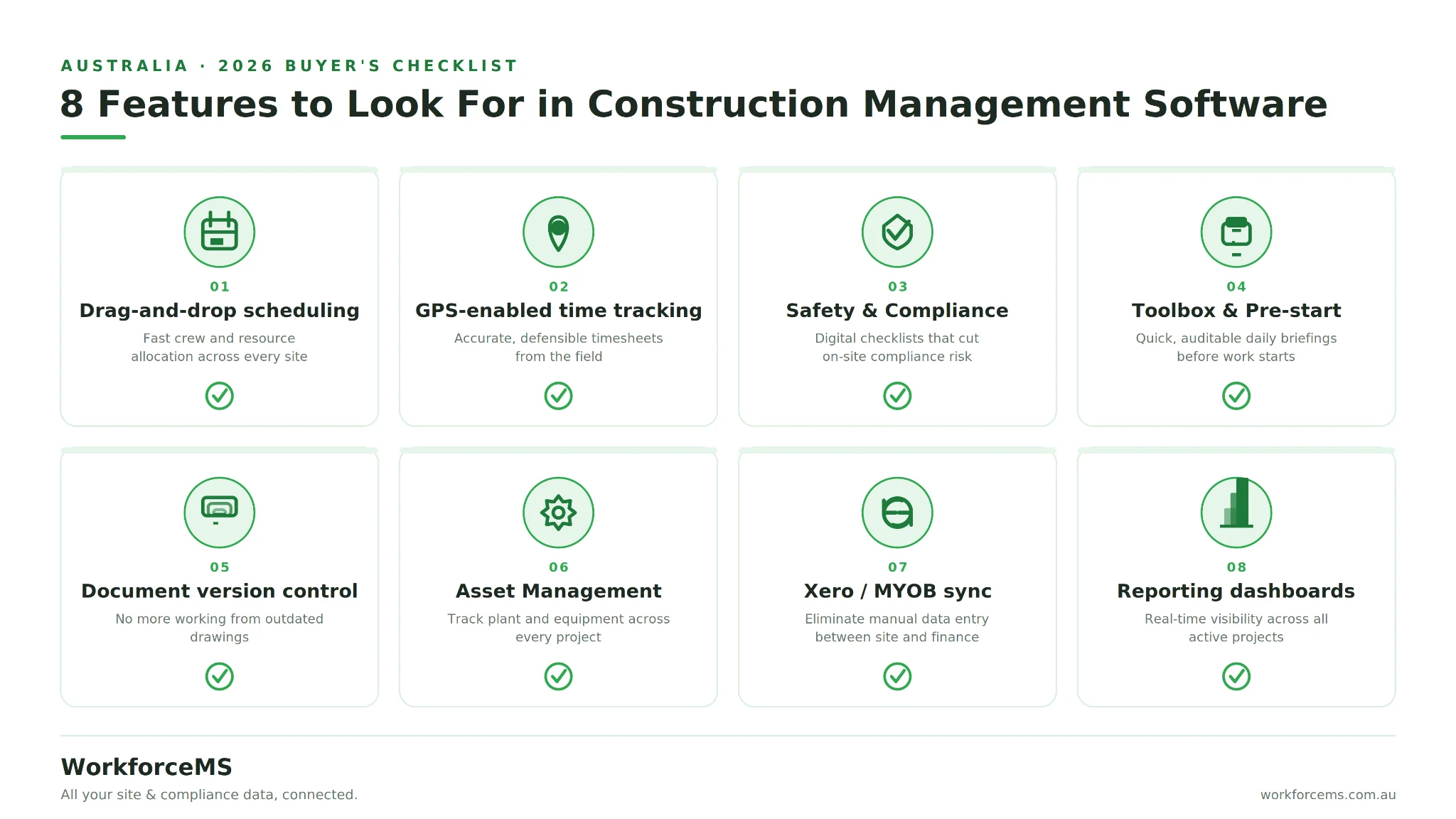
Prioritise scheduling, budget tracking, document management, mobile access, and Australian compliance features (GST/BAS, Fair Work). These cover the day-to-day pain points that cost builders the most time and money.
- Drag-and-drop scheduling for fast crew and resource allocation
- GPS-enabled time tracking for accurate, defensible timesheets
- Safety & Compliance tools, including digital checklists, to reduce on-site risk
- Toolbox & Pre-start modules for quick, auditable daily briefings
- Document version control to avoid working from outdated drawings
- Asset Management to track plant and equipment across every site
- Xero/MYOB integration to eliminate manual data entry between site and finance
- Reporting dashboards for real-time visibility across all active projects
Common Mistakes When Choosing Construction Software
The most common mistakes are picking software based on price alone, ignoring compliance features until after signing up, and choosing a platform the field crew finds too complex to actually use.
- Ignoring GST/BAS and payroll compliance: Software that does not integrate with your accounting system creates manual reconciliation work that erodes any time savings elsewhere.
- Choosing on price alone: The cheapest plan often lacks scheduling or compliance modules forcing you to buy a second tool later and raising total cost of ownership above a more complete platform.
- Overlooking subcontractor management: Without a dedicated Subcontractor module tracking compliance documents, insurances, and payments across multiple trades quickly becomes a manual, error-prone process.
Must Have Integrations: Xero, GST & Fair Work Compliance
Look for native or certified integrations with Xero or MYOB, automated GST/BAS-ready reporting, and Fair Work award interpretation for payroll. These three integrations eliminate the most common sources of manual admin in Australian construction businesses.
Builders lose hours each week manually re-entering timesheet data into accounting software. Platforms with two-way Xero sync remove this step entirely, while automated award interpretation reduces underpayment risk under Fair Work. A connected HRM module keeps staff records, qualifications, and leave in the same system as payroll, and a built-in Invoices module makes sure GST is calculated correctly before anything reaches your accountant.
Construction Software by Business Size
Small builders should prioritise ease of use and fast estimating. Mid-tier commercial builders need stronger project and subcontractor management. Civil contractors need real-time cost tracking suited to earthworks and infrastructure projects.
- Best for small-to-medium builders: Buildxact and Buildertrend, for fast quoting and client communication without heavy setup
- Best for civil contractors: Varicon, built around cost management specific to civil site work
- Best for $20M+ commercial builders: Procore and Access Construction, for full lifecycle control across larger subcontractor networks
Regardless of business size, a strong Tender Management module speeds up quoting and improves win rates on competitive jobs.
Construction Software Pricing in Australia
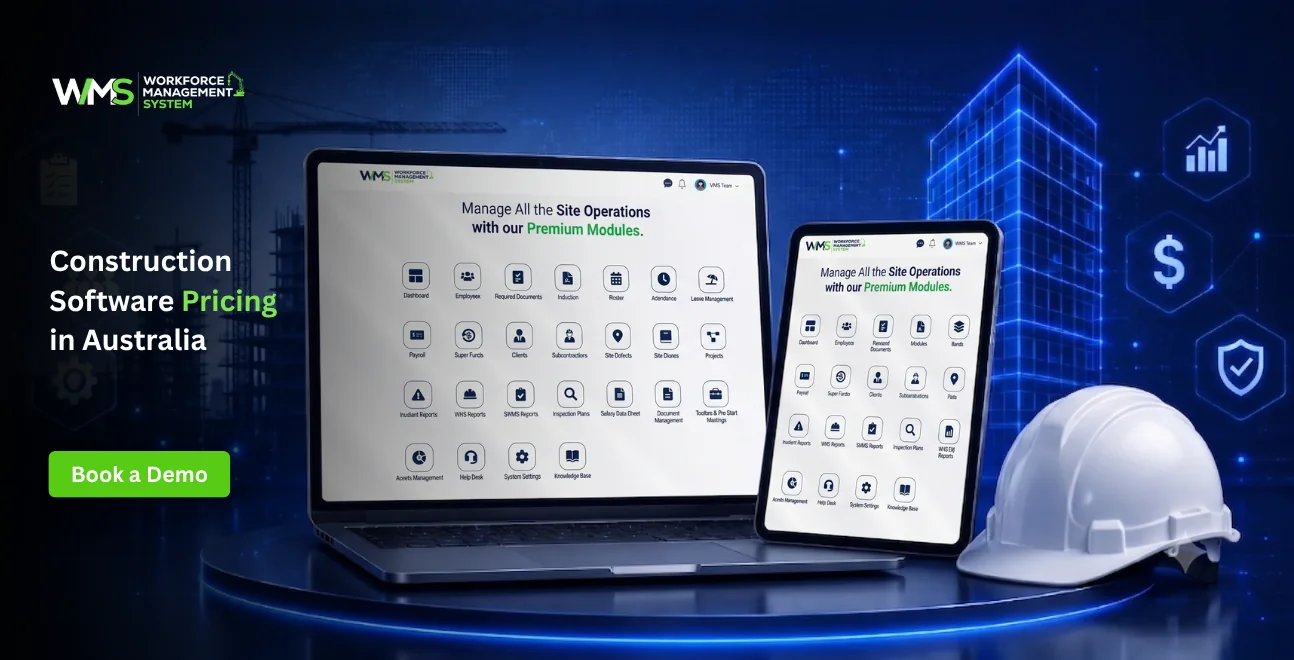
Pricing ranges from free entry-level plans (Sitemate) to around $149–$300/month for small-builder tools like Buildxact, up to custom enterprise pricing (Procore, WorkforceMS, Access Construction) based on team size and project volume.
Most Australian construction software vendors quote custom pricing for mid-to-large teams, since cost scales with users, project volume, and modules like payroll or ERP. Expect a demo or discovery call before a firm quote for enterprise-tier platforms.
Construction Software Trends to Watch in 2026
The biggest shift in 2026 is AI-assisted scheduling and cost forecasting, where software flags budget overruns or scheduling conflicts before they happen rather than reporting on them after the fact.
AI-assisted scheduling and cost forecasting: Newer platforms are layering predictive tools over standard scheduling and budget features, aiming to surface risks like cost blowouts or resourcing gaps in advance rather than after the damage is done.
How to Choose the Right Construction Software for Your Business
List your top three daily admin pain points (e.g. timesheets, variations, compliance forms).
Shortlist platforms that solve those specific problems, not just general project management.
Confirm Xero/MYOB integration and Fair Work-compliant payroll handling.
Trial the mobile app with your actual field crew before committing.
Compare total cost of ownership, not just the advertised monthly price.
Final Thoughts
Choosing construction management software in Australia comes down to matching the platform to your business size and compliance needs, not just picking the cheapest or most popular name. WorkforceMS is built for builders who want scheduling, compliance, and payroll connected in one system rather than stitched together from separate tools, with GST, BAS, and Fair Work handling built in, not bolted on.
If you are comparing options, start with a demo to see how your actual site data would flow through the platform before committing. Book a WorkforceMS demo to see how field-to-office sync works for your team.
Optimise your operations with WMS
Streamline scheduling, compliance, and workforce management in one platform.
FAQs
Honestly it depends on the type of job , but WorkforceMS feels like a strong all-in-one pick,especially if you want that field to office sync plus built-in compliance. Procore is often chosen for larger commercial projects , while Buildxact tends to suit smaller builders who care a lot about estimating.
It’s basically for running the whole job without living in spreadsheets. Teams use it for scheduling, budgets, documents, safety requirements, and day to day communication, so tracking doesn’t get stuck in paper trails or random shared drives.
Some tools, like Sitemate, give you a limited free tier, but most full-use versions are paid. In general the cost comes down to team size and which modules you actually want, so free usually means restricted.
For small-builder setups you might see around $149 to $300 per month to start. Enterprise systems for bigger firms are usually more custom, with pricing varying based on headcount, workflow complexity, and the features you need.
If you are in Australia, focus on scheduling, budget tracking, mobile access, document handling, plus native support for GST/BAS and Fair Work compliance. Those local compliance features matter more than people think and save a lot of cleanup later.
Buildxact and Buildertrend are frequently used by small-to-medium residential builders, because they’re quick for estimating and they help with client communication too. Sometimes that speed is the real deal.
Varicon is designed for civil construction cost control, including budget tracking and daywork approvals, so it is more tuned for that kind of workflow than generic site tools.
Most of the major options in Australia do, including WorkforceMS. Typically you will find native or certified integration with Xero and often MYOB too, so timesheets and invoicing can sync with GST/BAS reporting without too much manual rework.
Many platforms use GPS-enabled time clocks together with mobile task management. That way office teams can see attendance and task progress in near real time, not just at the end of the week when everything is already messy.
Construction management software usually adds trade and site-specific tools on top of general project management. So you get things like safety compliance, construction scheduling, and trade-focused budgeting, not only timelines and general task boards.
Related Articles
Explore more insights on workforce management, compliance, and operations.

Security Operations and Monitoring Workforce Planning
Plan guard rosters, track live attendance and cover every shift with WorkforceMS. Strengthen security operations and monitoring with smarter workforce planning.

Muhammad Asim
09 Oct 2026

Telehealth and Digital Healthcare Scheduling WMS
Simplify telehealth and digital healthcare scheduling with WorkforceMS. Manage rosters, remote clock-ins and compliance records in one easy-to-use platform.
Muhammad Asim
08 Oct 2026

Healthcare Workforce Management for Aged Care
Simplify rostering, credential tracking and payroll for aged care healthcare teams. Discover how WorkforceMS gives your carers more time with residents.
Muhammad Asim
05 Oct 2026
Ready to secure your operations?
