
WMS
Top AI Solutions To Manage Construction Workforce
14 Sep 2026•1 min read
Rostering Software - 2026
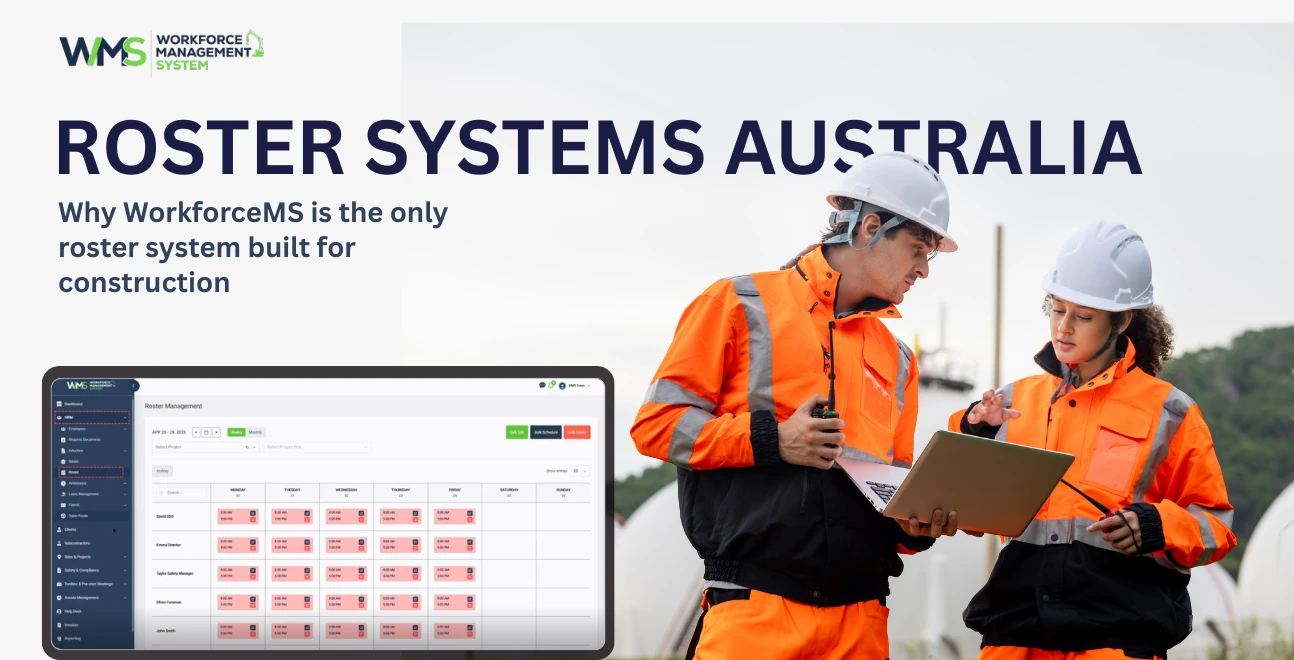
WorkforceMS is an Australian-made roster system that kind of stacks drag-and-drop scheduling with GPS-verified clock-in, award interpretation for the Building & Construction General On-Site Award 2020, and direct payroll integration all in one place, built for construction companies, not "office-style" managers who don't really see the site.
And yeah, it's not just another generic rostering tool that's basically made for cafes or retail. WorkforceMS actually understands how work crews move around: multiple sites, subcontractors alongside employees, project-based labour costing, and that constant pressure of Fair Work compliance. So features like geofenced clock-ins, plus automated award calculations are built around what happens on Australian job sites, not around some theoretical spreadsheet world.
If you're still building rosters in Excel, or sending tradesmen quick texts with screenshot schedules, or manually keying timesheets back into payroll, then you're not only losing time. You're setting yourself up for underpayment claims, compliance breaches, and labour cost blowouts that can really swallow project margins. WorkforceMS removes those three risks in one integrated platform.
Australian construction managers spend 3 to 7 hours per week on manual rostering. One missed penalty rate can trigger a Fair Work audit. WorkforceMS eliminates both risks. A site manager earning $85,000 per year who spends 5 hours weekly on rosters costs your business $10,200 annually in lost productivity alone.
Add payroll errors from misread penalty rates, and the cost multiplies fast. Construction rosters are uniquely complex: varying trade rates, project-based assignments, site allowances, and overtime rules. Excel can't flag when a carpenter's Sunday shift triggers double-time penalties. WorkforceMS does it automatically.
A key tradesman calls in sick at 6 AM. Without a roster system, you're scrambling through WhatsApp groups trying to find cover. The project falls behind. Subcontractors wait. Liquidated damages kick in. WorkforceMS solves this with shift-bidding and instant replacement alerts, crisis averted in minutes, not hours.
The Fair Work Ombudsman recovered $509 million in unpaid wages in 2024-25, with construction among the top-targeted industries. Common violations include incorrect penalty rates, missing allowances, broken shift penalties, and casual conversion rules ignored after 12 months. WorkforceMS's built-in award interpretation prevents these errors before they become fines.
WorkforceMS is an all-in-one workforce management platform designed specifically for Australian construction companies. It replaces manual scheduling, paper timesheets, and spreadsheet payroll with a single cloud-based system that handles rostering, time tracking, award compliance, and payroll export.
| What Construction Needs | Generic Roster Systems | WorkforceMS |
|---|---|---|
| Multi-site crew scheduling | Single-location only | Multi-site dashboard with real-time visibility |
| Subcontractor management | Employee-only workflows | Separate ABN worker and PAYG staff workflows |
| Project-based labour costing | No job-level tracking | Real-time cost tracking by project and cost centre |
| Offline clock-in for remote sites | Requires constant internet | Offline mode with automatic sync |
| GPS + geofencing verification | Basic clock-in only | GPS capture, geofence boundaries, breadcrumb trails |
| Building & Construction Award 2020 | Not included | Built-in award interpretation |
| White Card & certification tracking | Not available | Auto-blocks rostering of expired certifications |
| Crew-based time tracking | Individual-only | Group clock-in managed by supervisors |
| Payroll integration (Xero, MYOB) | Limited or none | Native integration, STP Phase 2 compliant |
| Australian support | Offshore or none | Australian-based team |
The difference is simple: Generic roster systems are built for shift workers in retail and hospitality. WorkforceMS is built for builders, trades, and construction crews across Australian job sites.
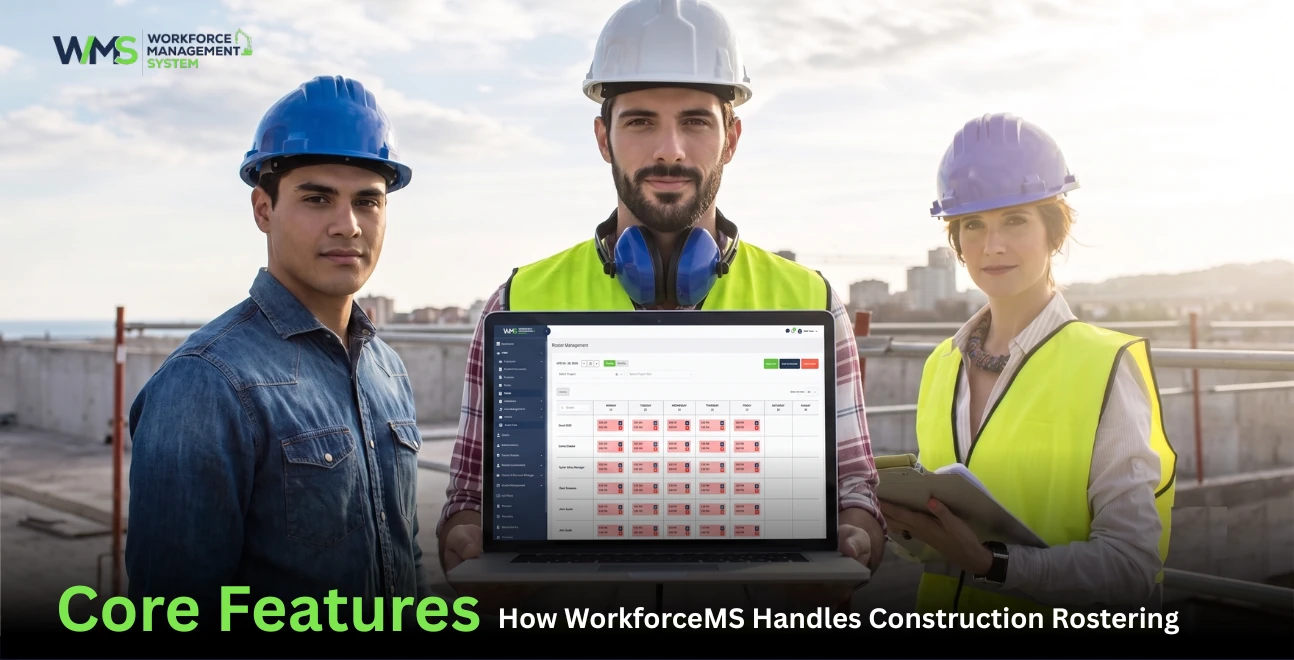
Build compliant rosters across multiple sites in minutes, not hours. WorkforceMS's drag-and-drop interface lets managers assign workers to shifts, projects, and cost centres visually. The auto-scheduling engine accounts for availability, approved leave, skill requirements, and compliance rules, generating optimised rosters in seconds.
Know exactly where your team is when they punch in. WorkforceMS captures GPS location at every clock event, with customisable geofences around each job site. Workers can only clock in when physically within the boundary.
The Building & Construction General On-Site Award 2020 governs pay rates, penalties, and allowances for most on-site construction workers. Manual application is error-prone and errors cost thousands in backpay claims.
WorkforceMS embeds the award logic directly. When you schedule a carpenter for a Sunday shift, the system applies the correct penalty rate automatically. When you roster a split shift, it flags the minimum engagement rule. When a casual worker approaches 12 months, it triggers conversion alerts.
Every hour worked is captured automatically via clock-in and clock-out events. Timesheets are pre-populated from that data eliminating manual entry and the errors it introduces.
Supervisors review and approve on the same platform. Payroll teams get clean data exported directly to Xero, MYOB, or your chosen platform.
Link every hour tracked to a specific job, project, or cost centre. Project managers get real-time visibility into labour costs so they can spot problems while there's still time to fix them.
Construction companies don't just manage individuals, they manage crews. WorkforceMS supports crew-based time tracking, allowing supervisors to manage entire crews as units.
A 25-person Sydney residential builder switched from Excel rosters to WorkforceMS. Results: 15 hours per week admin savings, 22% labour cost reduction, zero underpayment claims in 18 months.
Site manager Mike spent 4 hours every Sunday building rosters in Excel. He texted screenshots to 25 tradesmen. Shift swaps happened via WhatsApp, often without his knowledge. Payroll was manual entry into Xero, with frequent errors.
The solution: WorkforceMS for rostering, time tracking, and payroll integration.
Crew feedback: "I can see my whole month on my phone. No more screenshot hunting." Carpenter, 5 years with the company.
| Metric | Before WorkforceMS | After WorkforceMS | Savings |
|---|---|---|---|
| Weekly roster time | 4 hours | 25 min | 3.5 hours |
| Payroll errors/month | 3 | 0 | 100% reduction |
| Labour cost overruns | 12% | 3% | 22% total reduction |
| Total annual savings | $14,610 |
Payback period: Under 3 months.
FAQs
Yes. WorkforceMS is designed from the ground up for Australian construction companies. Unlike generic HR platforms, it understands multi-site crews, project-based scheduling, subcontractor workflows, and the Building & Construction General On-Site Award 2020.
Yes. WorkforceMS includes built-in award interpretation for the Building & Construction General On-Site Award 2020. Penalty rates, allowances, overtime, and RDO accruals are calculated automatically.
Yes. WorkforceMS supports separate workflows for ABN subcontractors and PAYG employees. You can track invoices alongside timesheets, apply different rate structures, and exclude subcontractors from award calculations where appropriate.
WorkforceMS uses per-employee-per-month pricing scaled to your team size and feature requirements. Contact the WorkforceMS team for a tailored quote based on your crew size, sites, and integration needs.
Yes. WorkforceMS offers a guided setup and demo so you can test the platform with your real crew before committing. Most construction teams are fully operational within 48 hours of setup.
Yes. WorkforceMS offers GPS-verified clock-in with customisable geofences around each job site. Workers can only clock in when physically within the boundary. The system also works in offline mode for remote sites.
1-2 weeks for full implementation. The WorkforceMS team handles setup, employee onboarding, manager training, and payroll integration. Day 1: Import staff list. Day 2-3: Build first roster. Day 4-7: Train staff. Week 2: Full rollout.
Yes. By automating award interpretation, penalty rate calculations, and overtime rules, WorkforceMS eliminates the manual errors that cause 80% of underpayment claims. Digital audit trails also protect you during Fair Work inspections.
Stop losing hours to manual scheduling and risking compliance breaches. WorkforceMS gives you drag-and-drop rostering, GPS-verified clock-ins, automated award compliance, and direct payroll export, all in one platform built for Australian construction.
Start your WorkforceMS trial today and see why Australian construction companies are ditching spreadsheets for good.
Book a Demo14 Sep 2026•1 min read

11 Sep 2026•1 min read

10 Sep 2026•1 min read