Field Service Management Software with Location-Based Workforce Intelligence
Use field service management software with location-based workforce tools. Plan smarter routes, assign jobs fast and track hours for every site in one place.

Share this article

Streamline your frontline operations
See how WMS simplifies scheduling, compliance and workforce management in one powerful platform.
Field Service Management Software with Location-Based Workforce Intelligence
Field teams operate in a variety of locations, and each project requires the correct individual to get the job done on time. Effective field service management software can help managers know the location of workers, who is free and what the next job is. This guide will demonstrate how location-based workforce intelligence can help to deliver faster, fairer and more reliable service.
Digital Location Tracking Across Field Operations
It's difficult to have a control tower in the field. Technicians, trades and crews move from one customer location to another, depots to suppliers and back all day and plans are modified with jobs that are behind schedule or new requests. Managers make most decisions on a hunch and by making phone calls, while customers wait.
Location tracking is a useful feature for managers, as it provides them with a real-time view of the field. They can view on-site who the workers are who have come in, where they are in the process of travelling, and what assistance is required.
When used appropriately, this information minimises response time, missed visits and enables managers to confidently answer customer enquiries. It aggregates and presents all the updates in a single view today. It is also good for the customer, as the time of arrival is more accurate and the information is more truthful.
Tracking With Respect
Knowing where someone is is personal information and needs to be treated with care. Workers should be informed of what is recorded, the purpose for it and who it will be shared with. Monitoring will be directed at hours worked and work tasks, be restricted to those requiring it, and adhere to Australian privacy law. Rules must be open and honest to foster trust and acceptance of new tools in teams.
Field Service Management Software and Workforce Intelligence
Workforce intelligence is about making all kinds of information into valuable answers. The hours worked, number of jobs finished, arrival and travel time all tell of the performance of a field team. These records can help managers identify trends when they are collected together and, for instance, identify a route that is consistently late for a particular reason or a location that requires additional staff.
Intelligence is easy and simple. It assists managers with the selection of whom to send, when to send and how to distribute the work equally. It also assists leaders in planning (displaying busy periods, quiet periods and skills in highest demand). While individuals may still make decisions, the information can make decisions quick and confident.
GPS-Based Employee Deployment and Route Planning
GPS-based deployment involves more than sending the first person who is available to the job - it involves sending the person who is most appropriate. Shorter trips = better cost & service because less time is spent on the road fixing, installing and/or inspecting. Smart route planning clusters jobs in the same locality and does not go back and forth across town for jobs that are not located there.
Route planning also helps to safeguard workers. Short trips result in less fatigue, and fewer rushed arrivals with a greater chance to arrive on time. Managers continue to tweak plans as traffic and weather or urgent jobs alter the situation. The following table outlines some of the key considerations to make when determining where to place the various types of travel.
| Factor | Why It Matters |
|---|---|
| Distance to the site | Shorter trips save time and fuel |
| Worker skills and licences | The right person completes the job the first time |
| Job priority | Urgent work is handled first |
| Time already booked | Prevents overloaded days |
Smarter Starts the Day
Much field team time is wasted before the first job. Wait for instructions and/or go to the depot / call the office to check plans. Workers are able to depart directly to the first job on the day's route and job list when it's prepared on a phone the previous night. A little bit of this equals hours saved per week!
Field Service Scheduling Software for Daily Assignments
Every day is about daily assignments in field work. Managers determine each morning what team and who they will work with the tools and what customer. A quality schedule will include the time for the job, addresses, contact information, special notes and will have it all in one place, making it easier to remember. The workers have an agenda for their day and what to expect.
There must also be flexibility in scheduling. A few minutes can disrupt the plan with emergency calls, cancelled and delayed materials. A WMS can move a job, tell the impacted workers immediately and show the impact of the job on the day, which keeps services on track. The clear arrival times provide the customers with clear information, and workers are not surprised at the last moment.
WMS for Connected Field Workforce Management
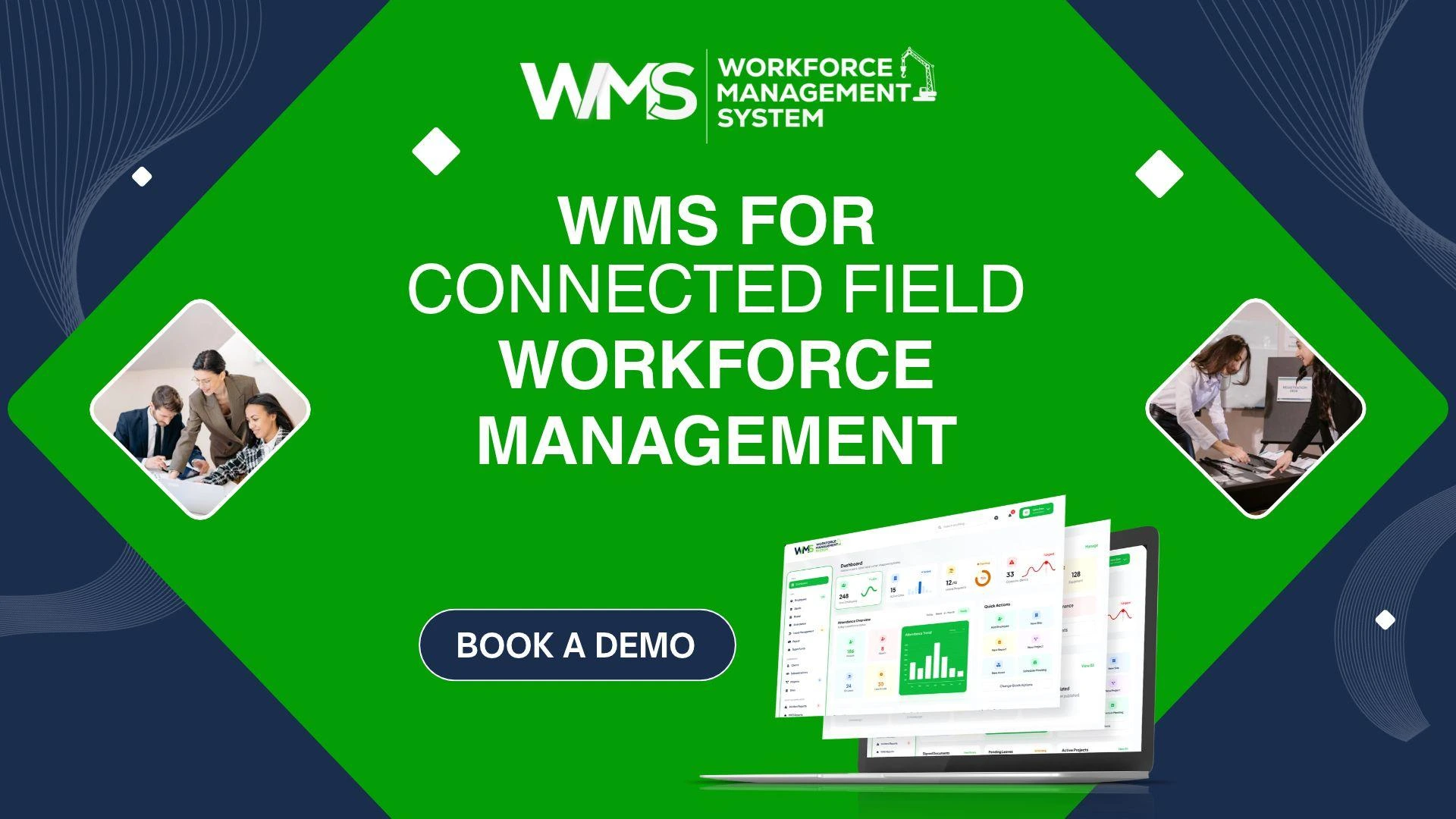
A workforce management system is a single application that provides rosters, timesheets, worker records, credentials and reports. Managers don't have to deal with multiple files but instead have one current record.
This minimises double entry, means there are fewer details missed out and provides a leader with a better understanding of each site, crew and shift. A WMS also maintains the correlation of people and locations. A worker's shift, skills and attendance are available to accompany the task they are performing so managers know who, what and where they are and why.
WorkforceMS started in the construction industry with crews working on several sites every day, where record-keeping is critical. This history is appropriate for teams that need to be mobile, timed and have clear documentation.
Field Service Management and Resource Allocation
Resource allocation is the process of synchronising the use of human resources, vehicles, tools and time for a job to be accomplished. Seems simple but impacts nearly all aspects of field service. When there are not enough resources, the work is delayed, and complaints are made; too many resources are a waste of money.
Good allocation makes use of actual information, instead of habit. Fairness matters too. Respectful allocation of hours and jobs helps people to retain their jobs. The records of previous jobs allow managers to identify which crews are overworked and which are looking for additional work crews.
Having the right number of staff on the job results in improved quality, safe working practices and consistent customer service. This also minimises the risk of overtime and assists managers to plan.
Field Management Solutions for Multi-Site Operations
Good systems are most important when handling numerous sites. The start time, supervisor, safety rules and customer needs may vary for each site. If there is no view, details are lost, and the workers don't know where to be. A connected approach provides a view of all sites, shifts and workers and enables managers to see where gaps are early and to move people to where they are needed.
There's also an element of consistency in it. The same basic procedures should be used at all the locations, whether it's checking in to the worksite or logging jobs when they are finished. Clear routines ease training and provide a fair comparison of results between locations. The time it takes for new workers to establish themselves can also be shortened if all sites operate similarly.
Key points to remember:
- Maintain up-to-date rosters, jobs and worker records in a single source.
- Match work to jobs based on skills, location and availability.
- Immediately notify the team of any changes.
- Weekly review of the site results.
Same Standard, Every Site
Regardless of the site or crew, the one thing customers expect is the same quality. Every team can work to the same standard with shared checklists and clear job notes and regular reviews. If results vary, managers have access to the records and can determine the root cause of the variance, such as travel time, training and staffing.
Field Service Applications for Live Task Monitoring
Live 'task monitoring' provides real-time insight into the status of each task. Managers will be able to view which jobs have begun, completed and/or are running late. Workers can update progress from a cell phone, make notes or flag an issue without leaving the site. This way, everyone doesn't have to be called out of the office to be updated.
It is most beneficial to monitor if it is easy. If too many alerts are displayed, they can distract people; therefore, the most important events should stand out.
Doing it silently to a small degree is OK; a late job, a check-in that is missed or a job that is late deserves attention. This ensures that managers' attention is on what needs to be done. Over time, teams develop their understanding of the important signals.
Data Insights from Modern Field Service Programmes
Data is a facilitator for learning to do. Reports can be displayed in hours worked, travel time, jobs completed, overtime and shift changes for each team/site. What doesn't show up in the day-to-day does show when put together in rows. No more guesses or memory for leaders.
These are insights that can inform action decisions. In some cases, travel time is high, and routes and/or depots can be adjusted. Consider overtime rosters and/or hiring if overtime continues to increase. Clear figures also assist leaders to confidently communicate costs and outcomes to customers and owners and demonstrate evidence-based decision-making.
Learning From the Numbers
Every review is an opportunity to make it better. If one type of job always gets delayed, then the plan can provide for additional time. Extra support for one crew can be provided if they are regularly requiring additional support; training can be provided. When workers also share the results, trust is established, as they know that the feedback results in changes.
Conclusion
When plans, people and locations are connected, field service management software is at its best. Teams can manage their rosters, hours and records with WorkforceMS. Schedule a demo now and witness how smart workforce intelligence can ensure every job is on schedule.
Optimise your operations with WMS
Streamline scheduling, compliance, and workforce management in one platform.
Frequently Asked Questions
It provides information on how field teams are doing, based on job, time and location records. Managers have the real facts on which to base routes and shifts.
It demonstrates how available they are, where they are and the next job that comes along. Managers can allocate tasks more quickly and inform customers about the work.
It assists managers in dispatching the most appropriate employee to the job. Travelling is quicker, uses less fuel and requires less effort.
Yes, a manager can move a job, and it is immediately communicated to the affected workers. The day's plan updates for all.
Accurate records are kept to indicate hours, travel time and job results. Leaders are then able to plan confidently on routes, staff and costs.
Yes, WorkforceMS maintains rosters, hours and worker records, all in one. Managers have transparency of all sites and shifts.
Related Articles
Explore more insights on workforce management, compliance, and operations.

Digital Cleaning Planners with Live Schedule Optimisation
Digital cleaning planners help managers track cleaner availability, adjust shifts fast and manage every site in one place with live digital schedule updates.

Muhammad Asim
05 Nov 2026

Healthcare Information Management for Connected Clinical Operations
Improve healthcare information management with a connected WMS. Link rosters, credentials and shift updates in one place for smoother clinical operations.
Muhammad Asim
03 Nov 2026
Facilities Management Through Digital Operations Mapping
Map your sites, staff, shifts and tasks in one view. See how digital operations mapping helps facilities teams plan rosters, track work and cut manual admin.
Muhammad Asim
02 Nov 2026
Ready to secure your operations?
