Field Service Scheduling and Despatch Software for Task Tracking
Field service scheduling and despatch software helps managers assign jobs, balance workloads, and track tasks live. See how WorkforceMS keeps visits on time.

Share this article
Streamline your frontline operations
See how WMS simplifies scheduling, compliance and workforce management in one powerful platform.
Field Service Scheduling and Despatch Software for Task Tracking
Field teams work in many places, and if they miss a visit or run late, it can throw the whole day off. Field service scheduling and despatch software helps managers schedule jobs, despatch the right worker, and track all jobs. This guide covers what digital despatch is, how it speeds things up, makes things clearer and how it helps customers.
The Role of Digital Despatch in Field Services
The step of transforming a service request into a service that is actually performed is called despatch. It's located at the heart of everyday in-the-field activities. Someone has to make a decision as to what, who and when they are going to go and what things will be needed to bring. Several teams continue to use a handwritten list and/or phone and text lists.
All the details go astray, and managers spend a lot of their day scouring for updates. Digital despatch provides work, people and places in one place. Managers can view the books and who can help with a late book. This is especially important during the busy times. A despatch board helps to keep the team calm when calls double up a day after a storm or a heatwave/during a public holiday.
Fewer Calls, Faster Decisions
In the absence of clear information, dispatchers make decisions in minutes. Technicians also don't have to wait for instructions, saving time. Job lists are an excellent way to help clear the clutter for technicians, help them plan their day, and make sure that they're on time.
Field Service Scheduling and Task Tracking
The timing of work is determined by scheduling. It is up to despatch to determine who will do it. Task tracking depicts the following steps in the process, from the first call to the last check. All these steps eliminate the need to guess and add facts.
A manager can view one screen and have visibility on what jobs are available, what is on track and what requires assistance. These steps are connected; thus, each job has an owner, time and status. No items left in the inbox or on notepads. Patterns can also be revealed by managers. If one of the job types is always late, the plan can be adjusted to provide additional time or improved components.
Customers benefit too. Remove from arrival windows and provide accurate information to lessen repeat calls. It also assists new staff. A clear schedule and job history will make it easier for a new dispatcher/technician to learn the job and to understand what has been done without having to be handed off a lot of information.
Linking Service Requests with Job Assignments
A request is transformed into a useful job when it is converted into a job. Address, fault, contact, priority and special notes should be included in the job. Entries on digital forms are added to the same list as those via phone entry. New work is added to the dispatcher's work as they see it, and they don't have to go through multiple inboxes.
A good request also includes the customer's preferred time for arrival, the preferred site access (gate codes, key or a contact), etc. These are small details that avoid unnecessary journeys. When the job is finished, it can be delegated within a couple of taps. The technician is given information over the telephone, such as the path and the tools that may be required.
Clear Handover
Notes from earlier visits stay attached to the job. The next technician knows what was done before and can avoid repeating work. Customers also notice the difference. They do not need to explain the same problem twice, and the visit starts with the facts already in hand.
Technician Availability and Workload Balancing
Not all of the closest technicians are the best. All of these are important: Skills, licences, hours worked and travel time. Real-time availability provides insight into what shifts are completed, who's on and who's able to do some extra work. It also displays the leave and unavailable days for a particular worker.
A worker doesn't end up working at two places at a time, and a day's leave is not taken by accident. Well-being and quality are protected by workloads being balanced. Fair sharing means fewer workers have to work overtime, rush to visit, or become fatigued. Jobs may be grouped by area, too, in addition to the other options provided by the managers.
Brief visits result in a higher number of visits and less fuel consumption and time spent in traffic. Also, licences are important. For certain tasks (like electrical or gas work), it is necessary to go to a qualified person – and before despatch, it is easy to check that they have been sent to a qualified person.
WMS for Coordinating Mobile Service Teams
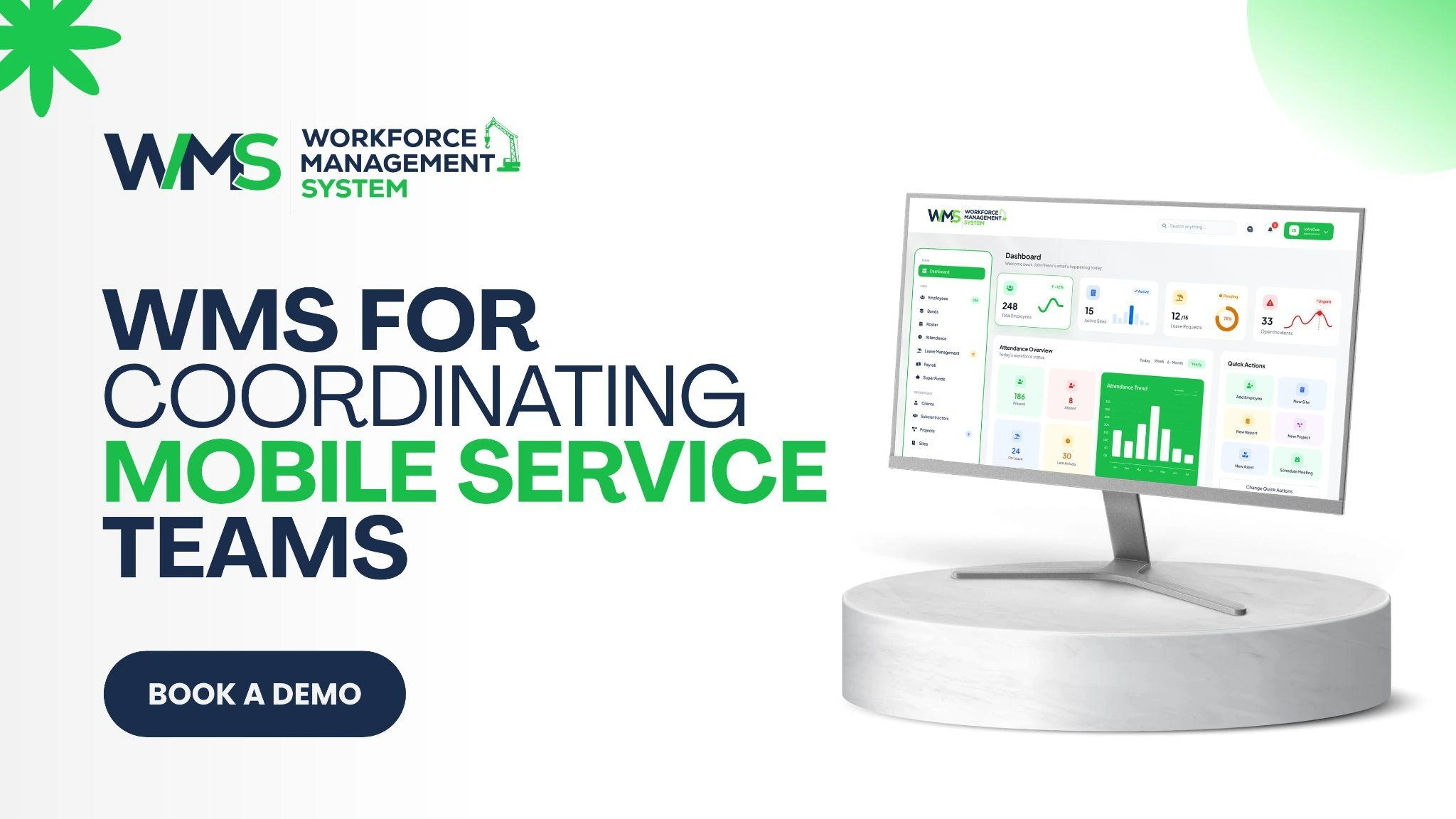
A WMS consolidates rosters, timesheets, worker records and job schedules. No need to switch around in the spreadsheet, messages and paper forms. In addition to people-to-task integration, a workforce management system connects workers to tasks. It displays the list of people who are rostered, their jobs and the hours they worked this week.
Built on Construction Experience
WorkforceMS started in the construction sector, where crews go from job to job, and there is a need to keep a record of every job. This background is ideal for mobile service teams, who must also be cross-location and have documentation.
Time spent on service visits can be entered as hours in the timesheet.
This helps with accurate pay with a WMS and provides a better understanding to the manager of labour cost per job. Also, supervisors spend less time on paperwork. They can concentrate on helping technicians, rather than eradicating timesheets at the end of the week!
Field Service Scheduling and Despatch Software for Job Visibility
All people are able to see all of the facts at the same time: this is called visibility. The job is new, has a new assignment, is on the way, is in progress, and is waiting for parts or completed. Technicians can update a job while on-site through their cell phone. They can make notes, add photos and track their time in the field without having to get back to the office. For teams that are on the go all day, this is a great option.
Updates are made only once at the job, when they're still fresh. These are immediately reflected on managers' screens. When they don't go to the visit, they can move another worker or notify the customer instead of learning about this later. They're also beneficial for office workers.
A customer contacts us and can obtain the status and provide a definite answer in seconds. This common perspective also helps to minimise blame and confusion. When a job is "stuck", it is clear to everybody where it was blocked and what they need to do to get it moving again.
Key points to remember:
- Make all requests into a distinct job.
- Deliver assignments based on ability, place and time.
- Provide real-time job status updates.
- Take Notes and Photos with each visit.
- Check on late & repeat jobs weekly.
Managing Urgent Calls and Service Priorities
This isn't an equal-chance call. If there is a gas smell or a power fault, this must be dealt with right away; if not, it can be done as a service booking later. Clear priority levels aid dispatchers' decision-making. Now, let's see how simple it is to sort incoming calls using a simple table below.
| Call Type | First Action |
|---|---|
| Emergency fault | Send the nearest qualified worker |
| Customer waiting | Confirm arrival time |
| Routine service | Book the next free slot |
| Follow-up visit | Link to the earlier job |
There are times when jobs that need to be done urgently may throw off the plan. At these times, quick decisions that are taken calmly are most important. A dispatcher can shift a worker, notify customers who are affected and reorder for the day without having to reorder.
Alerts are useful when a job is running towards its deadline. A supervisor has the option to intervene early, before the delay turns into a complaint. Having clear targets is helpful, too. There needs to be a consensus on response times for each call type, and regular reviews should be conducted due to site rules and safety risks varying.
Digital Records for Every Service Visit
If it's not on the record, it's not a visit! Businesses and customers are protected with good records. For each job, demonstrate work performed, parts used, time required, and follow-up work required. Provide clear evidence of the completed work through photos and customer sign-off.
If there is a question or dispute, this will be helpful. Records can also be used for invoicing. The ability to take pictures of time, parts and notes on the job helps to speed up the process of billing and reduces the number of arguments over charges.
Learning From the Data
Jobs done; what's going on out there? Travel time and response time reporting, repeat visits and overtime support managers to enhance plans. The roster can be modified if an additional area requires additional coverage.
If fault one recurs frequently, then the root of the fault can be solved rather than patched. Workers should be aware of what information is collected and what it is for. Clear rules as per Australian privacy law foster trust and keep you focused on the work.
Conclusion
To provide reliable service, it is important to have clear plans, have the right people and have accurate records. Field service scheduling and despatch software provides a single view of every job, from first call through final check. There are numerous benefits to connected scheduling, and it is all possible with a demo from WorkforceMS.
Optimise your operations with WMS
Streamline scheduling, compliance, and workforce management in one platform.
Frequently Asked Questions
Sends each job to the worker who is suitable for the job, with one shared view. Managers can view the availability of staff members, their location and the jobs they are expected to perform.
It is a record of all of the jobs from the initial request to the final check. No task is lost; status, notes, photos and time spent are attached to each task.
Yes, they can add notes, photos and time spent on site while still at the site. Through the manager, these changes will be immediately visible and can be modified, if necessary.
Distributes tasks evenly among members of the team, not putting pressure on one or two individuals. These factors help to decrease tired service, hurried service visits, and long overtime while maintaining a consistent level of service quality.
It organises the calls according to their priorities and identifies the most suitable worker for each call. Plans are subject to instant change, and customers can be informed immediately.
Yes, WorkforceMS maintains a roster, timesheet and job schedule all in one location. Managers can assign, track and review all visits without having to navigate between individual tools.
Related Articles
Explore more insights on workforce management, compliance, and operations.
NDIS Plan Management Through Participant Journey Mapping
NDIS plan management gets simpler when goals, workers and services are mapped in one place. See how WorkforceMS helps support teams stay organised and on track.

Muhammad Asim
11 Nov 2026

Facilities Management Technology for Faster Work Order Handling
Facilities management technology speeds up work orders with digital requests, smart task assignment and live job updates. See how WorkforceMS helps your team.
Muhammad Asim
09 Nov 2026
Skilled and Specialist Labour Hire with Real-Time Skills Mapping
Skilled and specialist labour hire works best with verified skills, tracked licences and live availability. See how WorkforceMS places the right worker fast.
Muhammad Asim
06 Nov 2026
Ready to secure your operations?
