Security Incident and Crisis Management Solutions
Plan rosters, track attendance and keep records ready with Workfoce Management System. Strengthen security incident and crisis management with clear, up-to-date staffing.

Share this article
Streamline your frontline operations
See how WMS simplifies scheduling, compliance and workforce management in one powerful platform.
Security Incident and Crisis Management Solutions
With things going wrong on site, time and manpower is of the essence. In case of an accident, the teams know who is on duty, who is qualified and who is close by and can act in a calm manner.
Workforce MS provides security teams with a clear view of their staffing needs for security incidents and crisis management. The following explains how the enhancement of planning safeguards people, property and reputation.
WMS Support for Incident Management
An incident usually comes as a surprise to us. Construction sites can be burglarised at any time or a fire alarm can sound at a business park at any time. Managers require rapid response: who's on, where are they and who can respond?
Those answers are in a single place with a workforce management system. Live rosters, attendance and qualifications are all displayed so that supervisors don't have to sift through spreadsheets.
Workforce MS started in construction, where it's essential to get things right. It now provides support to security teams on the people side of incident management as well as your alarm and camera tools.
One Clear View of Who Is on Duty
Live rosters indicate which guards and supervisors have a job at the moment. The manager can have a quick look at each post and each person without opening a number of files. If it's empty or a guard is running late, it will appear immediately. This amounts to precious minutes if a problem occurs.
Right Person, Right Skills
Each profile will include first aid certificates and first aid training records and licences. Managers have the resources available to them to check qualifications beforehand prior to calling. This is particularly beneficial at night when there are reduced numbers of staff onsite. It allows for the quick arrival of the appropriate person to effectively and safely handle the incident.
Emergency Reporting Procedures
Standardised reporting procedures support everyone to act in a consistent manner in pressure situations. Staff should have an understanding of whom to contact first and what information to provide / how to escalate a problem. People should contact Triple Zero (000) as their first call in case of a real emergency. A good procedure includes a first contact, backup and supervisor on call.
Shifts vary in these roles; thus, rosters should always be up to date. Guards are aware of changes in their phones; no one uses an old contact list. Providers need to ensure they are aware of and understand their legal obligations with their state or territory's work health and safety regulator.
Escalation Paths That Stay Current
Every shift has a supervisor (and a backup), and guards are familiar with who to call in case of an emergency and in what order. Managers can update the on call person whenever someone is sick or out, doing so immediately. This prevents unnecessary delays, as a person who isn't working has to be called. All members of the team go through the same process, regardless of a change in team.
Incident Records and Documentation
Following the incident, clients, insurers and regulators may want to know what happened and who was present at the time of the incident. Clean records keep your employees and your company safe. One of the elements of that story is staffing records.
They provided information on the rostering of players and who clocked in and possessed the qualifications. Attendance & Shift records are maintained in a single location with Workforce MS. The rules of incident reporting should still be those of your client and your own rules. Good records are accurate, up to date and easily accessible.
Attendance Records as Evidence
Clock-in times/locations indicate who was at the location and when. The manager can prove the facts in quick time without having to rely on his/ her memory or on old messages. This facilitates fair and accurate reviews following an event. Also safeguards guards who did what is right; records will show where guards were.
Records That Stay Organised
No more details being distributed across phones, emails and folders, they are saved in one system. The perfect date and venue are at your fingertips for managers. This will save a lot of time during testing and client presentations. It also is easier to identify patterns, such as sites which frequently require additional cover.
Staff Availability During Crises
Often a crisis is accompanied by the need for greater numbers at a given time. A storm can cause some damage to a site or an extreme event may require additional guards. Managers need to hire urgently qualified staff who are available.
This readiness is key to effective security incidents and crisis management. Where available, leave and licences are displayed, so that managers are able to identify who might be available. When the pressure's on, they don't have to begin again.
Finding Available Staff Fast
Managers don't need to guess who is free and qualified to do the task as the system will identify them. Shifts can be made and received in just seconds and on a cell phone. This is MUCH quicker than the one-on-one ringing. It assists managers to rapidly assemble a response team as the situation plays out.
Staff Wellbeing After a Crisis
The individuals who are responding to the serious event require rest and support following the event. The manager can schedule breaks and additional shifts to avoid overdoing it on anyone. Staff rest after their shift, and are safer during the subsequent shifts. You also need to make sure that your staff stay on in their positions as well, which can be achieved by providing them care.
Security Incident and Crisis Management Processes
All good processes have phases prepare, detect, respond, record and review. Individuals need to be in the right places for each stage. A WMS connects these processes by maintaining staffing data up-to-date.
Staffing data to support each stage as shown in the table below.
| Stage | What Happens | How Staffing Data Helps |
|---|---|---|
| Prepare | Plans, drills and training | Shows who is trained and who attended |
| Detect | Alarms, patrols and reports | Shows which guards are on post |
| Respond | Teams take action | Lists who is nearby and qualified |
| Record | Facts and times are noted | Provides attendance and shift records |
| Review | The team learns from the event | Gives clear data for audits and reports |
Processes are only effective if practiced. Helps guards learn their roles through regular drills.
Drills and Training Schedules
Training sessions can be added to the roster, just as any other shift, and won't be forgotten in busy weeks. Managers will be able to view attendance and identify who has not been in yet. This helps to maintain skills and keep records neat and orderly. It also demonstrates to clients that the team is ready and the safety of the team is taken seriously.
Clear Roles on Every Shift
Named roles for all shifts site lead, first responder. Before an incident occurs, guards know their responsibilities, and don't waste time on deciding who should take action. This will help to reduce the confusion in the first few minutes. A review is also more transparent with regard to roles because it is clear to all those who did what.
Clear Communication During Emergencies
Communication problems escalate small issues to big issues. Guards are in need of instructions; managers are in need of information. Mobile access helps. Guards' phones are with them, so when the guards change shifts, they can get the news wherever they are.
Rosters are also updated to indicate who is on duty so that messages are sent to the appropriate persons. Following a crisis, managers have the opportunity to discuss the results of the crisis and next steps with the team. Staff trust and feel supported through open communication.
Updates That Reach the Right People
Guards are notified of shifts via their mobile phones, even if they're working well away from the office. Managers can view the person currently working before they give instruction, ensuring that messages go to the appropriate person. This will minimise confusion and the loss of information. The quieter you can make the action, the quicker it will be when time is running out!
Handovers Between Shifts
Once the first team completes, the second team begins, and key facts need to be relayed between the two teams. Clear the roster of who is leaving and arriving. Between shifts there are no grey days, even during hectic nights. Handovers are easier when it becomes clear who takes on ownership of the project.
Workplace Safety and Incident Prevention
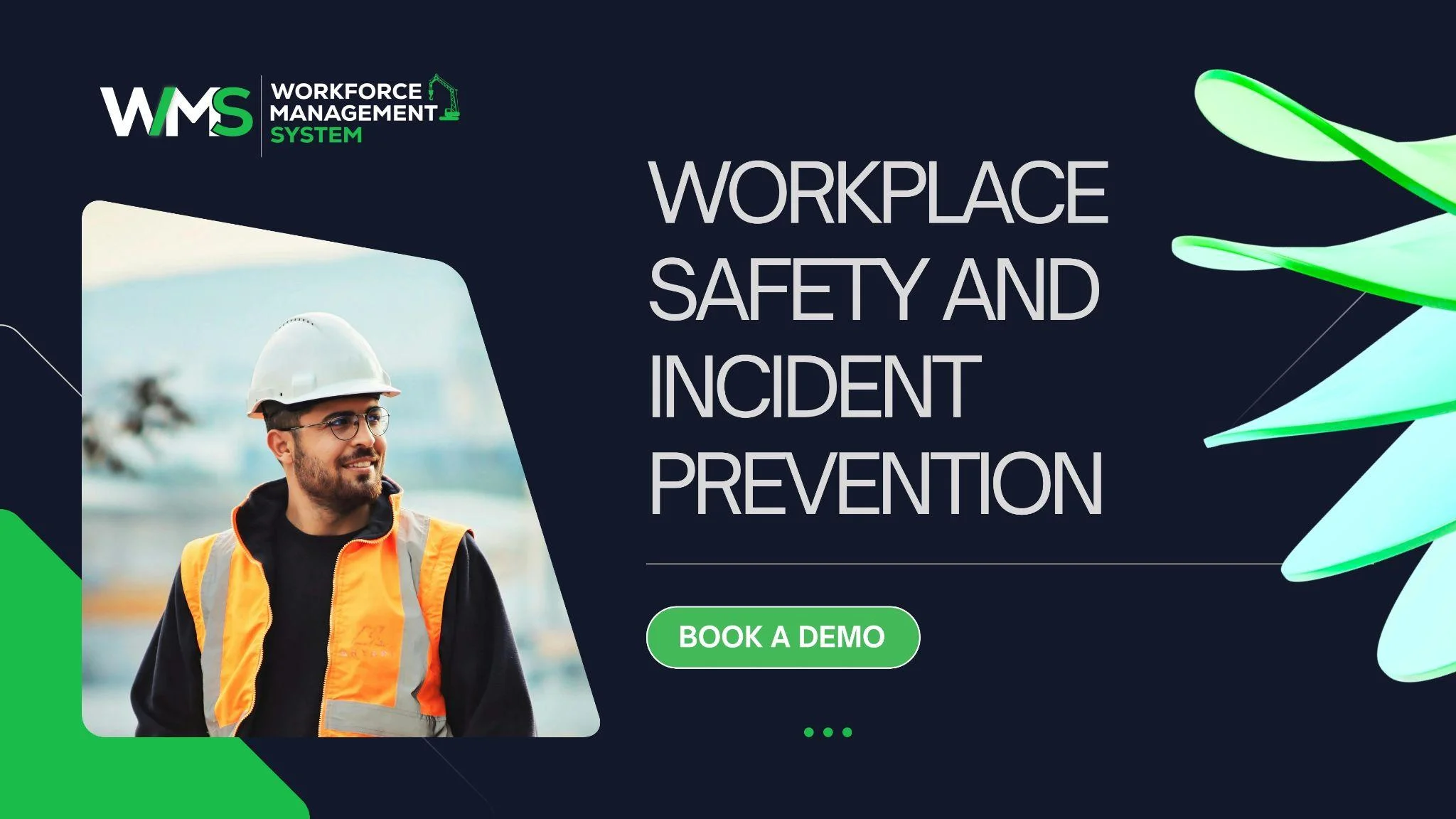
The best incident is the one that doesn't occur! But a lot of occurrences go back to tired employees, voids or missed checks. Pressure is also removed from the security incident/crisis management team as well.
Fatigue can be a serious problem. Slow reactions can occur during a long shift with a short break. Employers also have a duty of care, and one way of fulfilling this is to have fair rosters. Providers are advised to refer to the current rules with their regulator.
Fatigue Checks Before Rosters Go Live
Managers have the ability to identify long shifts and short breaks early before it is passed on to the staff. Can resolve issues before there is time for changes to be made. Rested guards are vigilant, observe more and make better decisions. This not only keeps the guards safe but also ensures the safety of others and property under their care.
Licence and Training Alerts
Reminders are sent out in advance of the expiration of licences/certificates, allowing staff time to renew the licences without the rush. Managers do not put into special positions people who are not qualified to occupy them. This reduces the likelihood of a breach if an audit is conducted or if there is a breach. It also allows managers to save scurrying to the end of the day for paperwork.
Emergency Duty and Shift Coverage
Emergencies don't call during the day! Other duties for nights, weekends and public holidays are also needed, and many providers have on-call or standby duties. Bye-rotations are to be fair. Rest and rotation are clearly defined and distribute the load.
Managers can create standby shifts in addition to their regular shifts and view who is on standby for each site and day. This is evident at construction sites. There is frequently equipment, fuel and materials left out overnight, and significant loss can occur if a fire or theft occurs.
Standby and On-Call Rosters
Staff are aware of when they might be needed on a standby shift by listing them in a similar manner to any other shift. Managers are aware of the people they can go to first, and who they can try if those folks are unavailable.
There is fairness in rotations, which keeps the workload even. This means that if staff need help, someone is there to provide it for them without their guards becoming exhausted in providing assistance.
Better Security Incident and Crisis Management
A lot of little improvements lead to better results! Rosters are more streamlined, records are improved and teams are ready. However, having a WMS can reduce a manager's time spent on solving issues and focusing on preventing them.
None of the systems can take the place of good judgment or good training. However, the appropriate tools propel your people to act well, when it counts.
Teams That Stay Longer
Stress is minimised for guards/supervisors due to fair rosters and accurate pay. Respect and proper pay are motivators for people to remain in their jobs. This is because it helps to save on employing and training new employees. It also ensures that there are always experienced guards to be on the premises when something goes wrong.
Stronger Client Confidence
Clients will be able to trust you when your record is clear and you provide them with consistent coverage. It becomes easier and less stressful to make reviews following an event since the facts are easy to come by. Your clients will be able to see how you're organised and prepared. The more efficiently an event is managed, the more trust there will be.
Ready to Handle Any Incident With Confidence
Effective security incident and crisis management begins way before an alarm is triggered and is dependent on your people. With Workforce MS, your workforce has easy access to accurate timesheets, hours logged and up-to-date records all in one location.
Providers can provide more speedy, effective and complete responses, record them better and preserve more. Schedule a demo today, and discover the benefits of good planning!
Optimise your operations with WMS
Streamline scheduling, compliance, and workforce management in one platform.
Frequently Asked Questions
It is the planning, responding and reviewing activities that ensure things remain safe for people and places things go wrong. Relies on availability of appropriate personnel on duty.
Live rosters list each guard/supervisor on duty, their post and contact information. This is displayed on one screen, and managers can respond quickly.
Yes. Licences, first aid certificates and training records are kept in each profile. The managers of the incident can determine who is qualified before sending anyone to the incident.
Accurate records of who was on site, when and what skills they had. This assists in swifter responses and better reviews after.
The system identifies staff available for the task and qualified. Managers can offer shifts in seconds and get your fill-ups in a quick manner.
Yes. Standby shifts are in addition to regular shifts, and members of staff are informed when they may be required. Managers are able to view who to reach first.
Related Articles
Explore more insights on workforce management, compliance, and operations.

Security Operations and Monitoring Workforce Planning
Plan guard rosters, track live attendance and cover every shift with WorkforceMS. Strengthen security operations and monitoring with smarter workforce planning.

Muhammad Asim
09 Oct 2026

Telehealth and Digital Healthcare Scheduling WMS
Simplify telehealth and digital healthcare scheduling with WorkforceMS. Manage rosters, remote clock-ins and compliance records in one easy-to-use platform.
Muhammad Asim
08 Oct 2026

Healthcare Workforce Management for Aged Care
Simplify rostering, credential tracking and payroll for aged care healthcare teams. Discover how WorkforceMS gives your carers more time with residents.
Muhammad Asim
05 Oct 2026
Ready to secure your operations?
