Rostering App Australia: Built for Construction Teams
A rostering app in Australia helps businesses schedule staff shifts, track availability and manage compliance from one platform. For construction businesses, the best rostering apps go further matching crew and subcontractors to specific Sites & Projects.
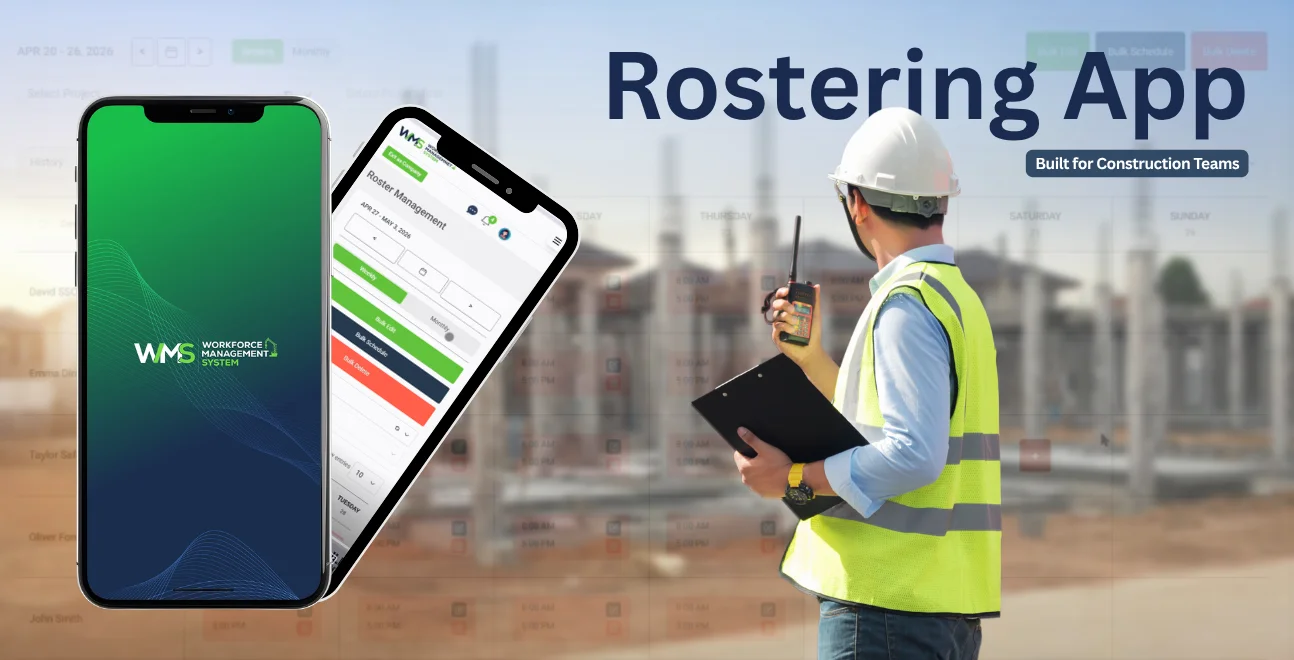
Streamline your frontline operations
A rostering app in Australia helps businesses schedule staff shifts, track availability and manage compliance from one platform. For construction businesses, the best rostering apps go further matching crew and subcontractors to specific Sites & Projects, checking safety sign-offs, and syncing hours straight to payroll and invoicing.
- Schedules shifts across multiple job sites, not just one location
- Matches available, qualified staff and subcontractors to open shifts
- Tracks Fair Work award compliance automatically
Introduction
Rostering a construction crew is harder than rostering a café. You're not filling one roster, you're filling rosters across multiple sites and projects, juggling subcontractor availability, licences and inductions, and making sure every shift meets Fair Work and safety obligations before anyone steps on site.
Most rostering apps in Australia are built for hospitality or retail. They handle a single location and a fixed pay rate well, but they weren't designed for a business running five sites, twelve subcontractors and a tender pipeline at once.
This guide breaks down what a rostering app actually needs to do for a construction business, how the free and paid options compare, and how WorkforceMS connects rostering to the rest of your operation from HRM and Safety & Compliance through to Reporting.
What Is a Rostering App and Why Construction Businesses Need One
A rostering app is software that schedules employee and subcontractor shifts, tracks availability, and manages compliance in one place. Construction businesses need one because staff and subcontractors move between sites and projects, and manual spreadsheets can't track who's qualified, available and compliant for each shift.
Rostering vs. timesheets, what's the difference?
Rostering is forward-looking planning who works where and when. Timesheets are backward-looking recording what actually happened. Construction businesses need both connected: a roster that becomes a timesheet automatically once a shift is worked, feeding straight into payroll and invoices for the relevant Client.
Why generic rostering apps fall short on construction sites
Hospitality-focused rostering apps assume one location and employ staff only. Construction businesses need multi-site scheduling, subcontractor management and Project Task Management and Asset Management, none of which sit inside a standard café rostering tool.
How to Do Staff Rostering the Right Way
Effective staff rostering follows three steps: map labour demand by site and project, match qualified people (staff and subcontractors) to shifts, then publish and track shift acceptance in real time. Getting this sequence right prevents under-staffing, compliance gaps and wage errors.
Step 1: Map sites, projects and shift demand
Start with what each site needs, not who's available. Pull shift requirements from your Sites & Projects schedule and any active Tender Management timelines so rosters reflect real project phases, not guesswork.
Step 2: Match qualified crew and subcontractors to shifts
Cross-check licences, tickets and inductions before assigning anyone. A Subcontractor without a current induction shouldn't appear as an option for a live site. Good rostering software blocks this automatically instead of relying on a supervisor to remember.
Step 3: Publish, notify and track acceptance
Once published, staff and subcontractors should confirm shifts from their phone. Real-time acceptance tracking flags gaps early enough to fix them before the shift starts, not after someone doesn't show up.
Key Features to Look For in a Rostering App in Australia
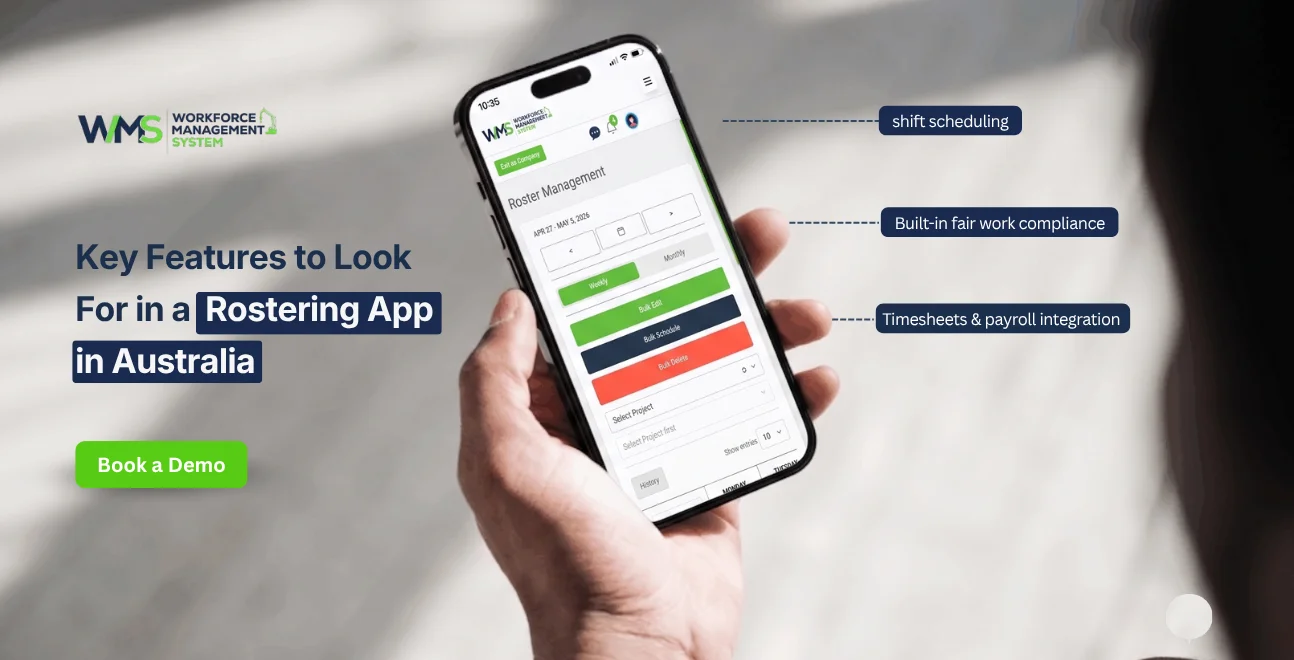
The best rostering software in Australia includes shift scheduling, a mobile app, timesheet and payroll integration, and built-in Fair Work compliance. Construction businesses should also look for site-based scheduling, subcontractor management and safety sign-off features.
Shift scheduling and availability
Drag-and-drop scheduling across multiple sites, with availability and leave visible before you publish a roster.
Mobile app for site staff and managers
Staff need to view, accept and swap shifts from the field. Managers need real-time visibility of who's on which site right now.
Timesheets and payroll integration
Rostered hours should flow into timesheets without re-entry, then out to payroll and Invoices for accurate job costing per Client.
Safety, compliance and award interpretation
Look for automatic Modern Award interpretation plus a link to Safety & Compliance includingToolbox & Pre-start checks tied to each rostered shift.
Rostering App Australia: Best Picks Compared (2026)
For construction and multi-site businesses, WorkforceMS is the strongest fit because it combines rostering with subcontractor management, safety compliance and project cost tracking. Generic rostering apps (Deputy, RosterElf, Tanda) remain solid choices for single-site hospitality or retail businesses.
WorkforceMS: best for construction & multi-site teams
Built around Sites & Projects rather than a single location, with subcontractor scheduling and Asset Management built in.
Generic rostering apps: best for hospitality/retail
Strong for single-location shift scheduling and award interpretation, but lack construction-specific features like tender-linked rostering or subcontractor compliance checks.
Free rostering apps: what you actually get
Free plans typically cover basic shift scheduling for a small number of staff, with limited or no compliance, reporting or integration features.
Free Rostering App Australia: What to Expect
Free rostering apps in Australia generally support a handful of staff, basic shift scheduling and simple notifications. They rarely include award interpretation, subcontractor management or reporting features most construction businesses need once they're managing more than one site.
What free plans typically include
Basic shift creation, staff notifications, and a limited mobile app usually capped at a small user count.
When a free roster app stops being enough
Once you're rostering across multiple sites, managing subcontractors, or need award compliance and reporting, a free plan becomes a liability rather than a saving.
Rostering Software Mistakes Australian Businesses Make
The two most common rostering mistakes are publishing shifts without checking award compliance, and rostering subcontractors without verifying current inductions or licences, both carry real financial and safety risk on a construction site.
Rostering without award/Fair Work checks
Manual rosters make it easy to miss penalty rates or breach maximum hours, creating underpayment risk and potential Fair Work penalties.
Ignoring subcontractor availability and compliance
Rostering a subcontractor without confirming current licences or site induction status is a safety and compliance gap that generic rostering apps don't catch.
Best Rostering App for Small Business and FIFO Teams
Small construction businesses need simple, low-cost rostering with room to grow; FIFO and remote-site teams need rostering that accounts for travel, roster cycles (like 8/6 or 2/1) and site-specific safety requirements.
Small business rostering needs
Simple setup, low per-user cost, and room to add sites and subcontractors as the business grows without switching software later. A small building or trades business often starts with two or three staff on one site, but outgrows a basic free plan quickly once a second site or first subcontractor is added, so it's worth choosing software that scales rather than one built only for a single-location team.
FIFO and remote-site rostering needs
Support for fixed roster cycles, travel/swing days, and site-based Safety & Compliance requirements that differ from a standard metro shift. FIFO rosters also need to account for camp accommodation, flight schedules and rotating crews, which standard hospitality-style rostering apps generally aren't built to handle.
Rostering App Features That Save Construction Businesses Money
Rostering software saves construction businesses money by reducing overtime from double-booked crews, catching compliance errors before they become penalties, and linking labour hours directly to project cost reporting so margins stay visible in real time.
Linking rosters to project cost tracking
When rostered hours connect to Project Task Management, labour cost per task is visible before the job is finished not after the invoices go out.
Reducing overtime and double-ups across sites
Cross-site visibility stops the same person being rostered on two sites at once, and flags approaching overtime thresholds before they hit. This matters most in construction, where a labourer or subcontractor moving between two active jobs in the same week can easily be double-booked in a spreadsheet system with no cross-site check, an error that's expensive to fix after the fact and avoidable with software that flags it before the roster is published.
WorkforceMS in Action: A Multi-Site Construction Example
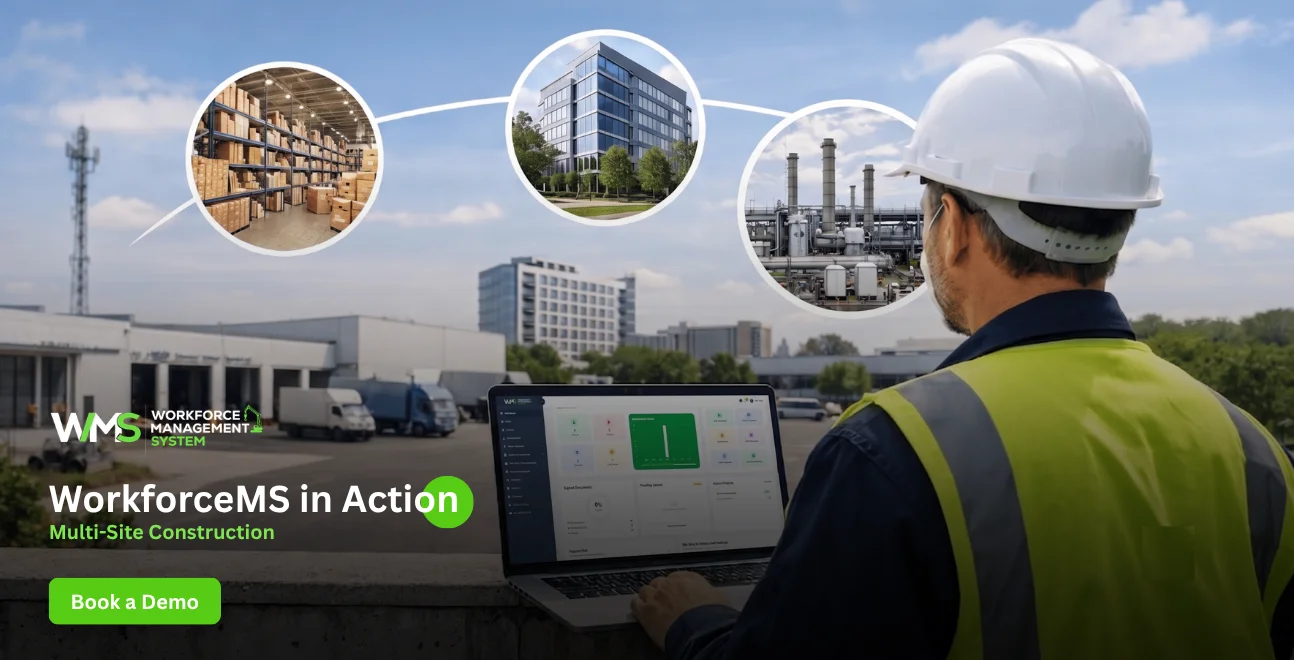
A mid-size construction business running four active sites and eight subcontractors typically loses several hours a week to manual roster checks, double-booking fixes and compliance follow-ups.
Centralising rostering, HRM records and Safety & Compliance sign-offs in one system removes most of that manual checking, and gives site managers a single, real-time view of who's on-site, who's qualified, and who's available for the next shift.
Before consolidating, a business like this typically runs rosters in a spreadsheet, licence records in a separate folder, and safety sign-offs on paper at the site office, three systems that never talk to each other.
Once rostering is centralised, a supervisor can see in seconds whether the subcontractor rostered for Monday's concrete pour still has a current white card and a completed site induction, rather than finding out on site. That single change typically removes the most common cause of a rostered worker being turned away at the gate.
What's Next for Rostering Apps in Australia
Rostering software in Australia is moving toward AI-assisted scheduling, tighter payroll and compliance integration, and construction-specific features like subcontractor licence tracking becoming standard rather than optional add-ons.
Expect three shifts over the next 12 to 18 months: AI-suggested rosters built from historical shift patterns, deeper two-way sync with payroll and accounting platforms, and rising demand for subcontractor compliance tracking as more construction businesses move away from spreadsheets and generic hospitality-first tools.
Comparison Table
| Feature | WorkforceMS | Generic Rostering App | Free Rostering App |
|---|---|---|---|
| Multi-site scheduling | Yes | Limited | No |
| Subcontractor management | Yes | No | No |
| Award/Fair Work compliance | Yes | Yes | Rarely |
| Safety & pre-start checks | Yes | No | No |
| Project cost linking | Yes | No | No |
| Mobile app | Yes | Yes | Limited |
| Free plan available | Trial | Sometimes | Yes (capped) |
Conclusion
Choosing a rostering app in Australia comes down to matching the software to how your business actually operates. A single café doesn't need subcontractor compliance checks but a construction business running multiple sites does.
Generic and free rostering apps handle basic shift scheduling well; they weren't built for Sites & Projects, Tender Management timelines, or subcontractor safety compliance.
WorkforceMS connects rostering to the rest of your operation HRM, Safety & Compliance, Asset Management and Reporting so labour, compliance and cost stay visible in one place. Try WorkforceMS free and roster your next site in minutes, not spreadsheets.
Optimise your operations with WMS
Streamline scheduling, compliance, and workforce management in one platform.
Frequently Asked Questions
A rostering app is software that schedules staff shifts, tracks availability, and manages compliance replacing spreadsheets with a system that updates in real time across one or more locations.
Yes several providers offer free plans for a small number of staff and basic scheduling. Free plans generally lack award compliance, subcontractor management and reporting features.
WorkforceMS is built specifically for construction, combining rostering with Sites & Projects, Subcontractor management and safety compliance rather than treating construction as a generic single-site business.
Most established rostering apps, including WorkforceMS, include Modern Award interpretation to help calculate correct pay rates and penalty rates automatically.
Pricing typically ranges from free (capped) plans through to per-user monthly fees, often $3 to $10 per active user for small teams, rising for platforms with construction-specific features like subcontractor and safety compliance.
Yes most rostering apps sync rostered and worked hours directly to payroll systems, reducing manual timesheet entry and errors.
Map shift demand by site, match qualified and available staff or subcontractors, then publish and track acceptance ideally inside software that checks compliance automatically rather than manually.
Yes WorkforceMS lets you roster subcontractors alongside employed staff, checking licence and induction status before a shift is confirmed.
Look for software that supports fixed roster cycles and multi-site visibility generic single-location rostering apps typically don't handle FIFO rotations well.
Yes a mobile app for viewing, accepting and swapping shifts is standard in most rostering software, including WorkforceMS.
Related Articles
Explore more insights on workforce management, compliance, and operations.

Top AI Solutions To Manage Construction Workforce
Explore the top AI solutions for managing a construction workforce, from onboarding to payroll and safety, with human review built in.
WorkforceMS Team
14 Sep 2026

Streamline Job Tracking with AI Construction Management Software
Discover how AI construction management software streamlines job tracking, project planning, risk alerts, defect reporting and safety compliance.
WorkforceMS Team
11 Sep 2026

Skills and Compliance Management for Construction Teams
Manage skills and compliance for construction teams with WorkforceMS. Track licences, SWMS, inductions and audits in one workforce management system.
WorkforceMS Team
10 Sep 2026
Ready to secure your operations?
