Shift Planner for Construction: Retiring the Spreadsheet
Free PDF templates only go so far. See how construction shift planner software cuts rework, tracks compliance, and scales with multi-site Australian projects.

Share this article
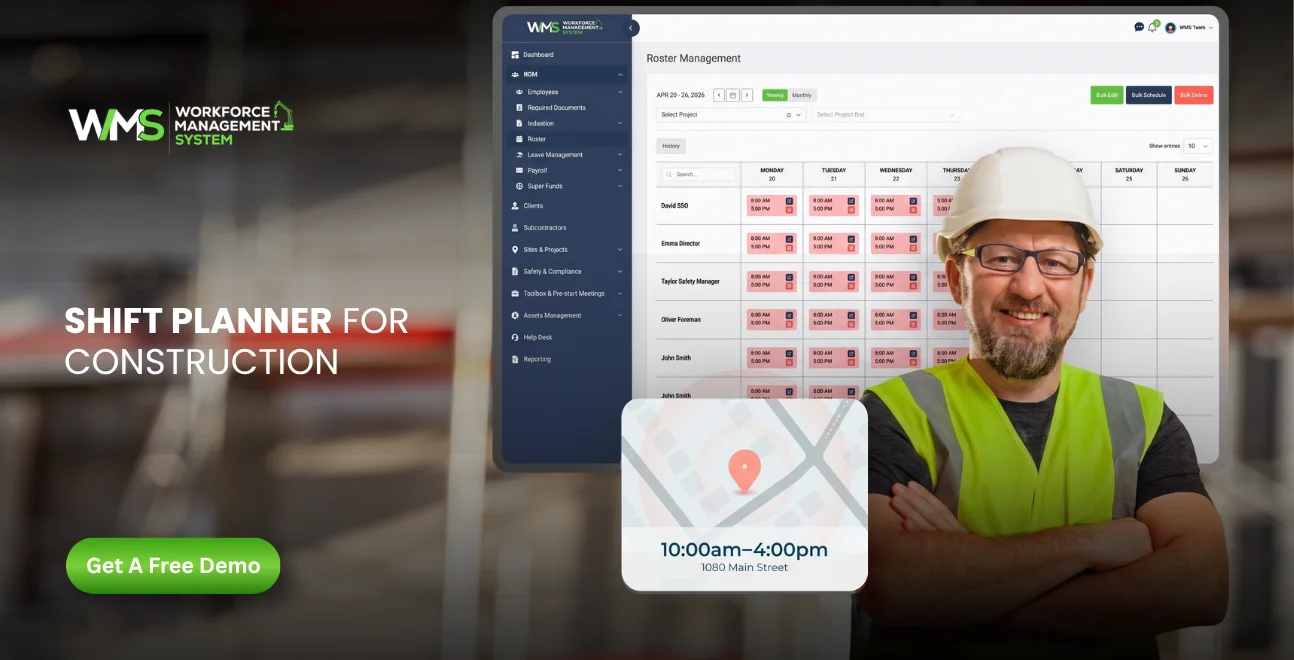
Streamline your frontline operations
See how WMS simplifies scheduling, compliance and workforce management in one powerful platform.
Introduction
Every site manager in Australia has lived the same Sunday night. A whiteboard photo, three group chats, a half-finished spreadsheet, and a nagging feeling that Monday's crew won't match Monday's job. This is where most searches for a shift planner construction solution actually begin, not with curiosity, but with a rostering headache that's costing real money.
This guide breaks down why manual planning keeps failing on Australian sites, what a genuine construction schedule software platform should deliver, and how a purpose-built construction field management software system like WorkForceMS compares to templates, spreadsheets, and general-purpose apps like Deputy.
The Real Cost of Manual Rostering
Construction margins are thin, and scheduling mistakes eat straight into them. Industry data cited by WorkForceMS shows more than 2,300 Australian construction firms have collapsed since 2023, with productivity losses reaching roughly $150,000 on a single $5 million project.
Rework alone can strip $200,000 to $300,000 from a project's bottom line. A missed handover, a subcontractor sent to the wrong site, or a compliance document that expired mid-shift. These aren't rare events. They're the direct result of scheduling systems that were never built for construction's complexity.
A shift planner construction teams can actually trust needs to account for multiple sites, rotating subcontractors, licence expiries, and weather delays, all at once. Spreadsheets and paper rosters simply weren't designed to hold that much moving information.
Why PDF Templates Keep Falling Short
Search Google for a shift planner construction pdf or a shift planner construction template and you'll find dozens of free downloads. They're a reasonable starting point for a two-person outfit running one job. For anything larger, they create as many problems as they solve.
A static PDF can't tell you a labourer's white card has lapsed. It can't flag that two crews have been double-booked on the same excavator. It can't notify a subcontractor the moment a start time shifts because of rain.
Free shift planner construction spreadsheets also live in isolation from everything else on site, including timesheets, safety checks, invoicing, and client reporting. Every update has to be manually copied across five different files, and every copy is a chance for the numbers to drift apart.
None of this means templates are worthless. It means they belong at the start of a company's growth, not at the end of it.
Templates vs Apps vs Purpose-Built Software
The table below lays out how the three common approaches stack up for an Australian construction business managing more than one active site.
| Feature | PDF / Spreadsheet Template | General Scheduling App (e.g. Deputy) | Construction-Built System (WMS) |
|---|---|---|---|
| Multi-site visibility | Manual, error-prone | Limited | Built-in, live |
| Subcontractor tracking | None | Basic | Dedicated module |
| Compliance & licence alerts | None | Rare | Automated |
| Toolbox talks & pre-start checks | Separate paper form | Not included | Integrated |
| Real-time updates to crews | No | Yes | Yes |
| Reporting for clients & margins | Manual | Limited | Built-in |
| Cost as company scales | Low, but hidden labour cost | Per-user, adds up | Scales with the business |
The pattern is consistent. Templates are free but demand hours of manual upkeep. Generic apps handle rostering well but were built for retail and hospitality shifts, not construction's compliance and multi-site demands.
Deputy vs Purpose-Built Tracking Software
Deputy scheduling is a solid product, and plenty of Australian small businesses use it well for simple rostering and timesheets. It wasn't built with construction in mind, though, and that shows up quickly on a job site.
Deputy has no native concept of a "site" versus a "client" versus a "subcontractor company." It doesn't manage tender documents, asset allocation, or toolbox talk records. For a café or retail chain, none of that matters. For a builder running four sites with four different head contractors, it matters enormously.
This is the gap that construction tracking software is meant to close connecting who's on shift with where they are, what they're certified to do, and which project their hours should be billed against. It's less about replacing rostering and more about giving rostering actual construction context.
Buildpass and Compliance-Led Rostering
Buildpass scheduling tools became popular because they tie attendance to induction and compliance records, a smart move on sites where an uninducted worker walking through the gate is a genuine safety and legal risk.
The lesson from Buildpass-style platforms is worth borrowing regardless of which system a business chooses: shift planning and safety compliance shouldn't live in separate systems. When a roster and a compliance register are disconnected, someone eventually gets scheduled for a site they aren't cleared to enter.
WorkForceMS builds this connection directly into its Safety & Compliance module, so a lapsed certification or an incomplete toolbox and pre-start check can block a shift before it's confirmed, not after someone's already on the truck.
The Modules That Actually Matter
A genuine construction field management software platform isn't one feature bolted onto a calendar. It's a set of connected modules that all draw from the same live data.
Sites, Projects, and Crews in One View
The Sites & Projects module lets a scheduler see every active job, every crew allocation, and every clash before it happens, not after a worker turns up at the wrong gate.
Subcontractor Coordination
Construction runs on subcontractors, and most scheduling tools treat them as an afterthought. WorkForceMS's Subcontractor features track availability, agreements, and site assignments in the same system as direct employees.
Tender-to-Delivery Continuity
Tender Management means the crew and resourcing plan a business quoted on is the same one it can actually deliver, with no surprises once the job is won.
Task-Level Accountability
Project Task Management breaks a schedule down into the actual work being done each shift, not just who clocked on and off.
Assets Alongside People
The Asset Management module schedules plant and equipment with the same visibility as labour, so a crew is never rostered without the machinery they need.
Invoicing Tied to Hours Worked
The Invoices module pulls directly from logged shifts, cutting the gap between a completed job and a paid one.
Reporting That Reflects Reality
Reporting turns scheduling and timesheet data into margin visibility, so site performance is measured against numbers, not gut feel.
Each of these modules is useful individually. Their real value is that they share one dataset, so a change to a shift automatically flows through to compliance, invoicing, and reporting without anyone re-entering it.
Your Own Template
For businesses not yet ready for full software, a well-built template is still better than no system at all. A workable shift planner construction template should include:
- Site name, address, and supervisor contact for each job
- Crew members rostered, with trade or role listed against each name
- Start and finish times, including any staggered starts for different trades
- Licence or ticket expiry dates for high-risk work
- A column for subcontractor company and agreed scope
- Weather or access notes that could affect the shift
This structure works for a handful of workers on one or two sites. The moment a business is juggling three or more active jobs, updating this template daily becomes a part-time job in itself, which is exactly the point where most Australian builders start searching for proper construction schedule software.
Choosing Software That Scales
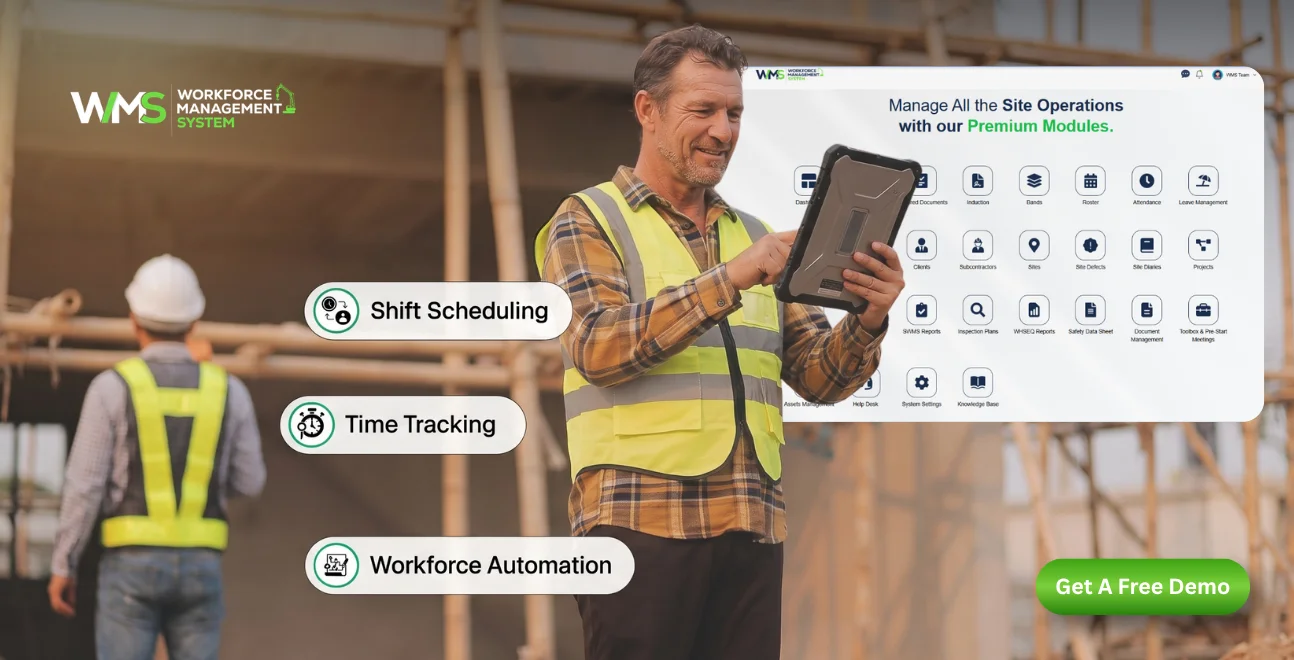
Not every business needs every feature on day one. What matters is choosing a platform that won't need replacing the moment the business wins its next big contract.
Three questions are worth asking before committing to any system:
- Does it handle subcontractors as well as direct staff? Most construction businesses in Australia rely on a mixed workforce, and a scheduling tool that only manages employees is only solving half the problem.
- Does compliance sit inside the schedule or besides it? If licence checks, inductions, and pre-start forms live in a separate app, someone still has to manually cross-reference them every single day.
- Can it report the way a client, bank, or head contractor expects? Reporting isn't a nice-to-have on construction projects. It's often a contractual requirement, and a system that can't produce it on demand creates real business risk.
WorkForceMS was built around these exact questions, combining scheduling, compliance, subcontractor management, and reporting into a single Workforce Management System rather than a patchwork of disconnected tools.
Award Rates, Overtime and Weather Delays
Construction scheduling in Australia isn't just about who's on site and when. Award rates, penalty rates, and overtime thresholds under agreements like the Building and Construction General On-site Award all shift depending on the day, the hour, and the trade involved.
A paper roster or basic spreadsheet doesn't know that a Saturday shift attracts a different rate than a Tuesday one, or that a labourer approaching 38 hours for the week is about to trigger overtime. Someone has to catch that manually, usually after the timesheet has already been submitted.
Weather adds another layer most templates never plan for. A rained-out day on a residential build doesn't just cancel a shift. It pushes every downstream trade back, from the concreter to the electrician to the final handover date. A shift planner construction system that can't reshuffle dependent trades automatically leaves that job to a supervisor's memory.
This is where construction schedule software earns its keep. Rather than treating a delay as an isolated event, a connected platform can flag every crew and subcontractor affected by a single change, so nobody turns up to a site that isn't ready for them.
Why Scheduling Accuracy Matters
Scheduling mistakes on a construction site aren't just inconvenient. They carry real financial and safety consequences. Sending an unqualified worker to a high-risk task, missing a re-induction date, or misreporting hours to a client can expose a business to fines, disputes, or worse.
Because of this, the information behind any scheduling decision needs to be accurate, current, and traceable. That's why platforms built for this industry place as much weight on compliance records and audit trails as they do on the roster itself.
This article draws on publicly available industry cost data referenced by WorkForceMS, along with standard Fair Work award structures that apply across the Australian construction sector. Businesses should always confirm current award rates and compliance obligations directly with Fair Work Australia or a qualified workplace relations adviser, since rates and thresholds are updated periodically.
Conclusion
Manual rosters and free PDF templates aren't wrong choices. They're simply starting points. The businesses losing money to rework, no-shows, and compliance gaps are almost always the ones that outgrew their spreadsheet months ago but kept using it anyway.
A connected construction field management software platform doesn't just replace a whiteboard. It links scheduling to compliance, subcontractors, assets, and reporting, so a Monday morning roster is built on the same information a client's invoice will later be based on.
Businesses ready to move past manual rostering can explore how WorkforceMS brings scheduling, compliance, and reporting together in one platform, or get in touch to talk through what a purpose-built system would look like for their sites.
Optimise your operations with WMS
Streamline scheduling, compliance, and workforce management in one platform.
FAQ: Shift Planner for Construction
The right choice depends on company size. Sole traders and small crews can manage with a well-structured template, while businesses running multiple sites or subcontractors generally need dedicated construction schedule software to stay compliant and profitable.
For a single site with a handful of direct employees, a free template can work well. Once subcontractors, compliance tracking, or multiple concurrent jobs enter the picture, manual templates become harder to maintain accurately.
General rostering apps like Deputy handle shift times and timesheets well but don't natively manage sites, subcontractors, tenders, or construction-specific compliance, areas that purpose-built construction tracking software is designed around.
Yes. Much of the rework and productivity loss on Australian projects traces back to poor coordination, such as the wrong crew on the wrong site, or work proceeding without a completed compliance check. Connected scheduling and compliance systems close that gap.
A genuinely construction-built platform, such as WorkForceMS, manages subcontractors, direct staff, assets, and compliance within the same system, rather than treating subcontractors as an outside add-on.
Beyond rostering, it should cover safety and compliance, toolbox and pre-start checks, asset allocation, subcontractor management, tender tracking, invoicing, and reporting, all connected to the same live data.
Related Articles
Explore more insights on workforce management, compliance, and operations.

Security Operations and Monitoring Workforce Planning
Plan guard rosters, track live attendance and cover every shift with WorkforceMS. Strengthen security operations and monitoring with smarter workforce planning.

Muhammad Asim
09 Oct 2026

Telehealth and Digital Healthcare Scheduling WMS
Simplify telehealth and digital healthcare scheduling with WorkforceMS. Manage rosters, remote clock-ins and compliance records in one easy-to-use platform.
Muhammad Asim
08 Oct 2026

Healthcare Workforce Management for Aged Care
Simplify rostering, credential tracking and payroll for aged care healthcare teams. Discover how WorkforceMS gives your carers more time with residents.
Muhammad Asim
05 Oct 2026
Ready to secure your operations?
