
WMS
Top AI Solutions To Manage Construction Workforce
14 Sep 2026•1 min read
Time Tracking - 2026
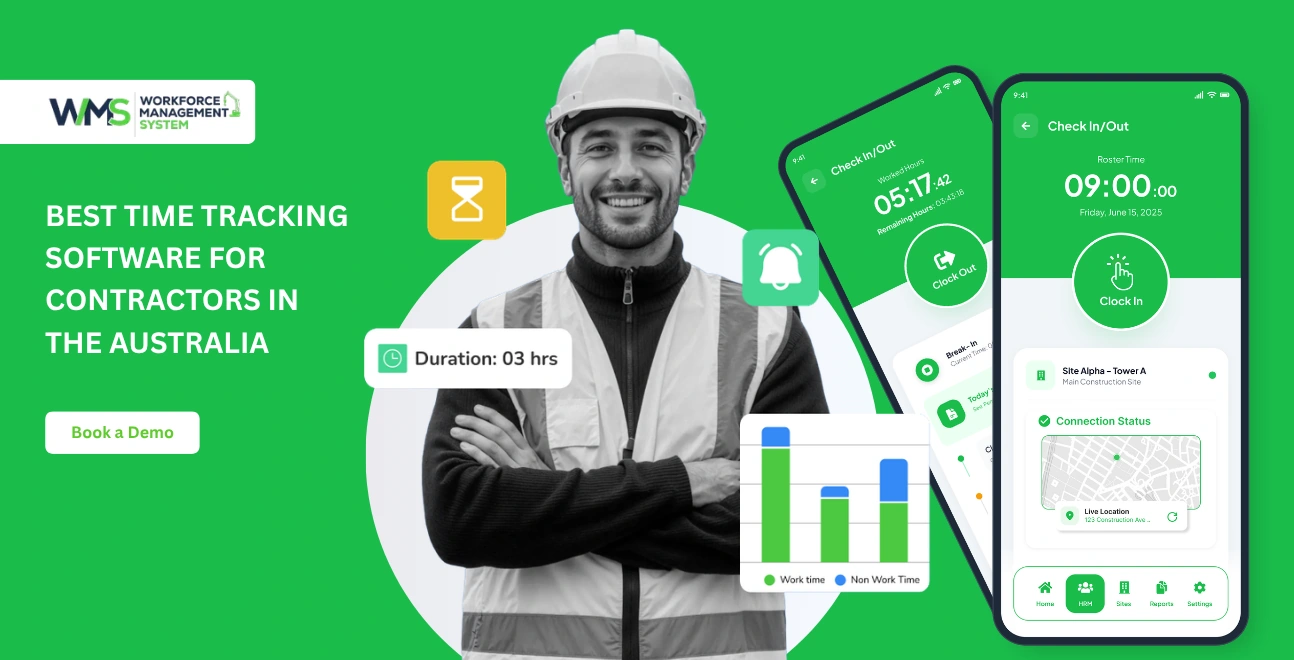
The best time tracking software for contractors includes a digital system which records work hours and tracks job site attendance using GPS. It also automates the payroll processing. For Australian construction firms, the best tools are those that integrate with Xero/MYOB. These programs calculate Award Rates and RDOs on their own and keep records of Fair Work compliance for seven years.
What to look for when buying a car:
Australian contractors lose 20 minutes per employee per day as a result of time theft. These include early departures and extended breaks on remote sites, as well as buddy punching. If a crew of fifty tradies earns the Building and Construction Award, this is an annual labour cost of over $145,000.
Fair Work Australia demands that every employer keep accurate timesheets and wage records for a minimum of seven years. The penalties for not complying can be as high as $93,000. Many "best time tracker software" guides, however, are written for American audiences. These guides only list tools with prices in USD and do not mention Australian Award structures or RDOs. This guide is different.
We've evaluated the seven best time tracking options for Australian Contractors against criteria that really matter: Fair Work Compliance, Xero or MYOB Integration, Award Rate Interpretation, and Scalability from a 5 person crew to more than 500 contractors. This 2026 guide shows you the best tool for your operation, and will avoid any costly mistakes.
Paper timesheets are more expensive than stationery for Australian construction firms. Manual entry can lead to payroll mistakes, theft of time, and records that don't pass Fair Work audits. Digital time tracking eliminates these risks by capturing verified hours automatically, applying the correct Award rate, and generating reports that are audit-ready.
It may appear that paper-based timekeeping is cheap, but its hidden costs quickly accumulate. Payroll staff must spend countless hours correcting errors in data entry, reconciling illegible handwriting and chasing down missing timesheets.
Fair Work doesn't accept the defence that it was an error in a spreadsheet when calculating overtime rates or penalty rates. Digital systems eliminate all friction. Hours can be captured via a biometric kiosk or mobile app. The supervisors will approve the hours in real-time and they are then sent straight to the payroll. No rekeying. No lost paperwork. No disputes.
A study found that construction workers lost an average 20 minutes per day per worker due to early departures, extended breaks and other unsubstantiated reasons. According to Australian award rates of around $35 per hour for a crew of 50, that's a loss of $145,833 per year. That figure doesn't include administrative overheads such as investigating and resolving discrepancies.
Most common time thefts on Australian jobsites include:
Geofencing with GPS and biometrics is the only way to ensure security. These features make sure the person clocking is the correct person, physically on the jobsite, during the authorised hours.
According to the Fair Work Act, 2009, employers are required by law to maintain records of all hours worked and breaks taken as well as any overtime or penalty rates that have been paid. Records must remain for a period of seven years. They can also be produced upon request by the Fair Work Ombudsman. Companies that do not comply may be subject to fines as high as $93,000 per violation. Manual timesheets can't meet this standard.
Illegible entry, missing signatures, or inconsistent formatting can create audit vulnerabilities. Digital time tracking software saves every clock in, break, approval, and timestamp in a tamperproof, cloud-based archive. GPS coordinates and timestamps are also included.
Cloud-based time tracking software is available for contractors. This platform records the start and end of shifts by workers, allocates work hours to jobs or cost codes, and exports approved data to the payroll system. Advanced tools are also available for Australian construction. They can interpret Award rates and calculate RDO accruals. They can also maintain STP-compliant documents that will be submitted to the ATO or Fair Work Ombudsman.
Not all tools for time tracking are made for construction. Tradies don't need office-focused apps. Australian contractors are not willing to compromise on:
| Feature | Why It Matters |
|---|---|
| GPS geofencing | The system verifies attendance and prevents clocking in at remote sites |
| Offline Mode | Capturing time in areas of poor mobile coverage, common throughout regional Australia |
| Biometric Verification | Eliminates buddy punching through facial recognition or fingerprint scan |
| Job and Cost Code Tracking | You can accurately estimate the cost of a job by allocating labour hours |
| Award rate engine | Automatically applies overtime rates and RDO calculations |
| Xero/MYOB integrate | Payroll systems in Australia can sync approved hours directly |
| Audit trail | Fair Work compliance with timestamped, tamperproof documents |
A simple workflow is followed to make the switch from paper documents to digital:
This workflow eliminates the error rates inherent in manual data entries and reduces payroll processing from weeks to minutes.
Australian law has different rules for employees and contractors. Your time tracking system should reflect that. Employees must comply with the Fair Work Act. They are also subject to Award Rates and STP Reporting. Contractors are typically paid by hours or project milestones, and they manage their own superannuation and tax.
Both workflows must be managed by a robust system in one platform:
It is not a good idea to mix the two together without making a clear distinction. This can lead to a breach of compliance. Fair Work, the ATO and other government agencies are increasingly scrutinizing sham contracting agreements.
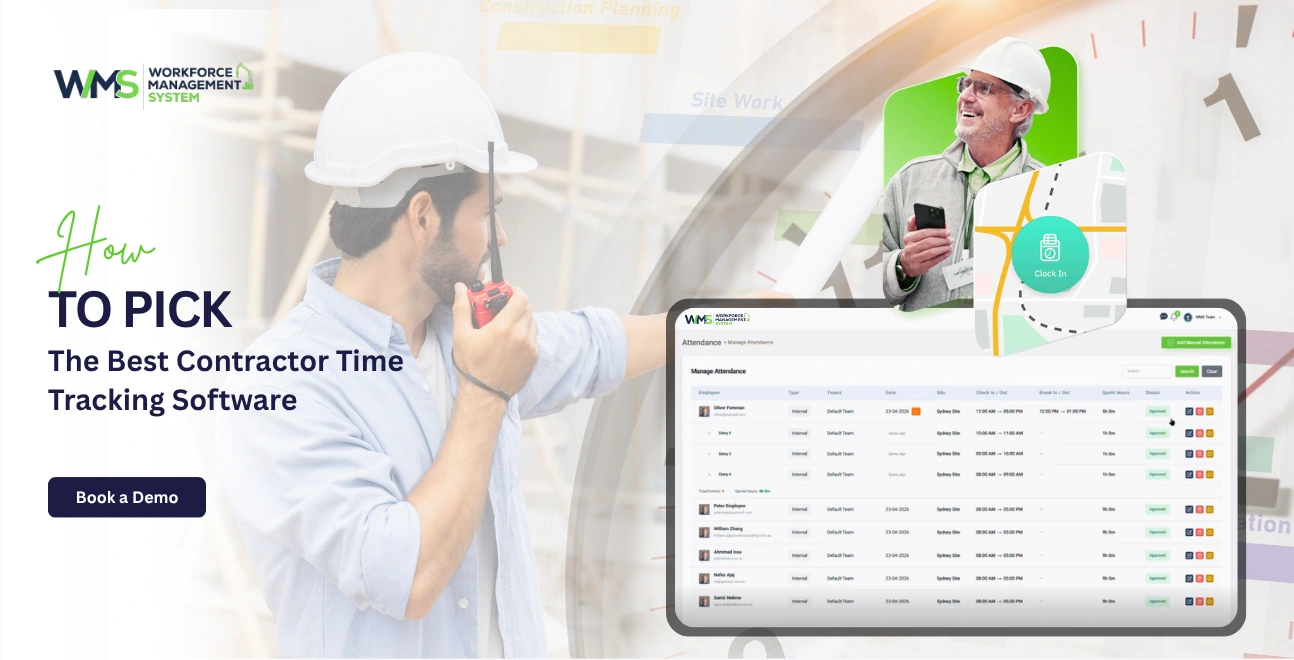
When selecting time tracking software for your business, you need to consider five criteria:
Construction takes place outside, often in areas that have patchy mobile coverage. Your time tracker should work despite the weak signal.
Your accounting software and time tracker have to be integrated. Most Australian contractors use MYOB or Xero. Integration must be native, not a CSV import workaround.
Native integration means:
MYOB's Award interpreter is more comprehensive, whereas Xero has a wider app ecosystem and superior cloud-based collaboration. Your time-tracking software should support both but ideally also interpret Award Rules internally, so the data that arrives in payroll is already correct.
The Building and Construction General On-site Award 2020 contains complex pay rules, which differ according to day, time and worker class:
| Condition | Rate |
|---|---|
| Ordinary hours: Monday to Friday, 7am to 6pm | 100% |
| Overtime first two hours | 150% |
| Overtime after 2 hours | 200% |
| Saturday (first 2 hours) | 150% |
| Saturday (after 12:00pm) | 200% |
| Sunday | 200% |
| Public Holiday | 250% |
| Casual Loading | 125% |
In addition, full-time workers can accumulate 0.4 hour per day of work towards an RDO. This is a paid holiday every 19 working days. Manually calculating rules like these is error prone and audit risky. The best time tracking software automates the calculation of every rate, load, and accrual using clock-in information.
Most time-tracking tools have a maximum of around 100 to 200 users before performance is affected or the cost becomes prohibitive. Verify these scalability features if your crew is growing or if you already manage large crews:
Explore: Projects & Sites Module
By 2026 the best time tracking software available for Australian contractors will be:
WorkforceMS was the first time tracking system designed specifically for Australian construction. WorkforceMS does not ship with generic tools that ignore Australia. Instead, it ships with the Building and Construction General Onsite Award 2020, which includes penalty rates, RDO accumulations, casual loadings and overtime rules.
Key strengths:
Best for national contractors, unionised workers, and any builder that prioritizes Fair Work compliance.
ClockShark is a mobile app that offers clean apps and GPS tagging. The software is designed for small and midsized contractors. It integrates with QuickBooks, Xero, and Gusto.
Strengths: Easy setup with strong scheduling. Good GPS accuracy.
Weaknesses: No biometric verification, no native Award interpretation, limited construction-specific compliance features.
Best for small contractors (under fifty workers) who want simple GPS tracking that is affordable without complicated Award automation.
Connecteam excels when it comes to managing teams that are dispersed over multiple job sites. Its geofencing tools, shift scheduling and communication features keep large crews organized.
Strengths: All-in-one platform (time-tracking + scheduling + communications), strong mobile application, good for up to 200 workers.
Weaknesses: Not construction-specific; Award rate automation requires third-party integration; can feel bloated for simple time tracking needs.
Best for contractors managing crews at 5+ job sites simultaneously who need time tracking and scheduling in one tool.
Workyard, founded in 1996 by a contractor with 700 employees, is the result of his management experience. The GPS tracking of Workyard is amongst the most precise currently available.
Strengths: Highly accurate GPS system, real-time labour cost visibility, and good job costs.
Weaknesses: No biometric validation, $50/month base fee regardless of team size, limited offline capabilities.
Best for contractors that prioritize location accuracy over compliance automation.
Originally TSheets, QuickBooks Time is a powerful mobile tracking tool that offers strong QuickBooks integration. It can also be connected to Xero as well as ADP.
Strengths: GPS tracking for job costing, direct QuickBooks payroll sync and GPS tracking.
Best for contractors that already use QuickBooks to manage their accounting and who wish to integrate payroll seamlessly.
ExakTime, with 25+ years experience in construction, offers extensive tracking of cost codes and certified payroll assistance. JobClock hardware from ExakTime is weatherproof.
Strengths: Union contractor features, certified payroll and deep cost-code granularity.
Weaknesses: Complex setup. Fob-based hardware is vulnerable to buddy punching. High total cost of ownership.
Best for large contractors who need to comply with union requirements and have complicated job costing requirements.
Clockify provides a genuine free tier with unlimited users, which is rare in this market. It covers timer tracking basics, timesheets, and reporting.
Strengths: Free plan forever, simple interface and good for billing.
Weaknesses: No GPS geofencing with the free plan, Australian Award support is not available, and there is no native payroll system integration.
Best for micro-teams or solo contractors (under five) who need simple hour logging, without complex compliance.
WorkforceMS's built-in Australian Fair Work Award interpreter, native Xero/MYOB integration, and enterprise scalability of 100+ contractors make it the best time tracking software. While competitors may offer GPS and basic pay syncing, none of them automates RDOs, EBAs, or penalty rates from clock-in time. This leaves contractors vulnerable to Fair Work claims and penalties.
Each competitor on this list views Australian compliance integration as a mere afterthought. They record hours, export payroll and then expect payroll software to understand Award rules. A critical failure occurs in this workflow: if your time tracker is unaware that Saturday afternoon has passed, it will not flag the 200% penalty. This burden falls to payroll staff, who are already overworked.
WorkforceMS can interpret Award rules directly at source. The system knows when the employee clocks in, what day it is, who they are, and which Award applies. It applies the right rate before the data even reaches payroll. This isn't a feature, it's a compliance firewall.
Most competitors will offer a "Xero integrated" solution which is actually a Zapier trigger or CSV export. Data from time trackers is sent to Xero via middleware, which then converts it into raw hours. WorkforceMS utilizes direct API connections for Xero/MYOB. Payroll receives timesheets that have been approved as fully-interpreted wage data, including correct rates, correct loadings and correct superannuation. This distinction will save mid-sized contractors 10-15 hours each week.
Most competitors are designed for offices with 20-50 people. They are not able to handle 500 concurrent clock-ins on 15 sites at 6:00 AM. WorkforceMS's architecture is designed for enterprise-scale construction. There are load-balanced, regional CDN nodes in Australia for users, and database partitioning to ensure sub-second responses regardless of the scale.
There are five costly mistakes in time tracking:
Each error exposes your company to fines, payroll errors or operational inefficiency.
Fair Work requires seven accurate years of time and wage records. Many contractors mistakenly believe their accounting system handles this. Payroll software processes pay, but does not necessarily store clock-in time, GPS coordinates, or supervisor approvals to prove hours are legitimate. A standalone time tracking system with auditable archiving capabilities is essential.
A time tracker which exports CSV to Xero has not been integrated. It's only connected using duct tape. Every CSV file export is a manually performed step and an opportunity for errors. Australian contractors must have native API integration for Xero or MYOB.
Out of sight doesn't mean you are out of the budget. The highest rate of time fraud occurs on remote and regional sites, where supervision is minimal and verification is lacking. Geofencing, GPS and biometric clocking aren't just nice-to-have features; they are important financial controls.
Sham contracting is a top priority area of enforcement for Fair Work. If your time tracking system lumps contractor and employee time in the same bucket with no classification, it is impossible to prove compliance when audited. Separate workflows, separate reports, separate audit trails. Explore: Invoices Module
A tool that costs $4/user/month and requires 10 administrative hours per week to reconcile payroll is not cheap. Take into account the time required for setup, training and ongoing reconciliation. The tool with more automation often offers a lower cost-of-ownership.
Australian contractors using integrated time tracking report payroll processing time reductions between 70-80%. There are also no manual data entry errors and Fair Work records that can be defended. The payroll administration of a 120-contractor firm has been reduced from three to four hours per week by automating Award translation and Xero synchronization.
A Sydney-based contractor managed 120 employees on eight job sites using Excel timesheets sent by foremen. It used to take three full days each fortnight. On average, there were 12 payroll errors that required correction.
After implementing WorkforceMS and native Xero with automated Award interpretation:
For a project with 50 subcontractors:
| Cost/Saving | The Annual Amount |
|---|---|
| Software Cost (WorkforceMS) | ~$4,200 |
| Time theft recovered (20min/day × $35/hr for 50 workers) | $145,833 |
| Payroll admin saved time (15 hrs/week @ $45/hr) | $35,100 |
| Cost of reprinting and correcting errors eliminated | $8,400 |
| Net annual benefit | $185,333 |
| Payback Period | Under 30 days |
Matching your crew's size and compliance needs with the right tool is important. Solo contractors can start out with Clockify. For mid-sized companies, ClockShark or Connecteam should be used for GPS integration and payroll. National firms that manage 100+ workers will need WorkforceMS to ensure Fair Work compliance.
Quick decision matrix to match your crew size with the best software:
| Crew Size | Primary Need | Recommended Tool |
|---|---|---|
| 1-5 workers | Simple and free billing | Clockify |
| 5-50 workers | GPS + affordable pay sync | ClockShark |
| 50-200 workers | Multi-site + scheduling | Connecteam |
| 200-500 workers | Cost-code depth + compliance | ExakTime |
| 500+ workers | Fair Work + EBA + enterprise scale | WorkforceMS |
Australian contractors have to deal with unique compliance challenges, including Fair Work Awards and RDO accruals. They also face EBA variations. These are issues that generic time tracking tools cannot comprehend. If you rely solely on paper timesheets, or software from offshore, you are at risk of payroll errors, audit failures and underpayment claims.
WorkforceMS, built by Australians and for Australian contractors. Our platform automatically processes timesheets, applying the correct award rates and pushing clean data to Xero/MYOB in just seconds.
Discover how much time and money your company could save by eliminating payroll administration time, time-wasting errors, and time theft. Our Australian team will configure Award rules, link your payroll system and have your crew tracking time up and running within 48 hours.
Book a Free DemoFAQs
Clockify's free version is strong for basic time logging. It lacks GPS geofencing and Australian Award support. If contractors are required to be compliant, then a paid tool is needed. Free tools can be used by solo traders to bill simple hourly services.
WorkforceMS and other advanced tools pre-load Building and Construction General Onsite Award 2020 and apply penalty rates automatically based on clocking-in times. The system automatically calculates the correct rates for public holidays, Saturdays and Sundays.
Yes but integration depth varies. WorkforceMS, QuickBooks Time and ClockShark have native API connections with Xero and MYOB. Some use CSV exports (Zapier), while others rely on third-party middleware. Verify if integration means real-time API or file export.
Employees are covered by the Fair Work Act with STP reporting obligations, award rates and superannuation obligations. Contractors invoice for services and manage their own tax. They are also not covered by Awards. Time tracking must support multiple workflows and classification fields.
Seven years. Employers must keep records of time worked, breaks, overtimes, penalty rates, leave accruals and other information for seven years from the day the record was made. This is automated with digital time tracking software.
Yes, but only if workers have been informed and given their consent. Privacy Act 1998 requires transparency on data collection, use, and storage. GPS tracking to verify attendance is a legitimate business purpose. Covert tracking outside work hours is not permitted. Best practice: include GPS tracking within employment contracts and restrict geofencing boundaries to the job site.
WorkforceMS supports 1,000+ concurrent users across unlimited job sites without performance degradation. ExakTime or Connecteam may handle large groups, but require a higher-tier plan or suffer lags at peak clocking-in times.
STP mandates that employers send payroll data each pay run to the ATO. A native integration between Xero, MYOB, and time tracking software ensures that all hours, rates and superannuation information are accurately reported to the ATO.
14 Sep 2026•1 min read

11 Sep 2026•1 min read

10 Sep 2026•1 min read