Employee Self-Service: A Smarter Way to Manage Site Workers
Discover how employee self-service simplifies rosters, timesheets, and leave for construction site workers, reducing admin work with a modern WMS.

Share this article
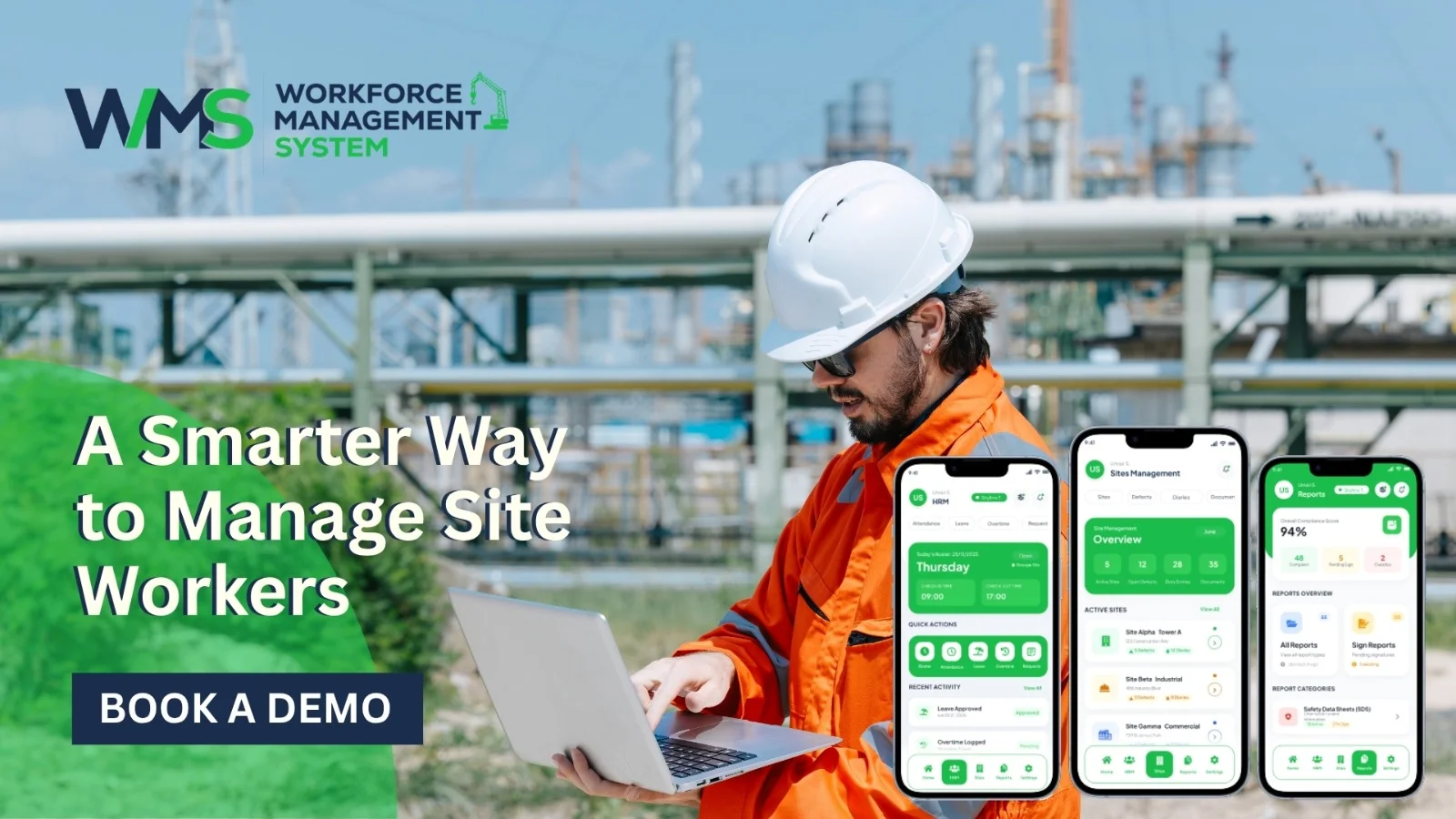
Streamline your frontline operations
See how WMS simplifies scheduling, compliance and workforce management in one powerful platform.
I have seen how construction teams balance rosters, timesheets and leave requests each day. They do this by phone, paper forms or endless messaging. This heavy admin work slows site managers using a workforce management system. Makes workers upset because they want fast answers. Employee self-service fixes this by putting tasks in their own hands, saving time for all.
Simplifying Daily Workforce Tasks Across Construction Sites
Site work moves fast. Workers hardly have time to chase supervisors for updates. A self-service portal lets workers look at shifts, submit leave and see pay details without waiting for office staff. This small change in access removes friction and keeps sites running smoothly even when teams move among many sites. Over time, this steady stream of information becomes part of the normal rhythm of work, not a special perk.
Fewer Manual Requests, Faster Answers
When workers find their information, supervisors stop answering the same repeated questions all day. This frees time for real site management instead of chasing paperwork. It also cuts mistakes that happen when details are passed by voice between people on a busy site, where messages can be lost or misunderstood.
Built for the Realities of Site Work
Construction environments are unpredictable. Weather delays happen. Crews change. Deadlines shift. That's why self-service tools are built to keep up. They help workers stay updated no matter where they are on the site. Mobile access is key. Most site staff aren't sitting at a desk. They're not checking emails between tasks or during breaks. They need easy access on the go.
A Practical Fit for Busy Teams
Many workers do not feel comfortable using software. That is why simplicity is as important as the features that a tool offers. A good portal keeps things straightforward. The navigation is easy to follow. Even a worker who has never used it before can quickly find what the worker needs. This kind of design decides whether a tool is used every day or is ignored.
Giving Workers More Control Over Everyday HR Tasks
When HR tasks are given back to Users, trust grows. It reduces the need to depend on office staff for changes. Workers can update their information, download their payslips or request time off on their own.
They don't have to fill out paperwork. They don't have to wait days for approval. This independence matters a lot on construction sites. Administrative delays can break schedules. They cause stress and slow things down. When workers can handle these tasks themselves, they stay focused on the job.
Less Waiting, More Doing
No one wants to sit around waiting for a leave request to be approved. Self-service portals make this process much faster. What used to take days often turns into same-day confirmation. Site supervisors also get a benefit. Approvals happen digitally. There are no paper trails that can get lost or forgotten. Everything stays clear, organized and in place.
Ownership Improves Accuracy
When employees manage their records, information stays more accurate and current. Workers notice details faster than an admin team that manages hundreds of profiles across many projects. This ownership reduces payroll disputes. Keeps HR records genuinely reliable across the entire workforce.
Reducing Dependence on Office Hours
Traditional HR requests depend on someone being in the office to process them. Self-service tools remove this bottleneck, letting workers submit requests anytime outside standard hours. This flexibility suits the schedules that are common, across construction projects, where early starts and late finishes are the norm.
Core Features That Simplify Employee Self-Service
A strong employee self-service system is not a login page. It must include tools that solve real problems on the job site. Digital timesheets, shift visibility and document access are more important than flashy dashboards. The best employee self-service systems focus on the needs of construction crews, not on needless extras.
Digital Timesheets and Clock-Ins
Manual timesheets often contain errors, lose paperwork and lead to disputes over hours worked. Digital clock-in tools fix this problem by storing timestamped data straight from the field. Payroll teams also receive data, which cuts down on back-and-forth corrections later in the pay cycle.
Document and Compliance Access
Construction workers frequently need access to certifications, safety inductions or compliance documents. Employee self-service portals keep these files in one place, allowing workers and supervisors to retrieve them instantly when needed. This is especially important during audits or site inspections; missing paperwork can cause delays and compliance headaches.
Personal Detail Updates
Workers change their addresses, phone numbers and emergency contacts more often than office staff realise. When employees can update these details themselves, it keeps records accurate without requiring steps from the admin team. This simple feature helps avoid problems caused by outdated information, especially during emergencies or when processing payroll.
Connecting Employees with Rosters, Timesheets and Leave
Rosters, timesheets and leave requests are the three things workers check often. Having all three in one place makes their daily work much easier. Using systems or tracking information in scattered spreadsheets means everything stays in one spot and updates instantly. This means teams stay better informed about who's working, where and when—especially important when managing larger groups.
One View for Shift Planning
Workers can see their shifts clearly. Don't need to ask a supervisor to confirm the details. This transparency helps employees plan their lives around confirmed work schedules. Fewer surprises mean fewer last-minute changes, which reduces conflicts on tight project timelines.
Leave Requests Without the Paper Trail
Submitting leave through a portal removes the need for printed forms or verbal approvals that get forgotten. Requests are logged, tracked and approved digitally, creating a record for both parties involved. This also helps payroll teams calculate leave balances accurately without relying on notes.
Keeping Timesheets and Rosters Aligned
I notice that when timesheets and rosters live in systems mismatches often slip through unnoticed. By connecting timesheets and rosters, I can check hours worked against scheduled shifts automatically. This alignment helps me catch discrepancies early before they turn into payroll problems.
Reducing Admin Work Through a Workforce Management System
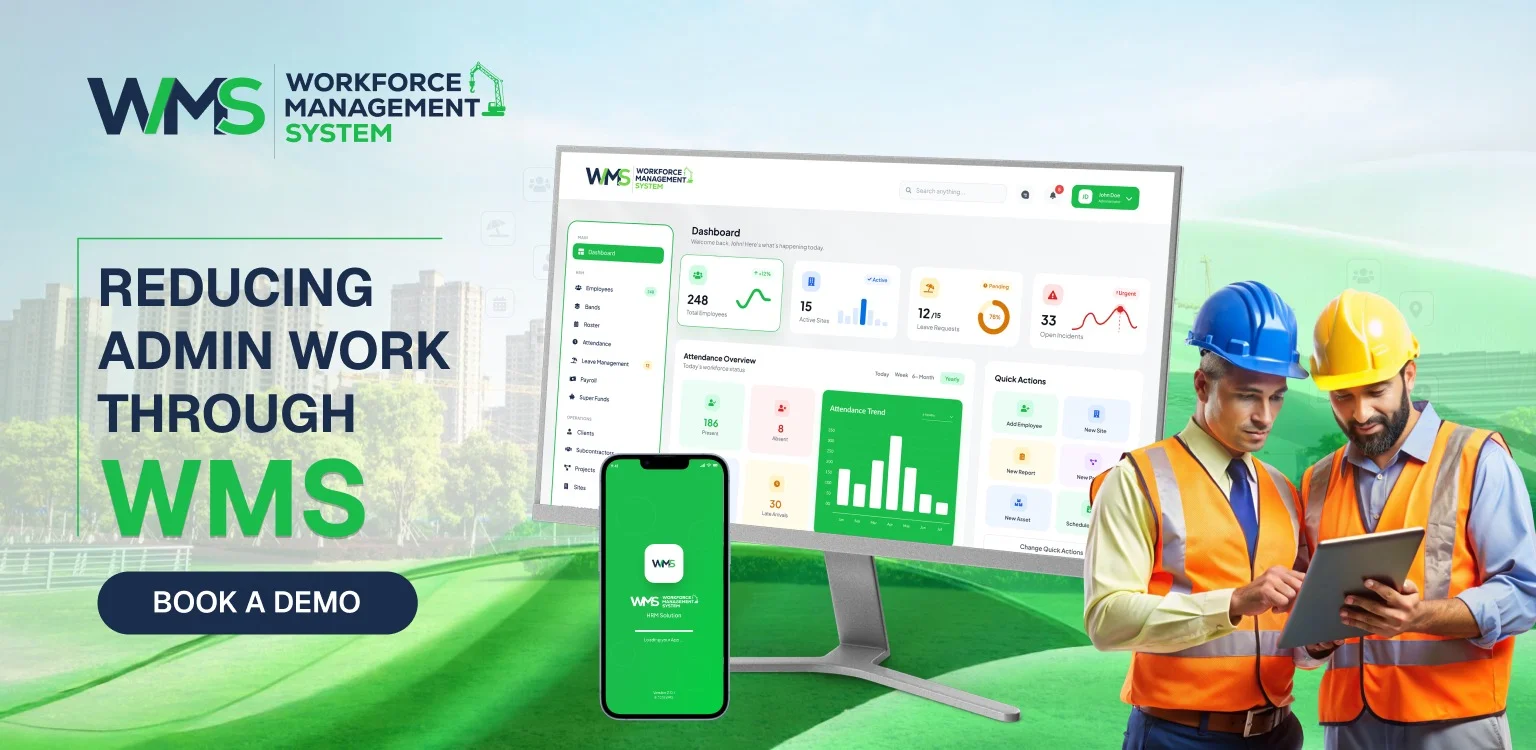
Administrative overload is one of the hidden costs on construction sites. It often steals hours that could be spent on project work. I find that a workforce management system tackles this issue by automating tasks that require manual input. The result is paperless paperwork and more time for planning, safety checks and site coordination.
Automation That Actually Helps
Automated approvals, reminders and record updates cut down on the tasks that eat into a manager's time. Of manually tracking who submitted what the system handles routine steps, on its own. This automation does not replace oversight; it simply removes unnecessary manual effort from the process.
Fewer Errors, Cleaner Records
Manual data entry often leads to errors, particularly when handling sites and changing teams. A centralised system helps avoid duplicate entries and conflicting records between projects. With data, there are fewer payroll issues and more accurate reports for each job.
Freeing Up Time for Site-Level Priorities
When administrative work takes time, supervisors can pay more attention to safety, quality and coordination. This change is important on sites where every hour spent on paperwork's an hour not spent managing the actual work. Over time admin burden leads to better project delivery.
Improving Workforce Visibility with a Modern WMS
Site managers often do not have an up-to-date view of who is on-site, who is on leave and where staffing gaps exist. A modern WMS fixes this by bringing all workforce data into one easy-to-access system. This kind of visibility becomes especially helpful when overseeing sites in different regions.
Real-Time Insight Across Sites
Live staffing information from a dashboard is especially helpful during busy times when crews move between sites often. I see that real-time visibility helps spot understaffing before it turns into a problem for project deadlines.
Better Planning, Fewer Surprises
I find that planning shifts using data reduces guesswork and helps me avoid guessing. Managers can see patterns, like absences or overtime trends. Managers can make changes as needed. A thoughtful approach helps make sure projects stay on time and within budget.
Employee Self-Service for a More Connected Workforce
Beyond convenience employee self-service genuinely changes how connected workers feel to their employer and to their site. When information flows both ways easily, workers feel more informed and less like they are operating in the dark. Connection matters for teams spread across different locations and projects.
Communication That Doesn't Rely on Guesswork
Notifications about schedule changes, approvals, or news come to workers through the portal so workers do not have to rely on guesswork. The portal takes away the uncertainty that happens when people depend on word-of-mouth updates around a site. Clear communication also stops confusion that can cause problems with schedules or missed work times.
A Sense of Fairness and Transparency
When every worker has access to their own data, trust naturally improves across the team. Nobody feels left out of decisions about hours, leave or pay. The transparency contributes to a more engaged workforce over time.
A Smarter Way to Manage Construction Site Workers
Bringing everything together in employee self-service is a smarter way to handle teams that work on sites. It cuts down on the work for managers, makes things more accurate and lets employees take control of their schedules. For companies that have construction projects going at the same time, this change is not just helpful; it is becoming essential.
Scaling Without Adding Admin Headcount
As companies get bigger, the amount of work that needs to be done usually goes up too unless self-service tools take on that work. By hiring more people to handle all the paperwork, businesses can grow without increasing the amount of office work. This is especially helpful for teams that have different construction sites running at once.
Supporting Long-Term Workforce Stability
Employees who feel that they have the tools to help them tend to stay with the company longer and be more involved. Taking away the stress of simple HR tasks makes a real difference in keeping workers around on construction teams. In the run this kind of stability helps with how long projects take the culture, around safety and how well each site performs.
Here is a quick comparison showing how old ways of doing things compare to User self-service:
| Task | Traditional Process | Employee Self-Service |
|---|---|---|
| Checking rosters | Phone calls or printed sheets | Instant access via portal |
| Submitting leave | Paper forms, manual approval | Digital request and tracking |
| Timesheet entry | Manual logging, prone to errors | Digital clock-in with accurate records |
| Payslip access | Requested through admin staff | Downloaded anytime by the worker |
| Document retrieval | Searched manually by office staff | Stored centrally, accessed instantly |
Conclusion
Employee self-service is not a nice feature; it is a real change that makes things easier for managers and gives workers more control every day. By linking schedules, time records and vacation days into one system, construction companies operate better and more openly. It is truly a way to handle a current mobile team.
Optimise your operations with WMS
Streamline scheduling, compliance, and workforce management in one platform.
FAQs
Employee self-service lets workers manage their rosters, timesheets, leave requests and payslips through a portal. Employee self-service does not rely on office staff for every task.
It gives site workers access to shift details, leave balance, and pay information from their phones, reducing delays caused by paper forms and phone calls.
Yes, a WMS lets employees update information like contact details and emergency contacts directly, keeping records accurate without extra admin work.
Digital clock-ins through self-service tools capture timestamped data, significantly cutting down on manual timesheet errors and payroll disputes.
Employee self-service gives managers a view of staffing in real time across all sites. Employee self-service makes planning shifts easier. Helps spot gaps instantly without needing to call.
Leave requests submitted through the portal are approved digitally, turning multi-day waits into same-day confirmations for workers.
Related Articles
Explore more insights on workforce management, compliance, and operations.
Healthcare Strategic Planning for Changing Staff Demands
Plan rosters, leave and skills for busy and quiet seasons with WorkforceMS. Strengthen healthcare strategic planning and keep care steady all year round.

Muhammad Asim
15 Oct 2026
Trades and Field Services Job and Invoice Management
Book jobs, record on-site hours, and send accurate invoices with WorkforceMS. Simplify trades and field services job and invoice management and get paid faster.
Muhammad Asim
14 Oct 2026
Cleaning Firm Roster Management with Task Verification
Plan cleaning rosters, track attendance and prove every task is done with WorkforceMS. Simplify cleaning firm roster management and keep clients confident.
Muhammad Asim
13 Oct 2026
Ready to secure your operations?
